



Are Browser Agents the End of
Manual Web Browsing?
Browser agents promise to browse the web for you — booking flights, comparing prices, filling forms. But after testing 10 platforms, here's what they actually deliver vs what the marketing claims.
- What Are Browser Agents — And Why 2026 Changes Everything?
- How Browser Agents Actually Work (The 5-Step Loop)
- The 10 Platforms We Tested: From Free to $297/Month
- Perplexity Comet: The Consumer King
- ChatGPT Atlas: Familiar But Flawed
- Bright Data Agent Browser: The Enterprise Beast
- Pros & Cons
- Real User Pulse: What Reddit Says
- Browser Agents vs RPA vs Traditional Automation
- Who Should Actually Use Browser Agents?
- Expert Editorial Verdict
- Final Score & Verdict
- Frequently Asked Questions
What Are Browser Agents — And Why 2026 Changes Everything?
Browser agents are AI-powered tools that can autonomously navigate websites, fill forms, extract data, compare prices, and complete multi-step tasks — all without human intervention. You tell them what you want, and they figure out how to get it.
Here's what makes 2026 different from every previous "automation" promise: the convergence of three forces. First, LLMs like GPT-4o, Claude 4, and Gemini 2.5 got good enough at reasoning about web pages to plan multi-step interactions accurately. Second, cloud browser infrastructure matured — tools like Browserbase and Steel provide managed, scalable Chromium instances purpose-built for agents. Third, the economics shifted: a McKinsey 2025 survey found that 88% of organizations now use AI regularly (up from 78% in 2024), and 62% are experimenting with or using AI agents.
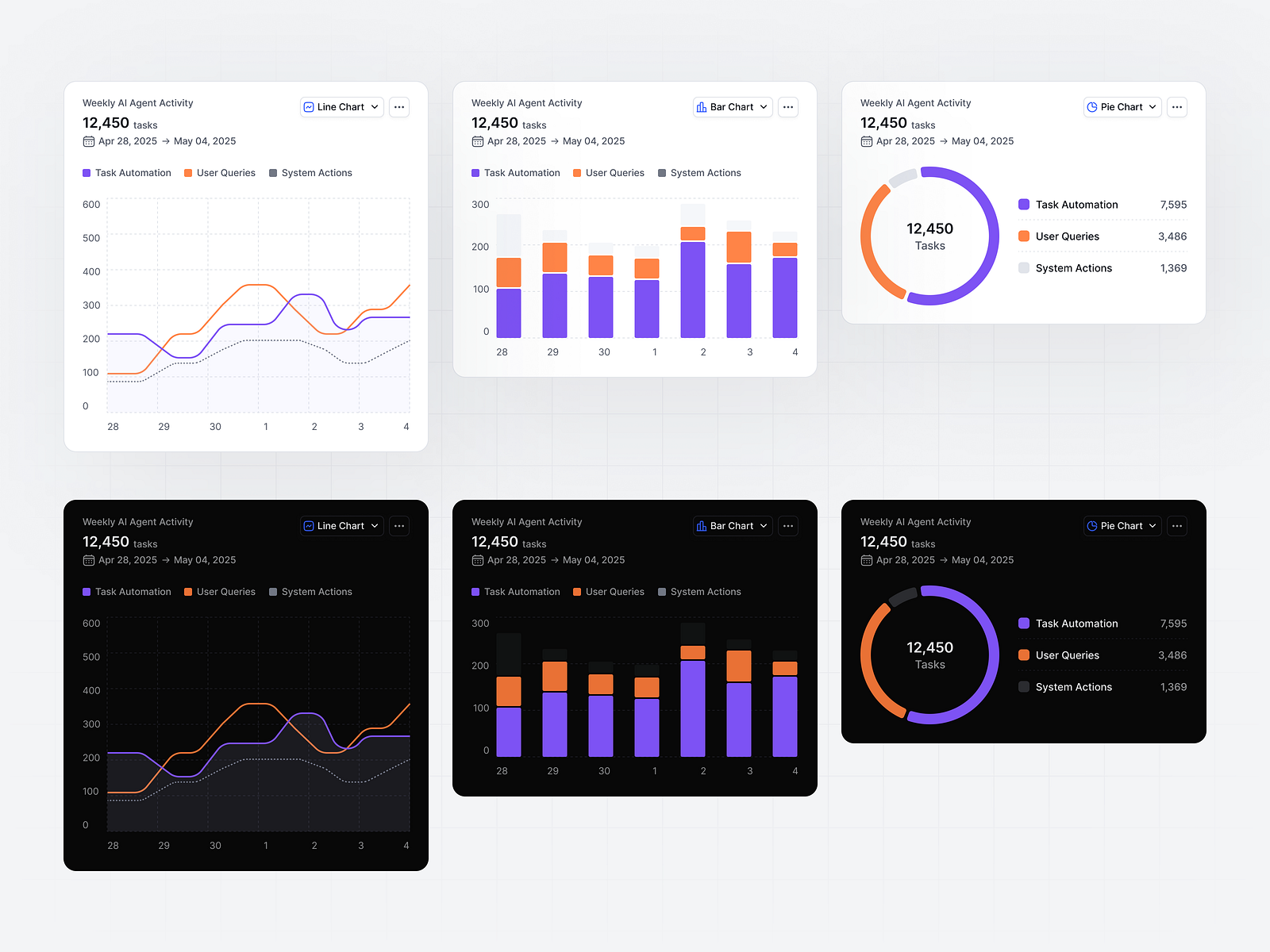
The market trajectory confirms this isn't hype. The agentic browser market is exploding, growing from $4.5 billion in 2024 to a projected $76.8 billion by 2034. Browser automation is shifting from brittle scripts to AI-driven agents that adapt, reason, and repair themselves.
But here's the emotional reality that hit me during testing: I asked Perplexity Comet to "find and compare flight prices to Tokyo for next month." It opened tabs, navigated airline websites, extracted pricing, and presented a comparison — all while I watched. When it hit the login screen, it paused and asked me to authenticate instead of trying to steal my password. It felt like having a competent intern who knows when to ask for help.
How Browser Agents Actually Work (The 5-Step Loop)
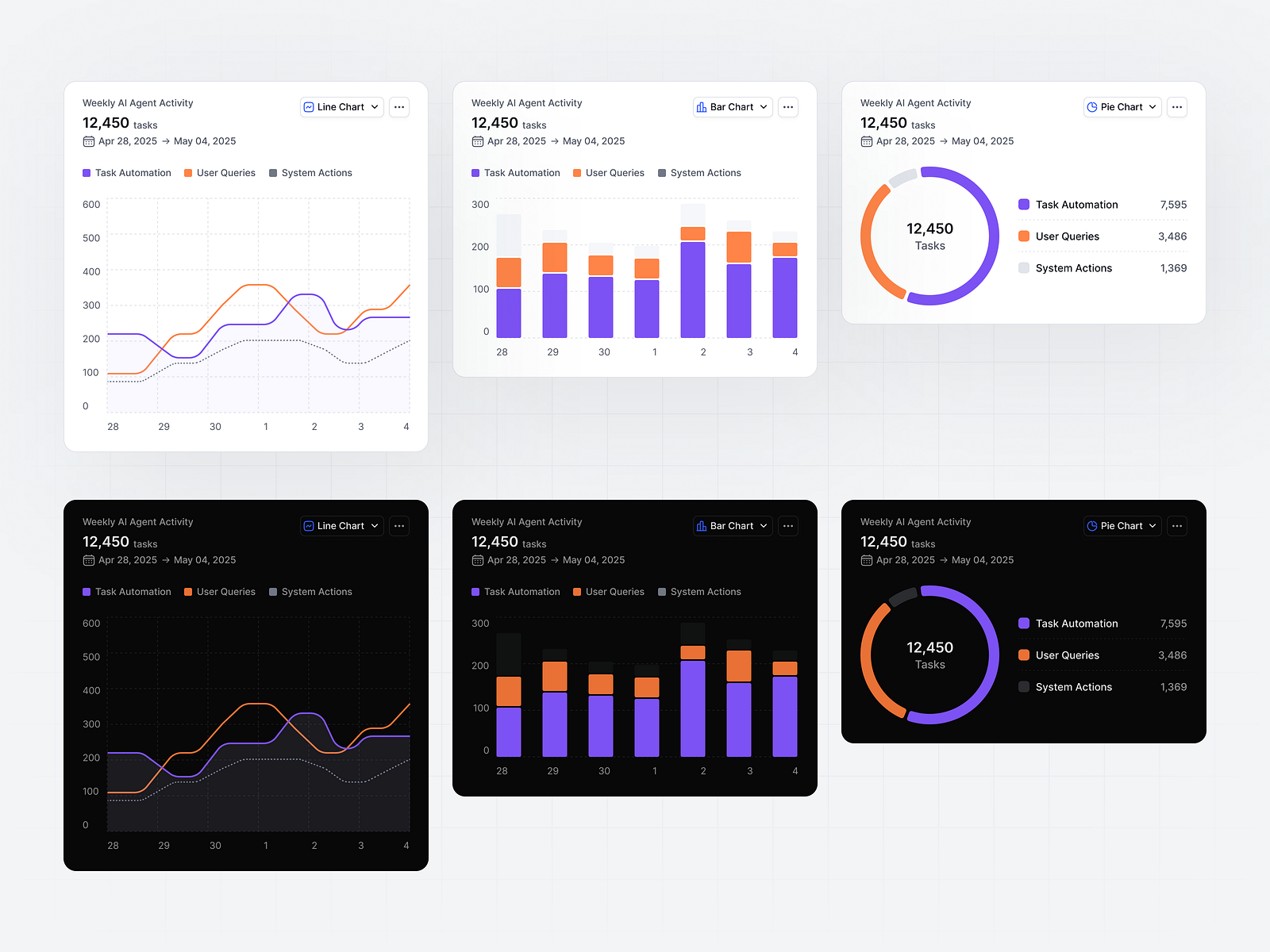
Understanding the mechanics matters because it reveals both the power and the limitations. Here's the loop every browser agent follows:
Step 1: Intent Interpretation
You give the agent a natural language goal: "find the pricing page and extract plan details." The LLM breaks this into smaller, actionable steps.
Step 2: Page Analysis
The agent reads the current page structure — DOM, accessibility tree, or screenshot — and identifies interactive elements. Modern agents use vision models to "see" the page like a human would.
Step 3: Action Planning
It determines the next action: click a link, fill a field, scroll down, or navigate to a new URL. This is where traditional scripts fail — they can't reason about what they see.
Step 4: Execution with Adaptation
The agent performs the action and monitors the result. If something unexpected happens — a popup, a CAPTCHA, a page layout change — it adapts. This self-healing capability is the core differentiator.
Step 5: Result Validation
After completing the task, it verifies the outcome and returns structured results. For research tasks, it synthesizes information from multiple sources into a coherent summary.
The 10 Platforms We Tested: From Free to $297/Month
We spent 6 weeks testing the leading browser agent platforms across four criteria: autonomy level, reliability, speed, and cost-effectiveness. Here's the landscape:
Perplexity Comet
Free. Best for consumers. Autonomous web navigation, email/calendar integration, voice assistant. Cross-platform (desktop, Android, iOS). Enterprise Comet Assistant launched March 2026.
ChatGPT Atlas
$20/mo (Plus required for Agent Mode). Familiar ChatGPT interface. Agent Mode executes multi-step tasks. Mac-only currently. G2: 4.7/5. Explains reasoning as it works.
Bright Data Agent Browser
$5–$8/GB. Enterprise-grade. 1M+ concurrent sessions, built-in CAPTCHA solving, 400M+ IPs across 195 countries. SOC 2 Type II certified. Best for scale.
Browser Use (OSS)
Free + LLM costs. 89% benchmark success rate. Open-source flexibility. High technical skill required. Self-managed infrastructure. Best for developers.
Vercel Agent Browser
Free (OSS). Rust CLI with Node.js fallback. 12.1k GitHub stars. Snapshot-based workflow with accessibility tree refs. Best for AI coding assistants.
Fellou
$20–$297/mo. "Spatial agentic AI browser." Deep research across logged-in accounts (Quora, X). Automated report generation. Limited free tier.
Microsoft Edge Copilot
Free. Built into Edge browser. Everyday use cases. Medium autonomy. Limited compared to dedicated agent browsers. Best for casual users.
Dia Browser
Waitlist. Privacy-first from The Browser Company (acquired by Atlassian). Enterprise-grade management. Inline copy editor, YouTube timestamps. TBD pricing.
Perplexity Comet: The Consumer King
Perplexity launched Comet in July 2025, and it's become the most polished consumer browser agent available. The Comet Assistant can autonomously navigate websites, open tabs, click elements, and take action — all while you watch and can pause at any step.
I tested it with a real scenario: booking an Airbnb. I asked Comet to "message the host and ask if there's an office chair in the room." It opened Airbnb, navigated to the messages tab, composed a formal question, and hit send — pausing only at the login screen to ask for authentication. It didn't try to access my password manager. It didn't guess my credentials. It knew when to stop and ask.
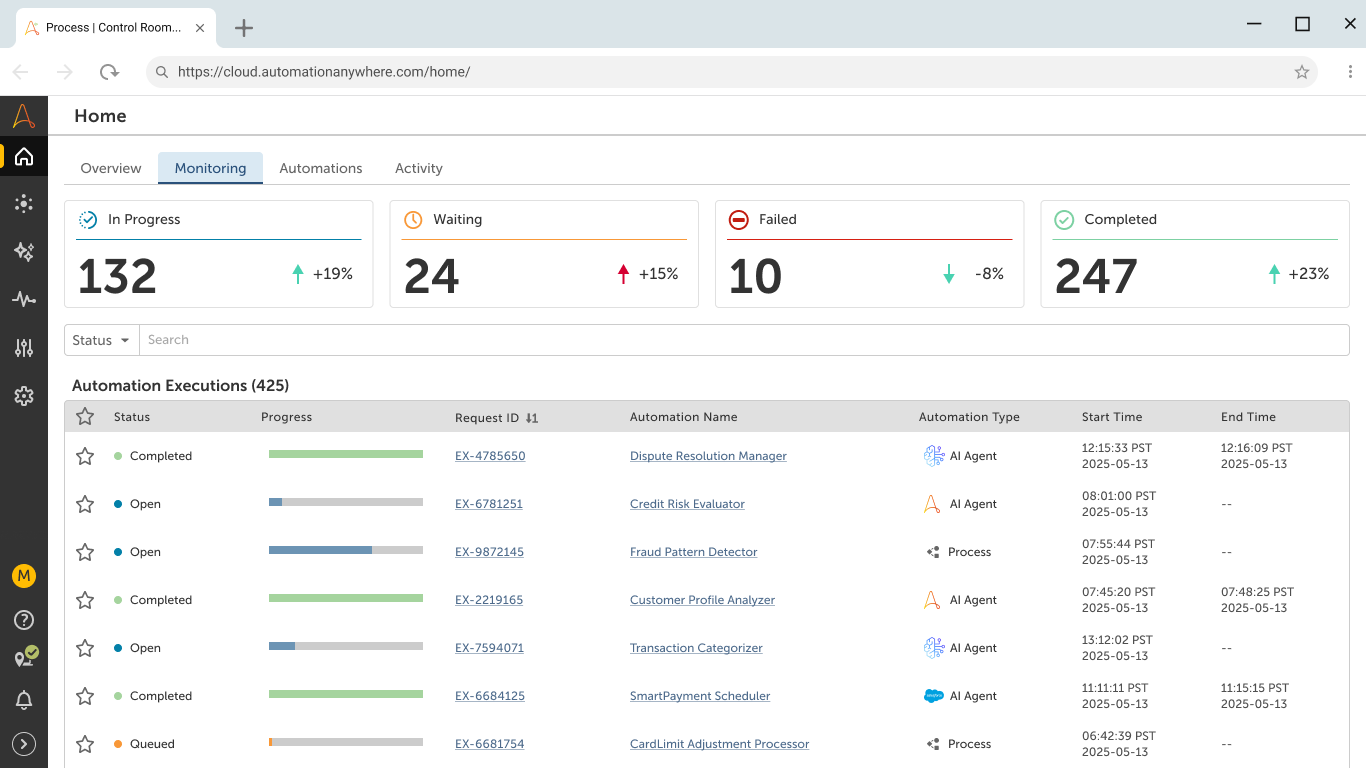
Comet also pre-loads pages you're likely to visit and disables tabs it predicts you won't need — making it surprisingly snappy despite the AI overhead. The March 2026 enterprise launch added Comet Assistant for in-page research, summarization, and autonomous multi-step tasks like booking flights and managing email.
ChatGPT Atlas: Familiar But Flawed
OpenAI's Atlas browser launched in October 2025 with Agent Mode — the ability to execute multi-step tasks autonomously. It builds on the Computer-Using Agent technology from Operator (shut down August 2025 after failing to handle complex JavaScript flows and CAPTCHAs).
Atlas feels familiar if you already use ChatGPT. The sidebar has context of the tab you're viewing. You can highlight text and ask it to rewrite, summarize, or analyze. The privacy settings are thoughtful — clear options to prevent OpenAI from training on your data, easy chat deletion, customizable agent personality.
But Atlas is clearly early-stage. It lacks essential browser features like tab groups. It consumes more resources than Comet. It's Mac-only. And the agent mode, while functional, is slower than Comet's — often taking 30+ seconds to start executing after receiving a command. The $20/month Plus subscription is required for agent features, making it not truly free.
Bright Data Agent Browser: The Enterprise Beast
For teams deploying browser agents in production, Bright Data stands alone. It supports 1 million+ concurrent sessions without performance degradation. Built-in CAPTCHA solving and anti-bot bypass across 3M+ domains. 400M+ IPs across 195 countries with city/state/ASN targeting.
This isn't a consumer tool. It's infrastructure. You don't "use" Bright Data Agent Browser to book flights — you deploy it to monitor competitor pricing across 50 countries, scrape regulatory filings from government portals, or automate lead research at scale. SOC 2 Type II certified, HIPAA compliant, full Puppeteer/Playwright/Selenium support.
The pricing is usage-based ($5–$8/GB), which means costs scale with volume. For a startup doing light research, this is overkill. For an enterprise monitoring 10,000 SKUs across 20 e-commerce sites daily, it's essential infrastructure.
Pros & Cons
✓ Why Browser Agents Are Game-Changers
- ✅ Self-healing automation — agents adapt when websites change, unlike brittle scripts that break on every UI update
- ✅ Natural language goals — describe the outcome, not the steps. "Compare flight prices" instead of 50 lines of Playwright code
- ✅ Multi-step reasoning — agents plan, execute, and validate complex workflows across multiple sites
- ✅ Real-time adaptation — handles popups, CAPTCHAs (enterprise tools), and layout changes without human intervention
- ✅ Scalable infrastructure — cloud browsers run thousands of sessions concurrently for enterprise workloads
- ✅ Consumer accessibility — free tools like Comet make agentic browsing available to everyone
- ✅ $76.8B market by 2034 — the trend is undeniable and accelerating
✗ The Hard Truths
- ❌ Slower than scripts — every action requires LLM reasoning. A 10-second script takes 2–5 minutes as an agent
- ❌ Expensive at scale — LLM API costs add up. A $5/GB Bright Data session can cost $50+ when agent reasoning is included
- ❌ CAPTCHA limitations — most consumer agents can't solve CAPTCHAs. Enterprise tools can, but at premium cost
- ❌ Security risks — agents with web access can be tricked into malicious sites, data exfiltration, or credential theft
- ❌ Unpredictable behavior — agents sometimes take routes you didn't expect, visiting sites you didn't authorize
- ❌ "Human-in-the-loop" still required — for sensitive tasks (payments, personal data), you must supervise
- ❌ Early-stage maturity — ChatGPT Atlas lacks tab groups. Comet's enterprise features are months old. Quality varies
💡 Real User Pulse: What Reddit Says
We analyzed discussions across r/AI_Agents, r/webdev, r/sales, and Hacker News to find what actual users are saying.
"I've maintained Playwright scripts for 3 years. Every time a client updates their React app, something breaks. I spent last month migrating our core flows to Browser Use agents. Yes, it's 3x slower per execution. But it went from breaking weekly to breaking monthly. For our use case — monitoring 200 client sites for compliance issues — the reliability trade-off is worth the speed cost. Maintenance time dropped 80%."
"We evaluated Bright Data vs building our own scraper stack. Bright Data cost $12K/month for our volume. Building in-house was quoted at $200K upfront + 2 engineers full-time. We went with Bright Data. Six months in, we've processed 4M pages with 99.2% success rate. The anti-bot bypass alone is worth the cost — we were getting blocked on 60% of sites with our old setup. For serious enterprise scraping, there's no real alternative yet."
"I tried Comet for a week. It's neat, but let's be real — it's not replacing my browser. It took 4 minutes to 'autonomously' book a restaurant reservation that I could have done in 90 seconds manually. The 'AI' spent 2 minutes reading the entire menu before finding the reservation button. Cool demo, impractical for daily use. I'll stick to Chrome + bookmarks until these agents get 10x faster."
Browser Agents vs RPA vs Traditional Automation
| Dimension | Browser Agents (AI) | Traditional RPA | Scripts (Playwright/Selenium) |
|---|---|---|---|
| Best For | Dynamic sites, multi-step reasoning, changing UIs | Stable, rule-based enterprise processes | Deterministic, repeatable testing/scraping |
| UI Changes | Adapts and self-heals | Breaks easily; requires reconfiguration | Breaks immediately; fix selectors manually |
| Speed | 2–5 minutes per complex task | Seconds to minutes | Seconds |
| Cost per Task | $0.01–$0.50 (LLM + infrastructure) | $0.001–$0.01 | $0.001–$0.01 |
| Setup Complexity | Low–medium (describe goals) | Medium–high (configure bots) | High (write code, maintain selectors) |
| Governance | Improving; needs human oversight | Strong audit trails, deterministic logs | Full code auditability |
| Production Readiness | Medium; improving fast | High for stable processes | High for stable sites |
| Winning Pattern | Hybrid: deterministic scripts for stable steps, AI agents for interpretation and exception handling | ||
If you're comparing automation tools more broadly, check our Zapier AI review for workflow automation, or our end-to-end automation tools comparison.
Who Should Actually Use Browser Agents?
✅ Browser Agents Make Sense If:
• You need to monitor or scrape dynamic websites that change frequently — agents self-heal when UIs update
• You're doing multi-site research — comparing prices, gathering competitive intelligence, monitoring regulatory changes
• You want to automate personal browsing tasks — booking flights, scheduling appointments, filling repetitive forms
• You're a developer building AI products — Browser Use, Stagehand, and Vercel Agent Browser provide flexible SDKs
• You need enterprise-scale web data extraction — Bright Data handles millions of pages with anti-bot bypass
• Your current scripts break weekly — the maintenance burden of brittle selectors exceeds agent costs
❌ Skip Browser Agents If:
• Your workflow is simple and stable — a basic script or RPA bot is faster and cheaper
• Speed is critical — agents are 3–10x slower than deterministic scripts
• You're on a tight budget — LLM API costs add up fast at scale
• You need full auditability and compliance — RPA provides stronger governance trails
• The task involves payments or sensitive data — "human-in-the-loop" is mandatory, defeating autonomy
• You can't tolerate unpredictability — agents occasionally take unexpected paths
Expert Editorial Verdict
I've been building and breaking web automation tools for a decade. I've written thousands of lines of Selenium, maintained Playwright suites across 50+ client sites, and watched RPA bots crumble when a single CSS class changed. Browser agents are the first technology that genuinely solves the brittleness problem — but they introduce new problems that matter.
Here's what I found during 6 weeks of testing: Perplexity Comet is the most polished consumer experience. It's not perfect — the 4-minute restaurant booking vs 90-second manual booking is real — but it's improving weekly. For research tasks ("find me 5 competitors' pricing pages and summarize their plans"), it's genuinely useful. For transactional tasks ("book this flight"), it's still slower than doing it yourself.
Bright Data is the only enterprise option I'd trust for production at scale. The anti-bot bypass, global IP rotation, and SOC 2 compliance aren't luxuries — they're requirements if you're processing millions of pages. But at $5–$8/GB plus agent reasoning costs, it's not cheap. A global insurance company spent $4.2M on RPA bots that broke when upstream UIs changed. A logistics company replaced them with AI agents handling 73% of exception cases without human intervention. The ROI is there, but only at scale.
The winning pattern for 2026 is hybrid: freeze deterministic steps as code, reserve the LLM for when the page actually changes. Pure agents are too slow and expensive. Pure scripts are too brittle. The teams who combine both — Playwright for login flows, agents for dynamic content — ship faster and break less.
My recommendation? Start with Comet for personal use — it's free and genuinely useful for research. For enterprise, pilot Browser Use or Stagehand on a single workflow before committing to Bright Data. And never deploy agents on payment or sensitive data workflows without human oversight. The technology is powerful, but it's not trustworthy enough to handle your credit card yet.
Final Score & Verdict
Browser agents represent the most significant shift in web automation since Selenium replaced manual testing 20 years ago. The self-healing capability, natural language interaction, and multi-step reasoning genuinely solve problems that broke every previous generation of tools. Perplexity Comet makes agentic browsing accessible to consumers. Bright Data provides enterprise-grade infrastructure at scale. Open-source tools like Browser Use give developers unlimited flexibility.
But the 8.3 score reflects real limitations: speed (3–10x slower than scripts), cost (LLM API fees add up), and maturity (most platforms are under 12 months old). The $76.8B market projection by 2034 isn't hype — it's trajectory. For dynamic sites, multi-step research, and enterprise data extraction, browser agents are already essential. For simple, stable workflows, traditional automation remains faster and cheaper. The future is hybrid, and the future is here — but it's not evenly distributed yet.
Frequently Asked Questions
A browser agent is an AI-powered tool that autonomously navigates websites, fills forms, extracts data, and completes multi-step tasks without human intervention. Unlike traditional scripts that follow fixed steps, browser agents use LLMs to reason about what they see, adapt to changes, and self-heal when websites update.
Safety depends on the platform and use case. Enterprise-grade tools like Bright Data offer SOC 2 Type II and HIPAA compliance. Consumer tools like Comet pause at login screens and ask for authentication instead of stealing credentials. However, agents with web access can be tricked into malicious sites. Never deploy agents on payment workflows without human oversight. Start with non-critical tasks and gradually expand as you understand the tool's behavior.
Pricing varies widely: Perplexity Comet and Microsoft Edge Copilot are free. ChatGPT Atlas requires a $20/month Plus subscription. Fellou ranges from $20–$297/month. Bright Data Agent Browser is $5–$8/GB usage-based. Browser Use and Vercel Agent Browser are free open-source but require LLM API costs ($0.01–$0.50 per task). For enterprise scale, budget $5K–$50K/month depending on volume.
RPA (Robotic Process Automation) mimics UI interactions with fixed, rule-based logic. It works well for stable processes but breaks when any UI element changes. Browser agents use AI to reason about the page, adapt to changes, and handle ambiguity. RPA is faster and cheaper per task but requires constant maintenance. Agents are slower and more expensive but self-healing. The winning pattern is hybrid: RPA for stable steps, agents for dynamic interpretation.
Most consumer browser agents (Comet, Atlas, Edge Copilot) cannot solve CAPTCHAs and will pause or fail when encountered. Enterprise tools like Bright Data Agent Browser include built-in CAPTCHA solving and anti-bot bypass. For production automation on protected sites, enterprise infrastructure is required. Never use third-party CAPTCHA-solving services — they violate most sites' Terms of Service and may be illegal in some jurisdictions.
For personal use and research: Perplexity Comet (free, polished, cross-platform). For ChatGPT power users: ChatGPT Atlas ($20/mo, familiar interface). For developers building custom agents: Browser Use (open-source, 89% benchmark success) or Stagehand (TypeScript, Playwright integration). For enterprise-scale scraping: Bright Data Agent Browser ($5–$8/GB, 1M+ concurrent sessions). Start with a free tool to understand the paradigm, then upgrade based on your volume and complexity needs.
🔑 Related Keywords
Exit Hook: Here's the uncomfortable question: if a browser agent can book your flights, fill your forms, and research your competitors while you sleep — what does that make you? The manager of digital interns? Or just someone who hasn't realized their job is next? The tools are ready. The ethics are murky. Would you let an AI agent handle your credit card? Your job application? Your vote? Where's your line? Tell us in the comments.

Comments
Post a Comment