


Google Pics Is Live: Is It Actually a Canva Killer, or Just a Very Good Editor?
Google Pics stopped being a rumor on September 1, 2026. It's now shipping inside Docs and Slides, built on Nano Banana, with object-level editing and no separate free tier. One week in, here's what's confirmed, what's still missing, and whether it's worth switching for.
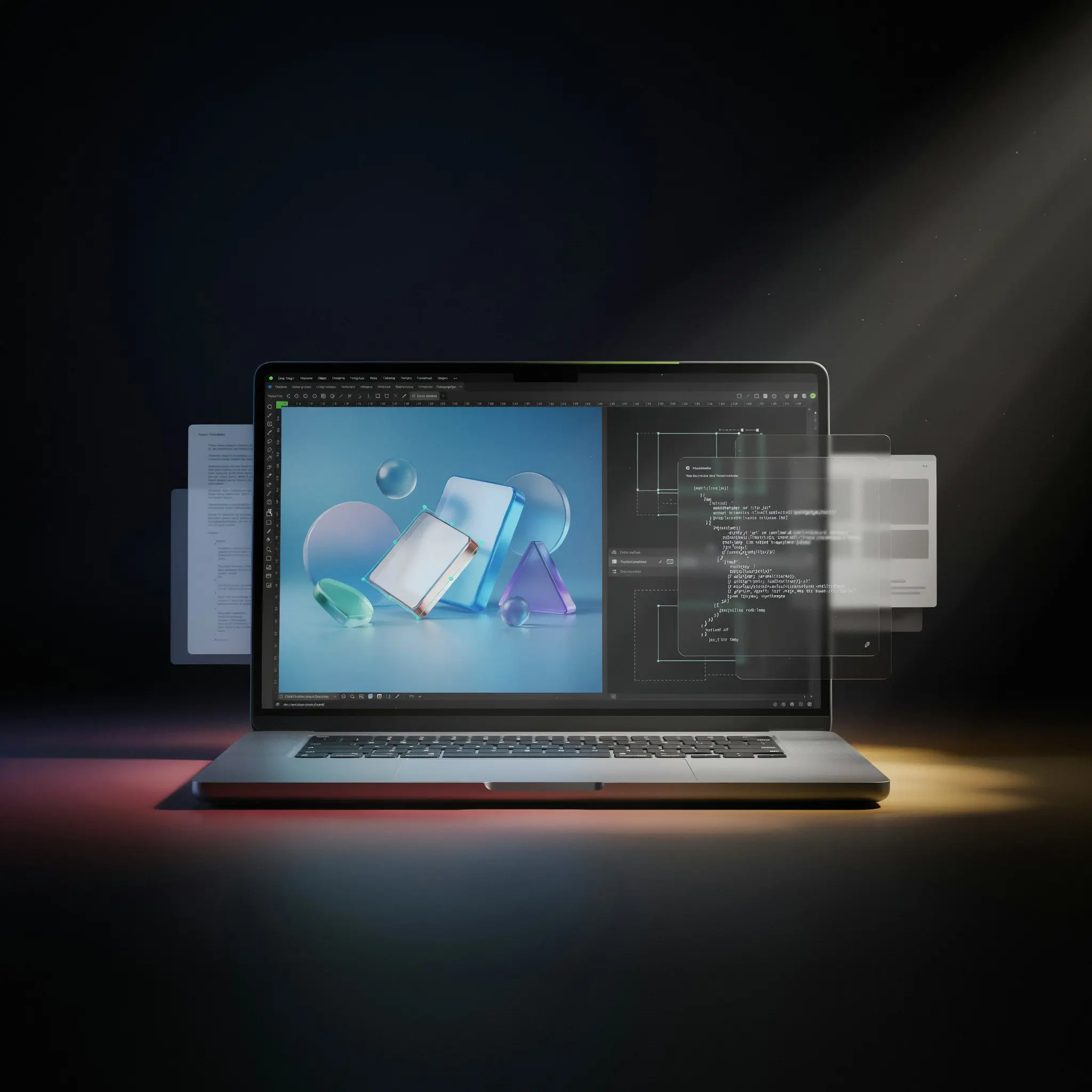
Three months ago, Google Pics was a name teased at I/O with no ship date attached to it. That changed on September 1, 2026, when Google pushed it into general availability inside Google Docs and Slides, built on the company's Nano Banana image generation and editing model. Google Drive integration is described as rolling out "in the coming weeks," and access expanded from a limited tester group to the full eligible base within days of launch.
This review replaces an earlier ToolRadar piece written before launch, when everything about Google Pics — pricing, real capability, even the release window — was still speculation. That speculation is no longer necessary. What follows is based on Google's own launch documentation, its Workspace help pages, and early hands-on coverage from outlets that got access in the first week.
What Google Pics Actually Does
The starting point is a prompt, not a template. Type a description at pics.new, or click directly on an image inside Google Docs or Slides, and Pics generates several draft options to choose from. From there, the tool shifts into precision editing rather than full regeneration — the part Google is leaning on hardest to differentiate from a standard text-to-image generator.
That precision editing is genuinely the headline feature. Object segmentation lets you isolate a single element in an image — a chair, a product, a section of background — and change its position, color, or shape without touching anything else in the frame. In-image text editing goes a step further: you can edit or translate text that's already baked into an image without breaking the surrounding font or layout, something most generative tools still struggle with. Multiple people can also open the same Pics file and edit it together in real time.
Prompt-to-Image Generation
Describe a poster, graphic, or product shot and receive several draft options from a single prompt, powered by Nano Banana.
Object Segmentation
Isolate a single object or region and transform it — resize, recolor, reposition — without regenerating the rest of the image.
In-Image Text Editing & Translation
Modify or translate text embedded in an image while preserving the original font and layout.
Native Docs & Slides Integration
Click an image inside a document or presentation to open the Pics editor as an overlay — no exporting, uploading, or tab-switching.
Real-Time Collaboration
Share a Pics file with teammates and edit the same image together, consistent with how Docs and Slides already handle collaboration.
What's not there yet, based on Google's own launch materials, is a brand-kit system — no way to lock in an organization's approved colors, fonts, and logo placement the way Canva's brand kits do. Drive integration is still "coming," not live. And at least one early hands-on report describes the editor as desktop-only for now, so mobile workflows aren't part of the picture at launch.
Access & Pricing — No Free Tier
This is the part worth being direct about: Google Pics does not have its own separate price, and it does not have a free tier. Access is bundled entirely into existing Google subscriptions — you either already pay for a plan that includes it, or you don't have it yet.
| Access Route | Price | Notes |
|---|---|---|
| Google AI Pro | $19.99 / month | Personal subscription; includes Pics plus Gemini 3.1 Pro, 5TB storage, and other Google AI Pro perks. |
| Google AI Ultra | $99.99–$199.99 / month | Higher usage limits than Pro across all Google AI tools, including Pics. |
| Google AI Pro for Education | Institution-dependent | Available to eligible students and staff through participating institutions. |
| Workspace Business Standard+ | Existing plan pricing | Business Standard, Business Plus, Enterprise Standard, and Enterprise Plus all qualify, subject to admin-enabled Gemini access. |
In practice, that means there's no way to "just try" Google Pics the way you can trial Canva's free tier. If you're on a personal free Google account, the entry cost is the full $19.99/month AI Pro subscription — not a Pics-specific fee, but the price of the broader plan it rides inside. For Workspace admins, the first step is confirming Gemini access is switched on for the relevant organizational units, since eligibility isn't automatic even on a qualifying plan.
Pros & Cons
Google Pics vs. Canva vs. Adobe Firefly
| Evaluated Criteria | Google Pics | Canva | Adobe Firefly |
|---|---|---|---|
| Starting Point | Prompt-first, AI-native | Template library | Template + generative hybrid |
| Object-Level AI Editing | Core feature | Limited | Generative Fill / Expand |
| Brand Kit System | Not yet available | Full brand kit system | Adobe Libraries |
| Free Tier | None | Generous free tier | Limited free credits |
| Independent User Rating | Too new to rate | 4.7/5 on G2 (6,900+ reviews) | Strong, established rating |
Canva's own G2 rating — 4.7 out of 5 across nearly 7,000 reviews — reflects a decade of refining templates, brand kits, and export workflows that Google Pics simply hasn't had time to build yet. Where Pics has a real, structural edge is distribution: it lives inside the productivity suite hundreds of millions of people already have open every day, and its AI-first editing approach handles certain tasks — precise object changes, in-image text translation — more cleanly than Canva's more template-driven tools currently do.
Learning Curve
For anyone who already lives in Docs and Slides, the barrier to trying Pics is close to zero — it's a click on an existing image, not a new app to learn. Early hands-on coverage describes the core editing flow as approachable: describe what you want changed, select the region, confirm. The steeper part, based on the same coverage, is knowing what Pics is not yet built for — brand-consistent, multi-asset campaign work still leans on the gap where a brand-kit system would normally sit.
✅ Choose Google Pics if...
You already pay for Google AI Pro, Ultra, or a qualifying Workspace plan, and you mainly need quick, precise edits to images already living inside Docs, Slides, or your document workflow.
❌ Look elsewhere if...
You need a brand-kit system, a large template library, print or social-scheduling features, or you don't already hold a subscription that includes Pics — Canva's free tier covers that ground today.
Expert Editorial Opinion
Google Pics is now a real, shipping product rather than a hypothetical — that alone changes how it should be evaluated. The object-level editing and in-image text translation aren't vaporware; multiple outlets that received access in the first week independently describe them as working, which is a meaningfully higher bar than a polished demo video clears.
What hasn't changed since the pre-launch speculation is the strategic question underneath it. Google's real advantage was never going to be raw image quality — it's distribution. Docs and Slides are already open on hundreds of millions of screens, and every one of those sessions is now a potential Pics session with zero additional sign-up. That's a structural advantage no standalone tool, including Canva, can replicate through marketing spend alone.
The access model is the part worth pausing on before recommending this broadly. There's no free tier, and no standalone price — you need an existing $19.99/month-or-higher personal plan, or a paid Workspace tier with Gemini access switched on. That's a meaningfully different proposition than "try it for free like Canva." It's less a new product decision and more a reason to feel good about a subscription you may already have, or a nudge to upgrade one you don't.
Is it worth following closely even without a free trial? Yes, specifically for teams already inside AI Pro, Ultra, or a qualifying Workspace tier — the object editing alone likely replaces several ad hoc trips to a separate image tool for quick document graphics. For anyone evaluating it purely as a Canva replacement from scratch, the honest answer is: not yet. No brand-kit system and no Drive integration at launch mean Canva still covers ground Pics simply hasn't built out.
The fair comparison isn't "will Pics kill Canva" — it's whether Google sustains investment in Pics past its first year, the way it hasn't with several past creative tools. One week of solid hands-on impressions is a good start. It isn't yet evidence of a multi-year commitment.
Final Verdict
Google Pics delivers on its core technical promise — object-level editing and in-image text translation genuinely work, per independent hands-on coverage, and the native Docs/Slides integration removes real friction from a common workflow. Price-to-value depends entirely on whether you already hold a qualifying subscription; there's no way to sample it for free, which caps how broadly it can be recommended today. Documentation and platform maturity are still early: no brand-kit system, no live Drive integration yet, and just one week of public track record. Worth using immediately if you're already paying for AI Pro, Ultra, or an eligible Workspace plan. Worth watching, not yet worth subscribing specifically for, if you're not.
❓ Frequently Asked Questions
🔗 Related ToolRadar Reviews
Try Google Pics directly at pics.new, or read Google's own announcement on the official Google Workspace blog.
Comments
Post a Comment