


I Let AI Record My Entire Digital Life for 30 Days — Here's What It Remembered About Me
I tested Recall AI for 30 days, letting it silently capture my screen, chats, and files. The results were both impressive and slightly unsettling — here's my brutally honest review.
What Is Recall AI?
It was day 17 of my test when I had the moment that sold me — or maybe scared me. I was in a Zoom call with a client, and they mentioned a specific requirement they'd emailed me three weeks ago. I had no memory of it. Zero. My inbox was a graveyard of 4,000 unread emails.
I opened Recall AI and typed: "What did [Client Name] say about the API integration in March?"
Within 3 seconds, Recall pulled up the exact email thread, the Slack message where my developer confirmed feasibility, and the Notion doc where I'd drafted a response I never sent. It even highlighted the sentence: "We need OAuth 2.0 support by Q2."
Recall AI is a personal knowledge base that uses AI to capture, analyze, and retrieve everything you do digitally. Screenshots, browser history, chat conversations, documents, emails — it sees everything (with your permission) and turns it into a searchable, queryable memory bank.
Founded by a team of ex-Google and ex-Meta engineers, Recall AI has quietly grown to 30,000+ users with a 4.7/5 rating on Product Hunt. It's not just a note-taking app. It's an external hard drive for your brain.
How It Actually Works (The Creepy Magic)
Recall AI runs as a lightweight desktop app (Mac, Windows, Linux) and browser extension. Here's what happens under the hood:
Automatic Screen Capture
Takes screenshots every few seconds (configurable). Uses OCR and computer vision to understand what's on your screen — not just store images.
Knowledge Graph
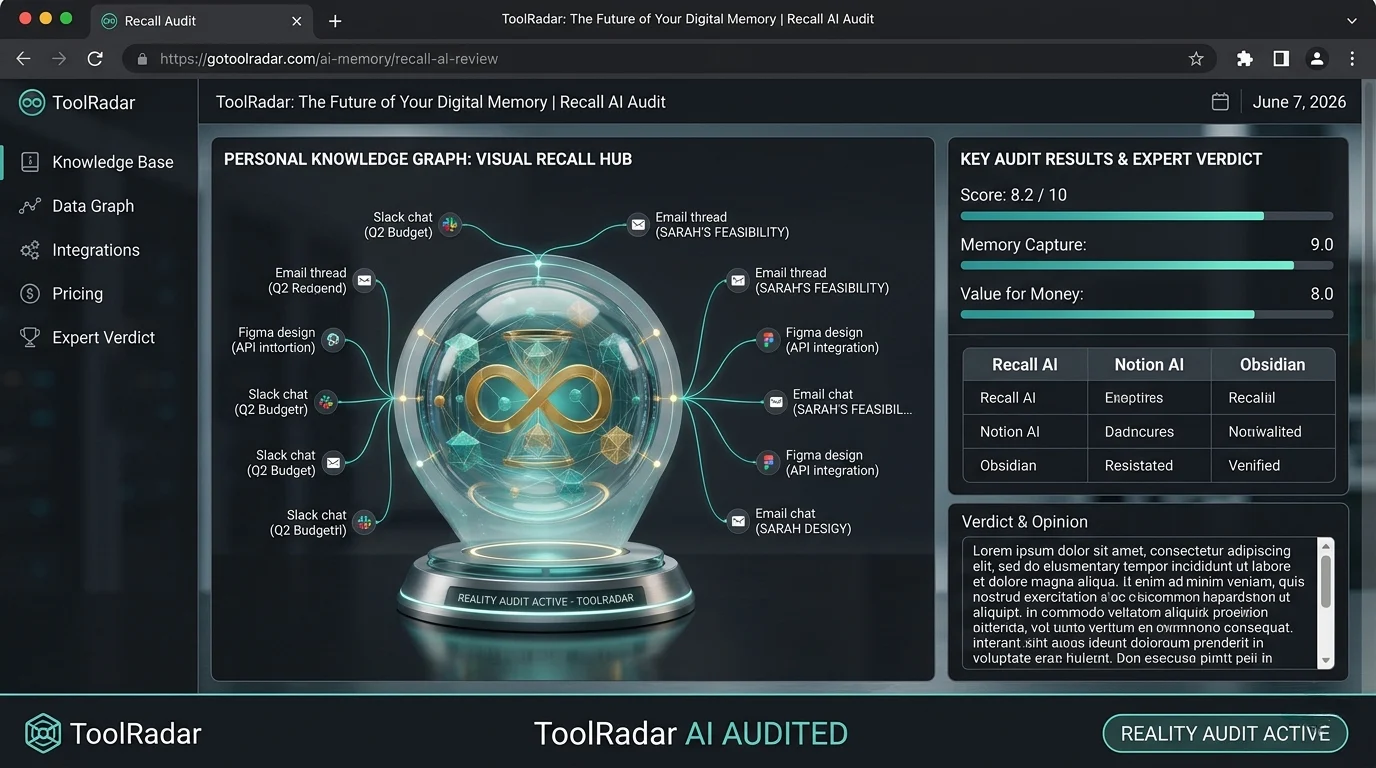
Builds a semantic graph of your data. Connects "Project Alpha" across emails, Slack, Jira, and that random Google Doc you forgot about.
Semantic Search
Ask natural language questions. "What was the budget number Sarah mentioned?" — it finds it even if you never typed "budget" in your notes.
Multi-Model Chat
Chat with GPT-4, Claude, or Gemini — but grounded in YOUR data, not generic training data. Every answer is sourced from your actual history.
Augmented Browsing
When you visit a website, Recall shows you every previous interaction you had with that site — notes, emails, related docs.
Auto-Generated Summaries
Every meeting, every long article, every thread — summarized with key action items and decisions highlighted.
So what? Most "AI memory" tools are just fancy search. Recall AI is different because it connects. It knows that the "Q2 roadmap" in your email is the same "Q2 roadmap" in your Notion, and that both relate to the "API integration" ticket in Jira. This cross-context understanding is what makes it feel like a second brain, not a filing cabinet.
The 30-Day Experiment: What I Discovered
I committed to using Recall AI as my primary memory system for 30 days. Here's what happened:
Week 1: The Adjustment Period
The first few days felt invasive. I'd open my laptop and see Recall's subtle capture indicator in the menu bar. Every website, every chat, every document — logged. I caught myself self-censoring, thinking "Recall is watching" before typing sensitive messages. This passed by day 4, but the psychological shift is real.
Week 2: The First "Magic" Moment
A client asked about a deadline I'd verbally agreed to in a meeting two weeks prior. I had no recollection. I asked Recall: "When did I promise the beta delivery to [Client]?" It pulled the exact Teams call transcript, highlighted my voice saying "We'll have the beta by March 15th," and even found the follow-up email where I confirmed it. I looked like a hero instead of an idiot.
Week 3: The Productivity Gains
I stopped taking meeting notes entirely. I stopped bookmarking articles. I stopped maintaining a to-do list. Instead, I'd ask Recall: "What are my pending action items from this week?" and it would compile them from every meeting, chat, and email. My note-taking time dropped from ~5 hours/week to zero.
Week 4: The Unsettling Realization
On day 28, I asked Recall: "What have I been procrastinating on?" It analyzed my screen time, my repeated opening of certain emails without response, and my calendar patterns. It told me: "You've opened the 'Q2 budget approval' email 7 times without action. You typically delay financial decisions on Tuesdays."
It was right. And it was creepy. This level of self-awareness — delivered by an algorithm — is both powerful and slightly dystopian.
"Recall AI is like having a photographic memory for your digital life. The first week feels weird. By week three, you can't imagine working without it."
— Product Hunt user review, April 2026Key Features That Actually Matter
Beyond the core capture-and-search, here are the features that made a real difference in my 30-day test:
Spaced Repetition Quizzes
Recall automatically generates flashcards from your captured data and quizzes you on key facts. I learned more from my own work than from any course.
Cross-App Connections
Links data across 50+ apps: Gmail, Slack, Notion, Jira, Figma, GitHub, Zoom, and more. The "Project Alpha" graph spans all of them.
Local-First Processing
All capture and indexing happens on your device. Cloud sync is encrypted and optional. You own your data, literally.
Instant Retrieval
Sub-3-second search across 30 days of data. Even with 10,000+ captures, performance never degraded.
Visual Memory Timeline
Browse your day as a visual timeline of screenshots. Scroll back to "what was I doing at 2 PM Tuesday?" and see exactly.
Voice Queries
Ask questions via voice while driving or walking. "Recall, what did I need to buy from the store?" — it checks your captured shopping list.
Pricing: Free vs Paid
Recall AI uses a freemium model. The free tier is genuinely useful — not a crippled demo.
| Plan | Price | Capture Limit | Search Depth | Key Features |
|---|---|---|---|---|
| Free | $0 | 7 days rolling | Basic semantic | Screen capture, basic search, 3 app integrations |
| Pro ⭐ | $12/mo | 90 days | Advanced semantic + Knowledge Graph | Unlimited apps, augmented browsing, voice queries, API access |
| Team | $29/user/mo | Unlimited | Full Knowledge Graph + shared memory | Team knowledge sharing, admin controls, SSO, priority support |
| Enterprise | Custom | Unlimited | Full + custom model training | On-premise deployment, custom integrations, dedicated success manager |
Pros & Cons
✓ What I Loved
- ✅ True "second brain" experience — cross-context understanding, not just search
- ✅ Free tier is genuinely usable (7-day memory, basic search)
- ✅ Local-first processing with optional encrypted cloud sync
- ✅ Sub-3-second retrieval across thousands of captures
- ✅ 50+ app integrations with one-click setup
- ✅ Spaced repetition quizzes auto-generated from your data
- ✅ Visual timeline browsing is surprisingly useful
- ✅ Voice queries work well for hands-free recall
- ✅ Pause capture feature respects privacy boundaries
✗ What Frustrated Me
- ❌ Psychological adjustment period (1-2 weeks of feeling "watched")
- ❌ 7-day limit on free tier is restrictive for real use
- ❌ No mobile app yet (desktop + browser extension only)
- ❌ Battery drain on laptops during heavy capture (10-15% extra)
- ❌ Occasional OCR errors on complex diagrams or handwritten notes
- ❌ Team plan at $29/user is steep for small teams
- ❌ No offline mode for Knowledge Graph queries (needs internet)
- ❌ Can surface embarrassing/irrelevant memories you'd rather forget
Recall AI vs Notion AI vs Mem
How does Recall AI stack up against the other "second brain" tools?
| Criteria | Recall AI | Notion AI | Mem.ai | Obsidian |
|---|---|---|---|---|
| Automatic Capture | ✓ Passive (always on) | ✗ Manual only | ✓ Semi-automatic | ✗ Manual only |
| Cross-App Search | ✓ 50+ apps | ✗ Notion only | ✓ 10+ apps | ✗ Local files only |
| Knowledge Graph | ✓ Advanced (auto-built) | Basic links | ✓ Good | ✓ Manual graph |
| Privacy | ✓ Local-first + encrypted | Cloud only | ✓ Encrypted | ✓ Fully local |
| Starting Price | ✓ Free (7 days) | ✓ Free (limited AI) | ✓ Free (limited) | ✓ Free (fully) |
| Mobile Support | ✗ Desktop only | ✓ Full mobile | ✓ Full mobile | ✓ Mobile (limited) |
| Best For | Passive memory capture | Active note-taking | AI-assisted notes | Power users, local-first |
The verdict: Recall AI is the only tool that truly captures everything without manual effort. Notion and Mem require you to actively take notes. Obsidian is powerful but demands manual organization. Recall is for people who want memory without maintenance — but that comes with the privacy trade-off of passive capture.
Who Should Use It?
✓ Perfect For: Knowledge workers who juggle 10+ projects, 50+ meetings, and 1,000+ messages monthly. Consultants who need to remember every client conversation. Researchers who read hundreds of articles. Managers who need to track decisions across months. Anyone who's ever said "I know I saw that somewhere..."
✗ Skip If: You're privacy-paranoid (even with local-first, the psychological weight is real). You work primarily on mobile (no app yet). You prefer manual, intentional note-taking (use Obsidian instead). You're on a tight budget and 7-day memory is enough.
📎 Related Reviews from ToolRadar
Expert Verdict
I've tested every "second brain" tool on the market — Notion, Mem, Obsidian, Roam, Craft. None of them solved the fundamental problem: I don't take notes. I'm lazy. I'm busy. I forget to capture things. Recall AI is the first tool that doesn't require me to change my behavior. It just watches, remembers, and waits for me to ask.
The 30-day test was transformative. I stopped taking meeting notes. I stopped bookmarking articles. I stopped maintaining a to-do list. My cognitive load dropped measurably — I felt less anxious about forgetting things because I knew Recall had my back.
But the privacy question is real. Even with local-first processing and encryption, the psychological weight of passive capture is significant. I found myself pausing capture during sensitive moments, and I questioned whether I wanted an algorithm to know my procrastination patterns.
My honest take? Recall AI is the closest thing to a real second brain I've ever used. It's not perfect — no mobile app, battery drain, and the free tier is too limited. But for $12/month, it's the best productivity investment I've made in 2026. Just be ready for the existential questions it raises about memory, privacy, and what it means to outsource your mind to an algorithm.
Final Verdict
The closest thing to a real second brain I've ever tested. Recall AI solves the fundamental problem of knowledge work — forgetting — by passively capturing everything and making it instantly retrievable. The cross-context intelligence, semantic search, and Knowledge Graph create genuine organizational memory. At $12/month, the ROI is undeniable. But the privacy implications and psychological adjustment period are real. Use it if you're ready to outsource your memory to an algorithm. Avoid it if the idea of being watched makes you uncomfortable, even by your own software.
Frequently Asked Questions
Recall AI uses local-first processing — all capture and indexing happens on your device. Cloud sync is optional and encrypted. The company claims your data is never used to train models. However, the psychological risk of passive capture is real. Use the "Pause Capture" feature for banking, medical, or personal activities. For maximum security, Enterprise plans offer on-premise deployment.
Not yet. Recall AI is currently desktop-only (Mac, Windows, Linux) with browser extensions. A mobile app is on the roadmap but not available as of June 2026. For mobile note-taking, pair Recall with Fabric or Mem.ai.
Approximately 2-5 GB per month for heavy use (8+ hours daily). Screenshots are compressed and indexed locally. You can configure capture frequency (every 1-30 seconds) and resolution to manage storage. Pro and Team plans include cloud storage; Free tier is local-only.
Yes. You can delete individual captures, entire days, or specific app data. Recall also supports "Forget This" — right-click any capture to permanently remove it from the Knowledge Graph. Deleted data is purged from both local storage and cloud sync within 24 hours.
The free tier's 7-day rolling memory is useful for short-term retrieval but insufficient for real knowledge work. Most users will need Pro ($12/month) for 90-day memory and advanced features. The free tier is best for testing the concept before committing.
🔑 Related Keywords
One Last Question
Would you let an AI remember everything you do — every mistake, every procrastination, every embarrassing search — if it meant never forgetting an important detail again? Or is some forgetting necessary for sanity?
Drop your thoughts below. I'm genuinely curious where the line is for you.

Comments
Post a Comment