


Is Descript Still the King of AI Video Editing in 2026?
Text-based editing, voice cloning, and one-click noise removal made Descript the podcaster's favorite editor. The September 2025 credit overhaul changed the math — here's what it actually costs to use in 2026.
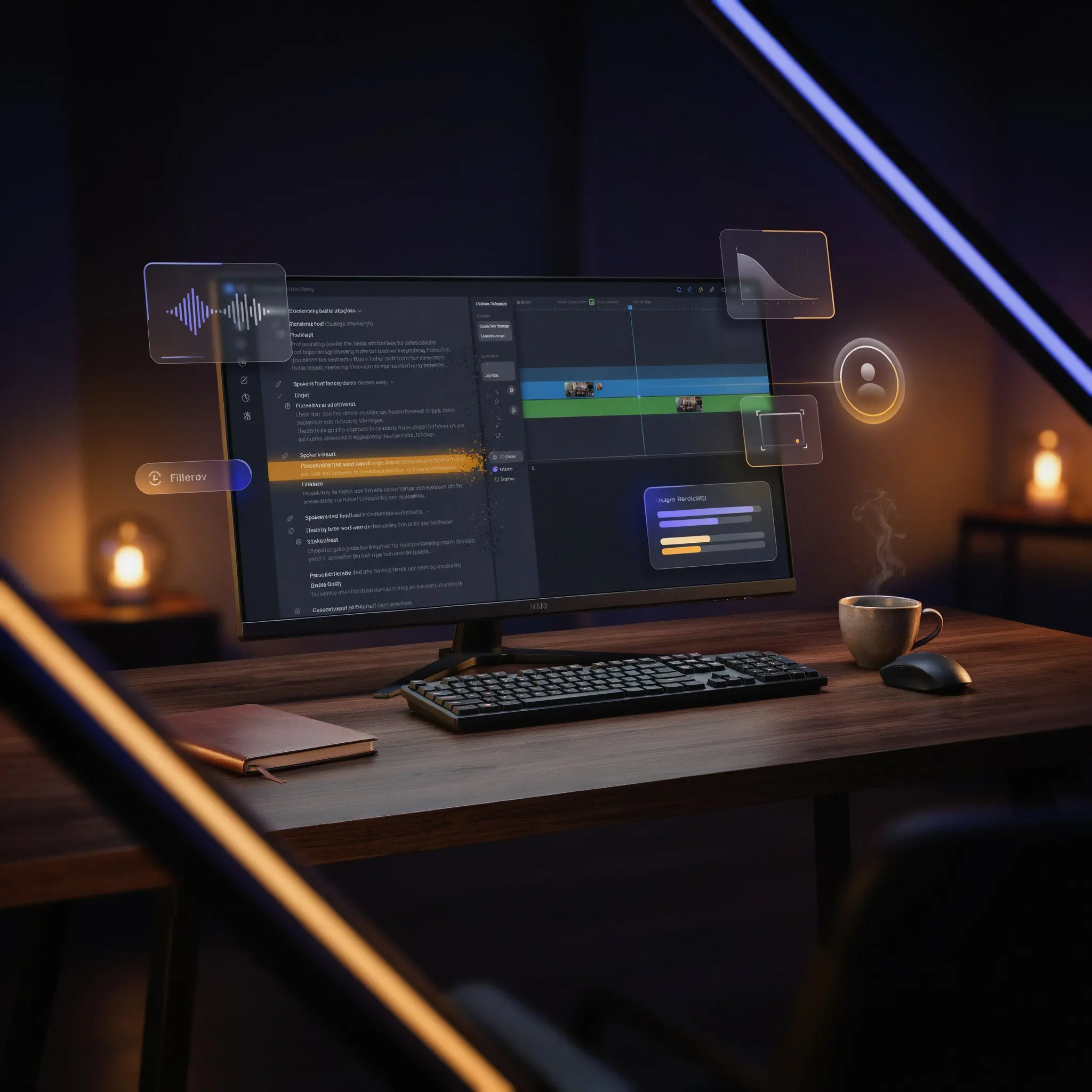
A 45-minute podcast interview, full of "ums," dead air, and one guest who said "2024" when they meant "2026." In a traditional editor, that's an afternoon of waveform-scrubbing. Descript's pitch is that you fix it the way you'd fix a typo in a document — find the word in the transcript, delete it, and the video cuts itself.
That paradigm shift is real, and it's why Descript has grown into a genuine business with more than $100 million in annual recurring revenue. But the September 2025 switch to a dual-meter credit system changed what "included" actually means on every plan, and it's the detail most 2024-era reviews still get wrong. This review covers what works, what the credits really cost, and who Descript is actually built for in 2026.
What Is Descript?
Descript is a video and audio editor built around a simple idea: treat your recording like a document. Import a file, and it auto-transcribes with roughly 96–97% accuracy for clear English audio. From there, editing happens in the transcript — delete a sentence and the clip cuts itself, reorder paragraphs and the timeline restructures to match.
Founded by Andrew Mason (the Groupon co-founder) and backed by OpenAI, Descript has grown from a transcription tool into a full creative suite: Underlord AI as an agentic co-editor, Studio Sound for noise removal, Overdub for voice cloning, built-in screen recording, remote "Rooms," social clip generation, and a public API. It's aimed squarely at spoken-word content — podcasts, interviews, tutorials, talking-head YouTube videos — rather than cinematic production work.
Core Features
Text-Based Editing
The feature Descript is known for. Cut a sentence from the transcript and the video follows automatically — for interview and podcast content, this genuinely replaces hours of waveform-hunting with a document-editing workflow.
Overdub (Voice Cloning)
Train a clone of your own voice from a short reading sample, then generate new spoken lines by typing text. Useful for fixing a misspoken date or name without a re-recording session.
Studio Sound
One-click AI noise removal that cleans up room echo, background hum, and inconsistent mic quality — one of the more consistently praised features in independent reviews.
Underlord AI Co-Editor
An agentic assistant that takes natural-language instructions — remove filler words, flag weak takes, suggest B-roll, draft show notes, generate social clips — rather than requiring you to hunt through menus for each action.
Filler Word & Silence Removal
Strips "um," "uh," and dead air in a couple of clicks, with a slider to control how tightly gaps get closed. Detection isn't perfect, so a quick review pass is worth doing before export.
Screen Recording & Remote Rooms
Built-in capture for screen, webcam, and mic together, plus "Rooms" for high-quality remote recording with multiple participants — a real alternative to stitching together OBS, Zoom, and a separate recorder.
Pricing: The Credit System, Explained
In September 2025, Descript moved from a simpler transcription-hours model to a dual-meter system: media hours (how much audio/video you bring into projects) and AI credits (spent on Underlord, Overdub, Studio Sound, and similar features). That distinction matters, because the two meters drain independently — a heavy AI user can hit the credit ceiling well before running out of media hours.
| Plan | Price (Annual / Monthly) | Media Hours | AI Credits | Export |
|---|---|---|---|---|
| Free | $0 | 60 min/mo | 100 (one-time) | 720p, watermarked |
| Hobbyist | $16/mo · $24/mo | 10 hrs/mo | 400/mo | 1080p, no watermark |
| Creator | $24/mo · $35/mo | 30 hrs/mo | 800/mo | 4K, full Underlord |
| Business | $50/mo · $65/mo | 40 hrs/mo | 1,500/mo | 4K, team collaboration |
Studio Sound runs roughly 10 credits per application, and Overdub, Eye Contact, and Green Screen each draw from the same pool — so a workflow that leans heavily on AI cleanup can burn through a monthly allowance faster than the media-hours number suggests. Credits don't roll over, and top-up packs are sold separately when you exceed either meter. Treat the sticker price as a starting estimate, not the final bill, and check actual usage during a trial month before committing to a tier.
Descript vs Adobe Podcast vs Riverside
| Feature | Descript | Adobe Podcast | Riverside |
|---|---|---|---|
| Best for | Text-based editing | Audio enhancement | Remote recording |
| Starting price | $16/mo (Hobbyist) | $9.99/mo | $15/mo |
| Text-based editing | ✅ Core feature | ❌ | ❌ |
| Voice cloning | ✅ Overdub | ❌ | ❌ |
| Remote recording | ✅ Rooms | ✅ Studio | ✅ Local-first recording |
| Video editing | ✅ Full, up to 4K | ❌ Audio only | ✅ Basic |
Many working podcast producers don't pick one of these — they stack them: Riverside for local-first recording that survives a bad connection, Descript for the text-based rough cut, and a dedicated audio-cleanup tool when Studio Sound isn't enough. Where Descript stands alone is the combination of transcript editing and voice cloning in one subscription — none of its direct competitors offer both.
Pros & Cons
Learning Curve
The core text-editing workflow is genuinely approachable — if you can edit a Google Doc, you can make your first cuts within minutes. The friction shows up one layer down: understanding how media hours and AI credits interact, finding features tucked into menus, and learning where Storyboard view ends and Timeline view begins. Budget a short onboarding session before a real deadline, not because the tool is hard, but because the credit math has real consequences if you don't understand it going in.
✅ Choose Descript if...
You produce regular podcast, interview, or tutorial content and want to cut editing time significantly using a document-style workflow.
❌ Look elsewhere if...
You need frame-accurate color grading and motion graphics, or you can't tolerate a metered credit system on top of your subscription price.
Who Should Use It?
Best fit: Podcasters, YouTubers producing talking-head content, course creators recording screen tutorials, and interviewers who need fast turnaround. Anyone who dreads opening a traditional NLE for spoken-word content is the core audience here.
Hold off if: Your work is cinematic video requiring color grading, keyframed motion graphics, or frame-accurate precision — Descript was never built to replace Premiere Pro or DaVinci Resolve for that kind of work, and it doesn't pretend to.
Expert Editorial Opinion
Descript's core insight has aged well: editing spoken-word content by editing text is a genuinely better mental model than scrubbing a waveform, and it's the reason the product built a loyal base long before "AI" became the selling point. Studio Sound and Overdub are the standout AI additions — both solve real, specific production problems rather than bolting AI onto features that didn't need it.
The September 2025 pricing overhaul is the part worth scrutinizing carefully before you commit. Splitting media hours from AI credits sounds like a minor technical change, but it means the advertised plan price is closer to a starting estimate than a ceiling — a workflow that leans on Studio Sound and Overdub can draw down credits well before the media-hours allowance runs out. That's not a dealbreaker, but it does mean the plan comparison table only tells half the pricing story.
Where Descript is weakest is also where its marketing is quietest: it isn't a full non-linear editor, and it shouldn't be judged as one. Transcription accuracy sliding with heavy accents is a real limitation for anyone editing international guests, and the UI's Storyboard-to-Timeline handoff trips up new users more than the product's reputation for simplicity would suggest.
Net take: for the specific job of turning long spoken-word recordings into a clean edit fast, Descript remains one of the strongest tools available in 2026. The caveat is budgeting for the credit system honestly — run the numbers on your actual monthly usage before assuming the advertised tier price is what you'll pay.
Final Verdict
Descript remains one of the most genuinely useful AI editors for spoken-word content in 2026. Text-based editing, Studio Sound, and Overdub solve real production problems rather than adding AI for its own sake, and Underlord AI extends that into genuinely useful multi-step automation.
The September 2025 credit-system overhaul is the honest caveat: the dual-meter model means your real monthly cost depends on how heavily you lean on AI features, not just which tier you pick. For podcasters, interviewers, and tutorial creators willing to budget for that, Descript is still one of the strongest specialist tools in the category — just don't expect it to replace a full NLE for cinematic work.
❓ Frequently Asked Questions
🔗 Related ToolRadar Reviews
If you're still scrubbing waveforms in a traditional editor for every podcast episode, what's stopping you from trying a transcript-first workflow? Start with Descript's free plan here.

Comments
Post a Comment