


Krea AI Review 2026: Does the Real-Time Canvas Still Justify the Price Tag?
Krea AI redraws your image the instant you sketch, type, or drag — a real-time canvas layered over 60+ image and video models from Krea's own Krea 2 to Veo 3.1 and Kling. It's genuinely fast. Whether the compute-unit pricing keeps up with that speed is a separate question.
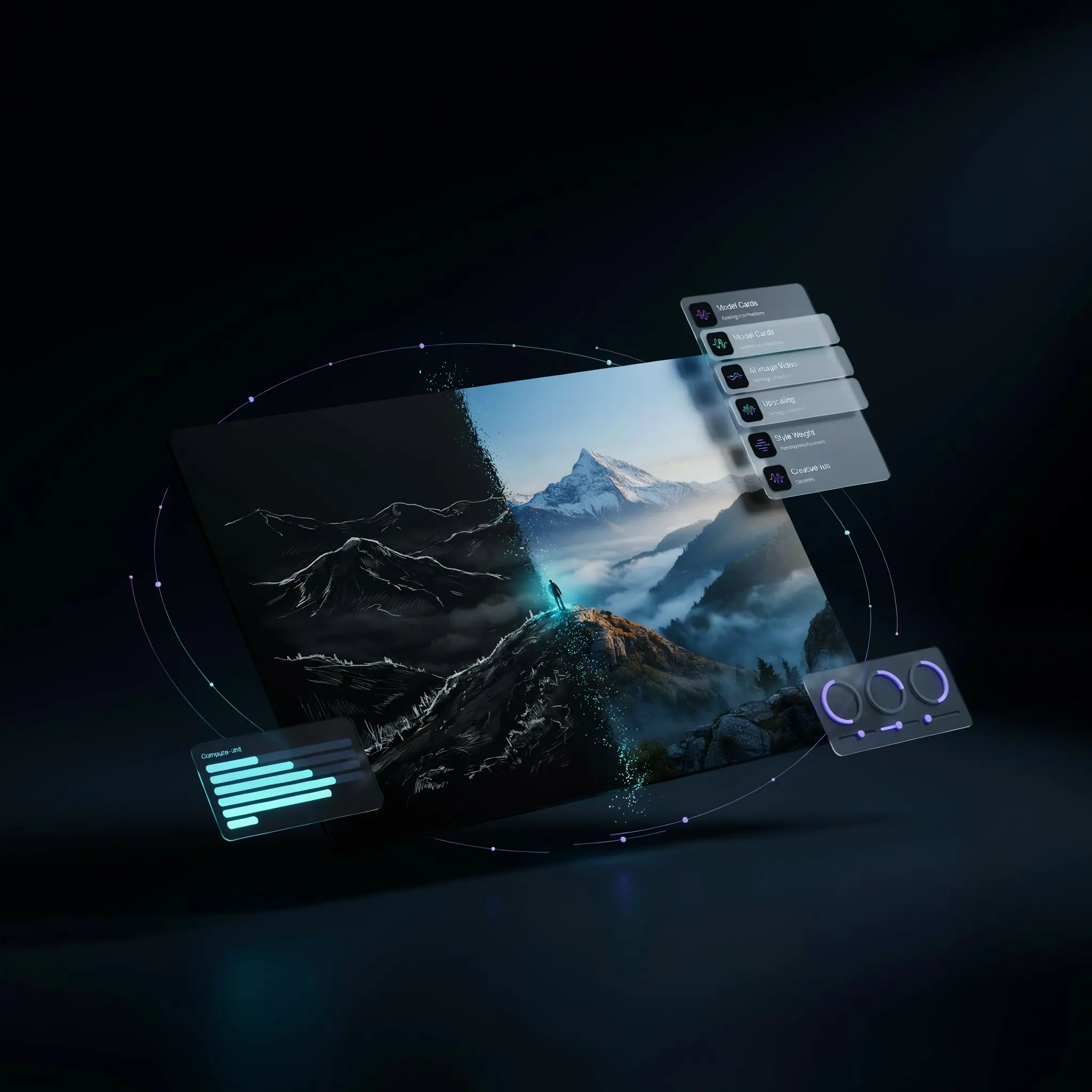
Most AI image generators still run on the same loop: type a prompt, wait, look at the result, adjust, wait again. Krea AI breaks that loop. Its real-time canvas re-renders continuously as you sketch shapes, drag elements, or edit a prompt — so the image on screen keeps pace with your hand instead of making you wait for a queue.
That headline feature sits inside a much bigger platform now. Krea AI bundles image generation, video generation, 3D object creation, AI upscaling, and LoRA fine-tuning behind one subscription, giving access to over 60 third-party and in-house models — including its own Krea 2 image model, plus Veo 3.1, Kling, Runway, and Seedance for video. This review walks through what that actually gets you, what it costs at every tier, and where it still falls short.
How Krea AI's Real-Time Canvas Actually Works
The core idea is simple to explain and genuinely unusual to experience. On a standard AI image tool, you submit a prompt and the model processes it as a single job — seconds of latency at best, longer for video. Krea's real-time canvas instead treats generation as a continuous stream: every keystroke, brush movement, or slider adjustment triggers an incremental re-render, so the picture updates live rather than after a submit action.
This isn't limited to freehand sketching. You can drive the canvas with a text prompt alone, a webcam feed, or even a shared application window — Photoshop or a 3D tool, for instance — and Krea will reinterpret whatever is on screen in real time. For concepting and rapid ideation, that means testing dozens of visual directions in the time a traditional prompt-and-wait workflow would need for one.
Realtime Canvas
Sketch, type, or drag on a live canvas and watch the AI reinterpret it continuously — no submit button, no render queue.
Krea 2 (In-House Model)
Krea's own flagship image model, positioned alongside 60+ third-party models like Flux, Nano Banana 2, Ideogram, and Qwen inside the same workspace.
Multi-Model Video Generation
Full access (on Pro and above) to Veo 3.1, Kling, Runway Gen-4.5, Seedance, Hailuo, and more — without separate subscriptions to each provider.
AI Upscaling & Enhancer
Paid tiers unlock image upscaling up to 22K resolution using licensed Topaz technology, restoring detail in low-resolution or AI-generated source images.
LoRA Fine-Tuning
Train custom LoRA models on your own reference images to lock in a consistent character, product, or brand style across generations.
Krea Nodes & App Builder
A visual, node-based workflow editor for chaining models and processing steps together, then packaging the result as a reusable, shareable app.
Pricing Breakdown 2026
Krea AI runs on a credit-based system it calls compute units. Every plan bundles a monthly (or daily, on the free tier) allocation, and different models consume different amounts of that allocation — a Nano Banana 2 image costs far fewer units than a Veo 3.1 video clip. Pricing below reflects Krea's own pricing page as published today; annual billing cuts the monthly-equivalent price by roughly 40%.
| Plan | Monthly Price | Compute Units | What You Get |
|---|---|---|---|
| Free | $0 | 100 units / day | All image, video, and 3D models at limited access; upscaling capped at 2K; single image concurrency, no video concurrency. |
| Basic | $9 / month | 5,000 units / month | Full commercial license, LoRA training, upscaling up to 22K, selected video models only (not all). |
| Pro | $35 / month | 20,000 units / month | Every image and video model unlocked, including Veo 3.1, Kling, and Sora-class models; higher concurrency. |
| Max | $70 / month | 60,000 units / month | Unlimited image/video concurrency, up to 2,000 images per LoRA — built for daily heavy use or a small studio. |
| Business | $200 / month | 80,000 units / month | Up to 50 seats on one flat price, SSO, per-member spend limits, priority support with SLA. |
| Enterprise | Custom | Custom | Custom seat count, custom terms of service, indemnification, dedicated support. |
The jump worth flagging is between Basic and Pro. At $9/month, Basic covers image-heavy workflows comfortably but only unlocks "selected" video models — full video access, including Veo 3.1 and Kling, requires the $35/month Pro tier. If video is part of the workflow, that $26 gap is effectively the real entry price, not the advertised $9.
See Krea AI's live pricing and current promotions →
Pros & Cons
Krea AI vs. Midjourney vs. Adobe Firefly
| Evaluated Criteria | Krea AI | Midjourney | Adobe Firefly |
|---|---|---|---|
| Real-Time Canvas Generation | Core, native feature | Not available | Not available |
| Model Variety | 60+ image/video models | Single proprietary model | Firefly models + some partners |
| Entry Price | Free tier, $9/mo Basic | No free tier, ~$10/mo | Bundled into Creative Cloud plans |
| Video Generation | Full access (Pro+) | Not available | Limited, in beta expansion |
| Upscaling Ceiling | Up to 22K (licensed Topaz) | Built-in upscale, lower ceiling | Generative Expand-based |
Midjourney still wins on raw single-image aesthetic quality for patient, prompt-driven workflows, and Adobe Firefly's advantage is that it lives inside tools designers already pay for. Krea AI's edge isn't a "better" model — it's speed of exploration, plus the flexibility of trying a dozen different models without leaving one workspace. For early-stage concepting and rapid iteration, that's a meaningfully different value proposition than either competitor offers.
Learning Curve
The core canvas is approachable. Draw a rough shape, type a short prompt, and a usable image appears within the first few minutes — no manual required. Where the learning curve steepens is everything layered around that canvas: understanding how compute units get consumed differently across dozens of models, configuring Krea Nodes for a multi-step workflow, or setting up LoRA training correctly for consistent brand output. Casual users will rarely touch that complexity. Production teams eventually will, and it takes real time to get comfortable with it.
✅ Choose Krea AI if...
You work in early-stage concepting or ideation and value fast visual exploration across many models more than access to one polished, best-in-class output.
❌ Look elsewhere if...
You need one predictable, high-volume video pipeline — a dedicated tool like Higgsfield or a direct Kling/Veo subscription may deliver more output per dollar for that specific use case.
Expert Editorial Opinion
Krea AI's positioning has shifted meaningfully over the past year. It started as a real-time interface layered on top of other companies' models. It's now shipping its own flagship model, Krea 2, alongside that same aggregation layer — which is a different kind of company than the one that made the real-time canvas famous. That matters for how you should evaluate it: this isn't a thin wrapper anymore, it's a platform trying to own both the interface and part of the underlying generation stack.
The pricing gap between Basic and Pro is the detail most reviews skim past. Basic looks like an entry-level $9/month plan until you realize full video model access — Veo 3.1, Kling, and the rest — sits behind the $35/month Pro tier instead. Anyone whose workflow includes serious video generation should budget for Pro from the start, not treat Basic as a meaningful trial of the full product.
Worth asking directly: is Krea AI worth paying for once the free tier's daily 100-unit allowance stops being enough? For image-first workflows, yes — the real-time canvas and the Enhancer's upscaling alone justify the $9–35 range compared to piecing together separate subscriptions for a canvas tool, an upscaler, and a video generator. For video-heavy production at scale, the calculation is closer: compute units burn quickly on models like Veo 3.1, and a dedicated volume-focused platform may stretch the same budget further.
The recurring criticism across independent community discussion isn't about whether the canvas works — it consistently does. It's about support responsiveness and billing clarity when something goes wrong, particularly around compute-unit consumption surprises on annual plans. That's a real operational risk worth weighing before committing to a yearly commitment, separate from any judgment about the product's creative capability.
Where Krea AI earns its strongest recommendation is the ideation layer of a creative process — the messy, exploratory hours before a direction gets locked in. It is not, and doesn't claim to be, a finishing tool for client-ready deliverables. Teams that understand that distinction and budget for the Pro tier if video matters will likely get real value out of it. Teams expecting a single all-in-one replacement for their entire production stack should adjust that expectation first.
Final Verdict
Krea AI delivers on its core promise: a real-time canvas that genuinely changes how fast you can explore visual ideas, wrapped around one of the broadest model libraries available in a single AI creative workspace. Technical quality of the canvas and upscaler is strong; price-to-value holds up well for image-first work but tightens noticeably once video enters the picture; documentation and platform maturity are solid, though third-party reports of inconsistent support remain a real caveat. For fast concepting and multi-model experimentation, it earns its subscription. For a single predictable, high-volume video pipeline, it's worth comparing against more specialized alternatives first.
❓ Frequently Asked Questions
🔗 Related ToolRadar Reviews
- Midjourney Review 2026 — professional AI art generation
- Flux.1 Review 2026 — one of the models available inside Krea AI
- Magnific AI Review — a direct alternative for AI upscaling
- Ideogram 3.0 Review — image generation with strong text rendering
- Nano Banana 2 Review — another model accessible inside Krea AI
Explore Krea AI's full feature set and current promotions directly on the official Krea AI website.

Comments
Post a Comment