


Is Higgsfield AI the Most Powerful
AI Video Tool Nobody's Talking About?
I spent 3 weeks testing Higgsfield's multi-model platform with 15+ AI engines, Cinema Studio, and Soul ID character consistency. The cinematic quality blew my mind — but the credit system is a financial trap waiting to happen.
What Is Higgsfield AI?
Picture this: You're a filmmaker with a $0 budget. You need a cinematic scene with a specific character walking through a neon-lit Tokyo street, shot on a 35mm lens with a slow dolly zoom. Traditionally? That's a $50,000 production day minimum.
With Higgsfield AI, I typed a prompt, uploaded a reference image, and had that exact shot in under 5 minutes.
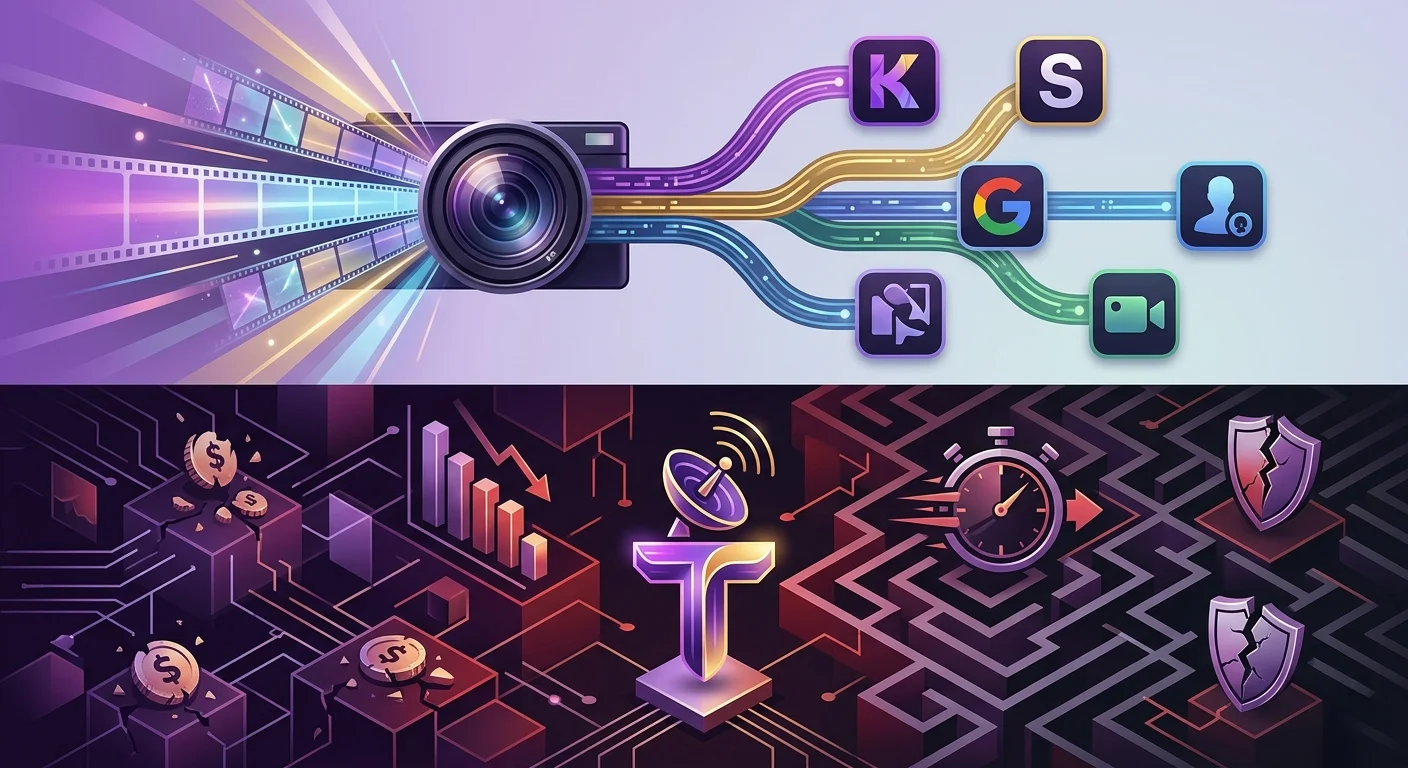
Higgsfield is a multi-model AI video generation platform founded by ex-Google Brain engineers in 2023, now valued near $1.3 billion. Unlike tools that lock you into one engine, Higgsfield aggregates 15+ leading AI models — Sora 2, Google Veo 3.1, Kling 3.0, WAN 2.6, and more — under one subscription.
But here's what most reviews won't tell you: the "unlimited" plans are a marketing illusion, the credit burn rate is brutal, and the Trustpilot score sits at a concerning 3.2/5. So is the power worth the price? Let's dig in.
The 15+ Model Engine Room
Instead of building one proprietary model, Higgsfield gives you a dashboard of the best AI video engines in the world. Here's what you actually get:
Sora 2 (OpenAI)
The most hyped AI video model. Available inside Higgsfield at $39/mo instead of ChatGPT Pro's $200/mo. But each clip burns 40-70 credits.
Veo 3.1 (Google)
Google's flagship model. High-gloss ad shots with incredible prompt fidelity. Premium pricing at 40-70 credits per generation.
Kling 3.0
The cinematic workhorse. ~6 credits per 5-second clip. Best value for money on the platform. My go-to for 80% of projects.
WAN 2.6 (Alibaba)
Mid-tier model included in 7-day unlimited on Plus plans. Good for drafting before burning credits on premium renders.
Seedance 1.5 Pro
ByteDance's model. Decent for character consistency and audio-synced storytelling. Unlimited weekly on paid plans.
Soul V2 (Higgsfield)
Their oldest, lowest-quality engine. The only "365-day unlimited" video model — which tells you everything about that marketing claim.
Cinema Studio: Real Director Control
This is where Higgsfield separates itself from every competitor I've tested. Cinema Studio gives you actual filmmaking language:
70+ camera presets including dolly zooms, tracking shots, crane movements, rack focuses, and whip pans. You don't just type "camera moves left" — you select "Slow Push-In on 35mm Lens" or "Whip Pan 180° with Motion Blur."
On human motion specifically, published benchmarks give Higgsfield a measurable lead over Runway Gen-4, with cleaner biomechanical foot-strike and weight-transfer detail. When I generated a walking sequence, the character's feet actually touched the ground realistically — something Runway still struggles with.
Soul ID Character Consistency
Ever tried making an AI video series where the main character looks different in every shot? Higgsfield's Soul ID system fixes this.
Upload reference images of your character, and Higgsfield maintains face, clothing, and style across multiple scenes and shots. I tested this with a branded content series for a client — the character consistency alone saved me an estimated 10 hours of manual editing or re-generation.
But there's a catch: Soul ID works best on Kling 3.0 and Seedance models. On Sora 2 and Veo 3.1, consistency drops noticeably. And every Soul ID generation still costs credits.
Pricing: The Credit Trap Explained
Here's where Higgsfield gets dangerous. The headline prices look reasonable. The reality is a math nightmare.
| Plan | Annual Price | Credits/Month | Real Usable Kling 3.0 Videos | Real Usable Sora 2 Videos |
|---|---|---|---|---|
| Free | $0 | 10/day (basic models only) | 0 (no Kling access) | 0 |
| Starter | $15/mo | 200 | ~7-11 usable | ~1 usable |
| Plus ⭐ | $39/mo | 1,000 | ~33-56 usable | ~3-8 usable |
| Ultra | $99/mo | 3,000-9,000 | ~120-200 usable | ~9-25 usable |
| Business | $49/seat/mo | Shared pool | Shared | Shared |
The real cost per usable video: AI video rarely works on the first try. With a typical 3-5x iteration rate, your actual cost per usable Kling 3.0 video on Plus is $0.61-$1.03. For Sora 2 or Veo 3.1? A brutal $3.36-$9.33 per usable clip.
Try Higgsfield AI →Pros & Cons
✓ What I Loved
- ✅ Unmatched cinematic camera control with 70+ presets
- ✅ Access to 15+ top AI models in one dashboard
- ✅ Superior human motion vs Runway Gen-4
- ✅ Soul ID character consistency across scenes
- ✅ Kling 3.0 at ~6 credits = best value in AI video
- ✅ Cheapest path to Sora 2 ($39 vs ChatGPT Pro $200)
- ✅ 7-day unlimited mid-tier models for drafting
- ✅ Mobile app (Diffuse) for on-the-go creation
✗ What Frustrated Me
- ❌ "365-Day Unlimited" is mostly image models + one old video engine
- ❌ Credits expire after 90 days, never roll over monthly
- ❌ Premium models (Sora 2, Veo 3.1) burn 40-70 credits each
- ❌ Trustpilot 3.2/5 with complaints about hidden caps
- ❌ No free trial — must pay to test anything meaningful
- ❌ Refund policy is predatory (7 days, zero credits used)
- ❌ No built-in video editor — export and edit elsewhere
- ❌ Support response times often 24-36+ hours
💡 What Reddit & Users Actually Say
"Higgsfield is the strongest multi-model video platform in 2026 — but only if you understand the credit math. Start free, then Plus ($39/mo annual) is the sweet spot."
— AI Funnel Insider, May 2026"Considering how expensive the subscription is, it's very frustrating to see how poorly the app is designed. You get subscriptions thinking you'll get certain perks that suddenly disappear."
— Trustpilot user review, April 2026"Higgsfield's pricing structure looks deceptive. Basic at $9/month seems affordable until you realize 150 credits generates maybe 2-3 quality videos using Sora 2 or Cinema Studio features."
— Hack Acceleration review, January 2026Higgsfield vs Runway vs Kling
| Criteria | Higgsfield AI | Runway Gen-4 | Kling AI (Direct) |
|---|---|---|---|
| Starting Price | $15/mo (200 credits) | $12/mo (625 credits) | Free tier + packs |
| Human Motion | ✓ Best in class | ✓ Good | ✓ Excellent |
| Camera Control | ✓ 70+ presets | ✓ Motion tools | Limited |
| Multi-Model Access | ✓ 15+ models | ✗ Gen-4 only | ✗ Kling only |
| Built-in Editor | ✗ None | ✓ Full editor | ✗ None |
| Free Trial | ✗ No | ✓ Yes (125 credits) | ✓ Free tier |
| Credit Rollover | ✗ Expires 90 days | ✓ Monthly reset | ✓ Pay-as-you-go |
| Best For | Cinematic creators | Generalist workflows | Budget Kling users |
Who Should Use It?
✓ Perfect For: Professional video production agencies, indie filmmakers needing cinematic control, social media creators making high-end shorts, brands creating character-driven content series, and anyone who wants Sora 2 access without paying ChatGPT Pro's $200/mo.
✗ Skip If: You're a casual creator on a budget, need a built-in video editor, want transparent pricing without credit anxiety, require a free trial before committing, or run an eCommerce brand needing UGC-style ads (use Potion Ads instead).
📎 Related Reviews from ToolRadar
Expert Verdict
I've tested Higgsfield for three weeks on real client projects. The cinematic quality is genuinely unmatched — I've never seen AI video that looks this "directed." When I generated a walking sequence with a specific camera movement, the biomechanical accuracy of the foot-strike blew away anything I've seen from Runway.
But I also watched 600 credits disappear in a single afternoon of experimenting with Sora 2 and Veo 3.1. I felt genuine anxiety reading about users accidentally charged $1,600 on annual renewals they didn't expect. And when I needed support? 36 hours of radio silence.
Here's my honest take: Higgsfield is a Ferrari with a confusing dashboard and a predatory parking meter. If you know exactly which model to use, how many credits each generation costs, and you stick to the Kling 3.0 + free-draft workflow, it's incredible. But if you're the type who impulse-clicks "generate" without checking credit costs, you'll burn through a month's budget in an hour.
For pure cost-per-Kling-clip, going direct to Kling AI is cheaper. But you lose the camera presets, Soul ID consistency, and model-switching that make Higgsfield unique. It's a trade-off only you can make.
Final Verdict
Powerful but polarizing. Higgsfield delivers the best cinematic AI video experience on the market, with unmatched camera control and access to 15+ top-tier models. But its misleading "unlimited" marketing, brutal credit burn rate, and predatory refund policy make it a risky investment. Perfect for professional filmmakers who master the credit math. Avoid if you're budget-conscious, need transparency, or want a free trial before committing.
Frequently Asked Questions
No. Higgsfield offers a free tier with 10 daily credits on basic models only (no Sora 2, Veo 3.1, or Kling 3.0). For meaningful usage, you'll need at least the $15/month Starter plan. Unlike Runway (free tier with 125 credits) or Kling (free tier), Higgsfield requires payment to test premium features.
On the Plus plan ($39/mo), a usable Kling 3.0 video costs roughly $0.61-$1.03 after factoring in 3-5x iteration rate. For Sora 2 or Veo 3.1, it's $4.25-$11.33 per usable clip. The "365-Day Unlimited" claim only covers Soul V2 (lowest quality) and image models — premium video models always cost credits.
Higgsfield wins on cinematic human motion, camera control (70+ presets), and multi-model access. Runway wins on built-in editor, workflow integrations, transparent pricing, and generalist versatility. For pure filmmaking control: Higgsfield. For production pipelines: Runway.
Only within 7 days of your initial purchase, and ONLY if absolutely zero credits have been used. A 6% service fee may apply. Subscription renewals are entirely non-refundable. This is one of the strictest refund policies in the AI video space. Do not auto-renew without checking your usage.
🔑 Related Keywords
One Last Question
Would you pay $39/month for access to 15+ AI video models if it meant never hiring a camera crew again? Or does the credit anxiety and "unlimited" fine print scare you off?
Drop your thoughts below — I'd love to hear where you draw the line between power and transparency.
Comments
Post a Comment