


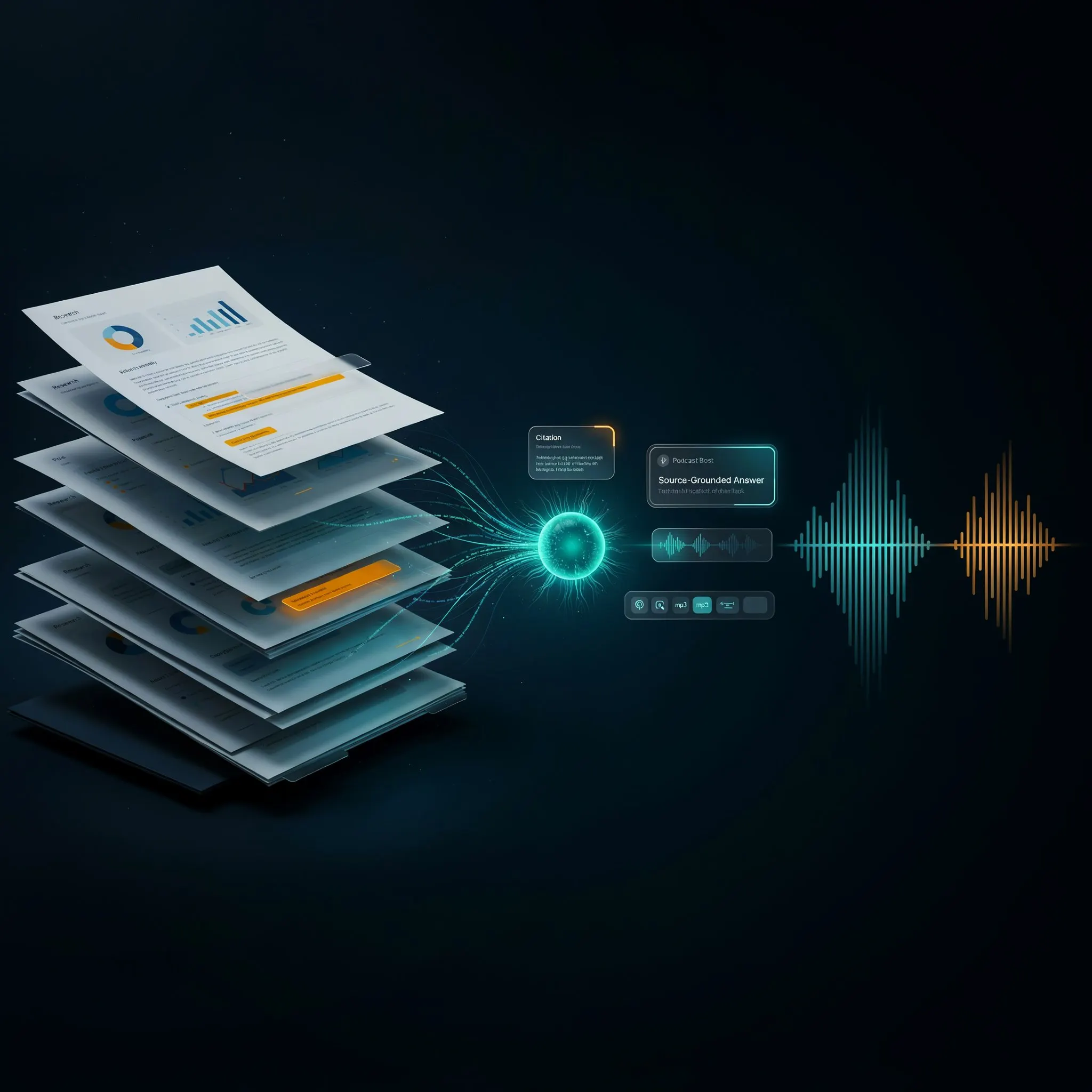
How Google's Audio Overview Turned Your Documents Into an AI Podcast
Two years after Google said the feature "went viral," it's still one of the clearest examples of AI turning something you'd read into something you can listen to — now folded into the renamed Gemini Notebook.
- It's Not Actually a Podcast
- Four Formats, One Button
- The Rename Nobody Asked For
- What's Free, and What Isn't
- Garbage In, Garbage Out: The Accuracy Question
- Strengths and Real Limitations
- Audio Overview vs. ElevenLabs vs. Google Illuminate
- Who This Is Actually For
- Expert Editorial Opinion
- Final Verdict
- FAQ
NotebookLM Audio Overview review 2026: on September 11, 2024, Google quietly shipped a feature inside a research tool called NotebookLM that let two AI-generated hosts talk through whatever documents you fed them, like a podcast built entirely from your own sources. Google's own team later described it as having "gone viral" — an unusual thing for a company to say about its own product, and a claim with real weight behind it, since NotebookLM has since been cited at more than 30 million users and 600,000 organizations.
Two years on, the feature is still around, still free at a meaningful usage level, and has quietly absorbed a name change most users never noticed. This review covers what Audio Overview actually does in 2026, its four formats, its real free-tier limits, the July 2026 rebrand to Gemini Notebook, and the accuracy caveats Google itself is upfront about. It's built from Google's official documentation and announcements and independently verified coverage — not a claim of hands-on testing of the feature itself unless stated otherwise.
It's Not Actually a Podcast
The phrase "NotebookLM turns your PDF into a podcast" is close enough to be useful and precise enough to be misleading. There's no RSS feed, no independent human hosts, no editorial production — what you actually get is two AI-generated voices holding a conversation about the sources you uploaded, built specifically for that notebook, that exists nowhere else and was never recorded by anyone.
The more accurate description, and the one that actually explains why this took off the way it did, is that Google changed the shape of a very old task. Reading a 40-page report is reading. Audio Overview turns that same material into something closer to eavesdropping on two people who've already read it and are talking through what matters — summarizing, connecting ideas across sources, and reacting to each other, not reading your document aloud. That distinction from plain text-to-speech is the entire reason the feature felt novel instead of gimmicky when it launched.
Four Formats, One Button
Deep Dive (default)
The original format and still the most popular — two hosts unpack and connect ideas across your sources in a full, lively conversation.
Brief
A single speaker delivers the key takeaways in under two minutes — built for when you want the summary, not the discussion.
Critique
Two hosts give constructive, structured feedback on material like an essay or a design document — a genuinely different use case from "summarize this for me."
Debate
Two hosts argue different sides of the material in a formal back-and-forth — useful for stress-testing an argument rather than just absorbing it.
Steering and Interactive Mode
Before generating, you can add a prompt — "focus on the three strongest arguments" or "explain this like I'm new to the topic" — to direct the hosts. In English, you can also tap in mid-conversation and ask the hosts a question directly before the discussion resumes.
80+ Languages
Generation now supports more than 80 languages, up from roughly 50 in April 2025 — though length controls and Interactive Mode remain English-only.
The Rename Nobody Asked For
On July 16, 2026, Google renamed NotebookLM to Gemini Notebook. Josh Woodward, VP of Google Labs, described it as the same standalone product, now doing more across the Google ecosystem. Practically, nothing about existing work changed — old notebooks, sources, and Audio Overviews stayed intact, pricing didn't move, and automatic redirects kept old links and shared notebooks working. The address changed to notebook.google.com, and the name and logo rolled out gradually across interfaces over the following weeks rather than switching everywhere overnight.
Why bring this up in an Audio Overview review specifically? Because most people searching for this feature still type "NotebookLM," and a review written as if that's still the current official name would be quietly out of date. It also isn't just cosmetic: the rename coincided with Gemini Notebook gaining code execution for more complex analysis and deeper syncing across the Gemini app and Search — signs that Google is positioning the whole product, Audio Overview included, as part of a broader ecosystem rather than a standalone research experiment.
What's Free, and What Isn't
Audio Overview isn't a separate paid product — it's a feature inside Gemini Notebook, and it's genuinely accessible without paying anything.
| Plan | Audio Overviews / day | Also includes |
|---|---|---|
| Free / Standard | 3/day | 100 notebooks, 50 sources each, 50 chats/day, all 4 audio formats |
| Google AI Plus | 6/day | Roughly 2x standard access across Gemini Notebook features |
| Google AI Pro | 20/day | Roughly 4x standard access, code execution |
| Google AI Ultra | 200/day | Highest limits, earliest access to new capabilities like real-time voice conversations |
Three Audio Overviews a day on a completely free account is a real number, not a token trial allowance — and every format (Deep Dive, Brief, Critique, Debate) is available at every tier, including free. The difference between plans is volume, not capability. One caveat worth knowing: as of September 2, 2026, Google moved Gemini Notebook's broader usage limits to a compute-based system, where cost depends on prompt complexity, conversation length, and which features you're using, not just a flat request count — so treat "3/day" as the current published number rather than a fixed, unchangeable ceiling.
Garbage In, Garbage Out: The Accuracy Question
There's no independent benchmark that scores Audio Overview's factual accuracy, and it would be dishonest to invent one — so this review won't cite a percentage that doesn't exist. What does exist is Google's own, fairly blunt warning: Audio Overviews, including the voices themselves, are AI-generated and may contain inaccuracies or audio glitches, and the discussion isn't guaranteed to be a comprehensive or objective representation of your sources.
That warning matters more than it might seem, because the format's biggest strength is also its biggest risk. Two confident, conversational voices discussing your material sound more authoritative than a bullet-point summary, whether or not the content is actually more accurate. If your sources are incomplete, outdated, or contradictory, the AI hosts won't flag that for you by default — they'll have a fluent, natural-sounding conversation about flawed material anyway. The output is only as trustworthy as what you feed it, and the polish of the delivery doesn't change that.
Strengths and Real Limitations
Audio Overview vs. ElevenLabs vs. Google Illuminate
| Tool | Core Idea | Best for |
|---|---|---|
| Gemini Notebook Audio Overview | Source-grounded conversational audio from your own documents | Turning research/notes into a listenable discussion, free |
| ElevenLabs | General-purpose voice generation and cloning | Custom voice production, narration, professional audio output |
| Google Illuminate | Research-to-audio-discussion, similar concept | A narrower, research-paper-focused positioning |
These aren't really interchangeable tools, and comparing them on "voice quality" alone misses the point. The real question is what you're trying to do: if you want full control over voice production — custom voices, narration, commercial audio — ElevenLabs is built for that. If you want a fast, free way to turn your own sources into a conversational discussion you can listen to without any production work, Audio Overview's source-grounded workflow is the more direct fit, and it's not trying to compete on voice customization at all.
Who This Is Actually For
Audio Overview is genuinely useful for students, researchers, and professionals who want to absorb dense material while commuting, exercising, or doing something else with their hands — turning a stack of reading into something they can listen to instead. It's also a legitimately good way to sanity-check your own writing: generating a Critique overview of a draft essay or design document surfaces gaps a silent read-through often misses.
It's the wrong tool if you need broadcast-quality podcast production, precise editorial control over what gets said, or a guaranteed-accurate summary you can cite without checking against the original sources. And it's not a replacement for actually reading primary material when precision matters — treat it as a fast first pass or a way to consume content you'd otherwise skip entirely, not the final word on what your sources say.
Expert Editorial Opinion
What's most interesting about Audio Overview in 2026 isn't the feature itself — it's that Google let a two-year-old experiment become one of the most recognizable things about the entire product, then quietly renamed the product around it rather than the other way around. Most companies build the flagship feature to match the brand. Here, the brand identity — "the AI podcast tool" — became strong enough that Google had to explicitly reassure people the rename wasn't a replacement or a shutdown.
The four-format expansion is the part of the story that gets the least attention and deserves more. "Turns documents into podcasts" describes Deep Dive specifically, and it's easy to assume that's the whole feature. Critique and Debate are structurally different tools wearing the same interface — a Critique overview of your own draft is closer to a writing-feedback tool than a podcast generator, and treating it as one undersells what it's actually useful for.
Google's own accuracy warning is worth taking at face value rather than reading as boilerplate legal language. This is a company that could have marketed Audio Overview as an authoritative summary tool and didn't — it explicitly says the output may contain inaccuracies and isn't guaranteed to be comprehensive or objective. That's a more honest position than a lot of AI products take, and it's also a genuine reason for caution: the format's conversational confidence is not evidence of accuracy, and it's easy to forget that when two voices sound this natural.
The September 2026 shift to compute-based usage limits is a small detail that signals something bigger about where this is heading. A flat "3 generations a day" is simple and easy to market; a variable, compute-based system is harder to explain but more honest about what these generations actually cost to run, especially as formats like Deep Dive and Debate get more sophisticated. It's a reasonable tradeoff, but it does mean the free tier's exact ceiling is now less predictable than it used to be.
Is it worth using? For the specific job it does — turning your own material into something you can listen to instead of read — yes, unreservedly, and the fact that it's free at a real usage level removes almost all the risk in trying it. Just don't mistake fluency for fact-checking. The hosts sound like they know what they're talking about because that's what they're designed to sound like, not because someone verified what they said.
Final Verdict
Score band: 9.0-10 — Category leader: a genuinely novel, free-at-real-usage-levels feature with few direct equivalents, held back only slightly by accuracy caveats Google itself is upfront about.
| Dimension | Weight | Score /10 | Why |
|---|---|---|---|
| Technical quality | 30% | 9.0/10 | Genuine conversational synthesis across sources, not text-to-speech — offset only by occasional glitches and no independent accuracy benchmark |
| Price-to-value | 25% | 9.5/10 | 3 full-quality Audio Overviews per day, every format, on a completely free account — an unusually generous free tier for this kind of feature |
| Maturity & documentation | 20% | 8.5/10 | Two years of iteration and strong official documentation, tempered by the 2026 rename and a still-settling compute-based limit system |
| Ceiling & flexibility | 15% | 9.5/10 | Four distinct formats, 80+ languages, steerable prompts, and interactive voice mode push well past a single-trick demo feature |
| Honesty of positioning | 10% | 9.0/10 | Google explicitly and repeatedly warns that output may be inaccurate or non-comprehensive rather than overselling the format's authority |
Weighted calculation: (9.0×0.30) + (9.5×0.25) + (8.5×0.20) + (9.5×0.15) + (9.0×0.10) = 9.10.
❓ Frequently Asked Questions
🔗 Related ToolRadar Reviews
- NotebookLM Full Review 2026: Google's Source-Grounded Research Tool
- Google's NotebookLM Started It — The Tools That Followed
- ElevenLabs v3: The Voice-Generation Alternative for Full Audio Control
- Castmagic Review 2026: Turning One Podcast Into a Full Content Pipeline
- Podcastle Is Now Async: What Changed and What You Get in 2026
- Riverside Review 2026: From Remote Recorder to Full AI Content Studio
Official references: Gemini Notebook's official site and Google's official Audio Overview help documentation.

Comments
Post a Comment