



Is CapCut AI Still the King of Free Video Editing in 2026?
200 million users. Powerful AI features. But hidden paywalls, Trustpilot nightmares, and US ban risks are making creators look elsewhere. Here's the honest truth about CapCut in 2026.
You open CapCut. It's free, right? You've heard everyone rave about it. 200 million people can't be wrong. You import your footage, trim a few clips, add some trending effects, and hit export.
Then the paywall hits. "This feature requires Pro." Your export has a watermark. The AI caption you spent 10 minutes styling? Locked behind a subscription. And when you try to cancel? Good luck finding the button. When you do? The charges keep coming anyway.
Welcome to CapCut in 2026. The app that democratized video editing is now the app that frustrates creators more than any competitor. The free tier is still generous — arguably the most generous in the industry — but the gap between "free" and "actually usable" has never been wider. And for US creators, there's an even bigger problem looming.
What Is CapCut AI in 2026?
CapCut is ByteDance's video editing platform — the same company that owns TikTok. What started as a simple mobile editor for TikTok clips has evolved into a full-featured creative suite with desktop apps, web editor, and cloud collaboration. The AI features are the headline: auto-captions, background removal, script-to-video, smart cut, and AI dubbing.
But here's the reality that marketing doesn't tell you: CapCut is primarily an editor, not a generative AI tool. You bring your footage. CapCut helps you edit it faster. That's fundamentally different from tools like Runway or InVideo that generate video from text prompts. CapCut's AI assists editing — it doesn't replace it.
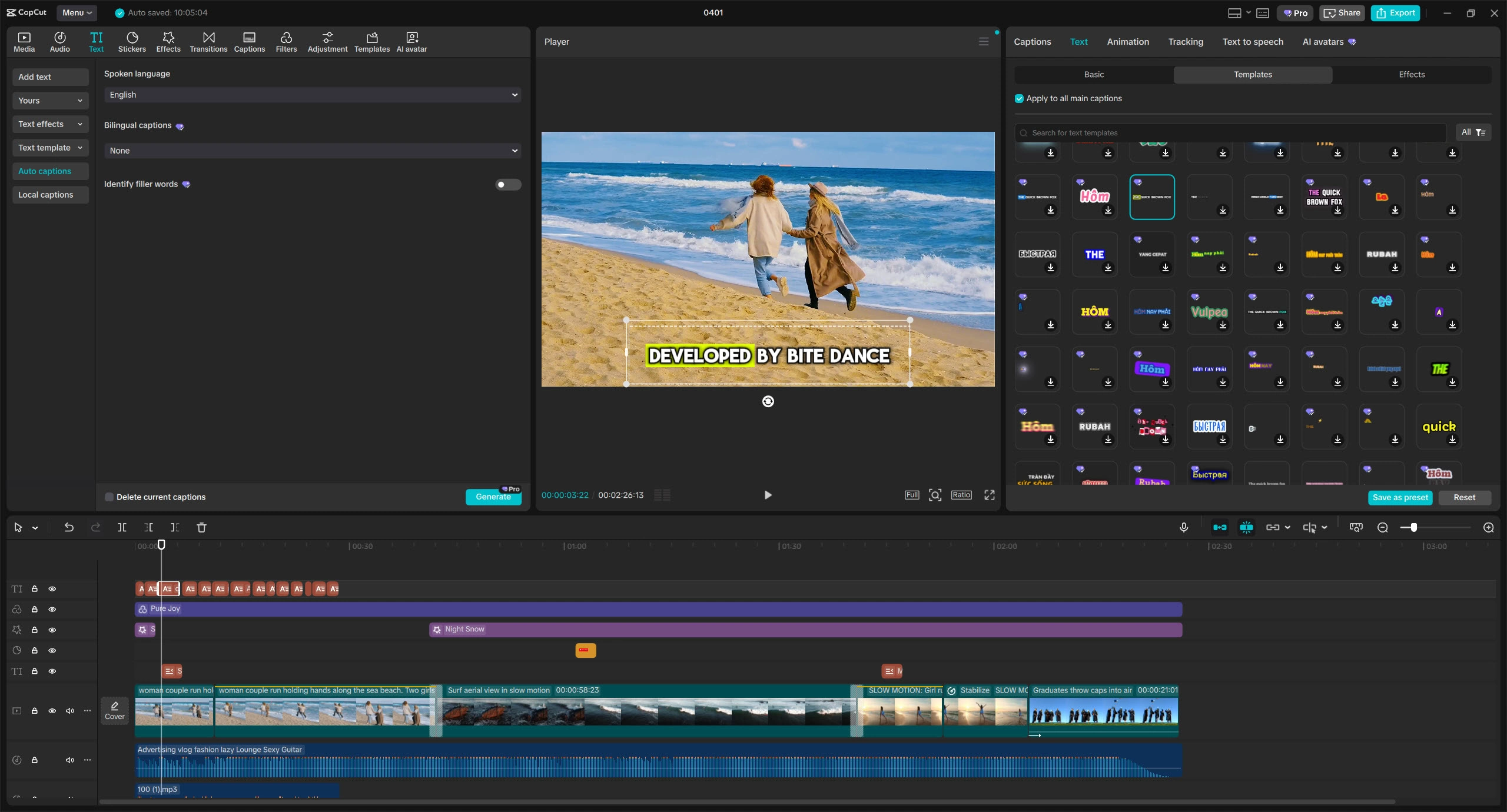
And the 200 million user number? Impressive, but misleading. Most are casual mobile users creating TikTok clips with templates. The professional desktop workflow — where AI features actually matter — is a fraction of that user base, and increasingly locked behind Pro paywalls.
The 6 AI Features That Actually Work
CapCut's AI suite is extensive. Here's what works, what doesn't, and what's locked behind Pro:
1. Auto Captions Free (Basic) / Pro (Advanced)
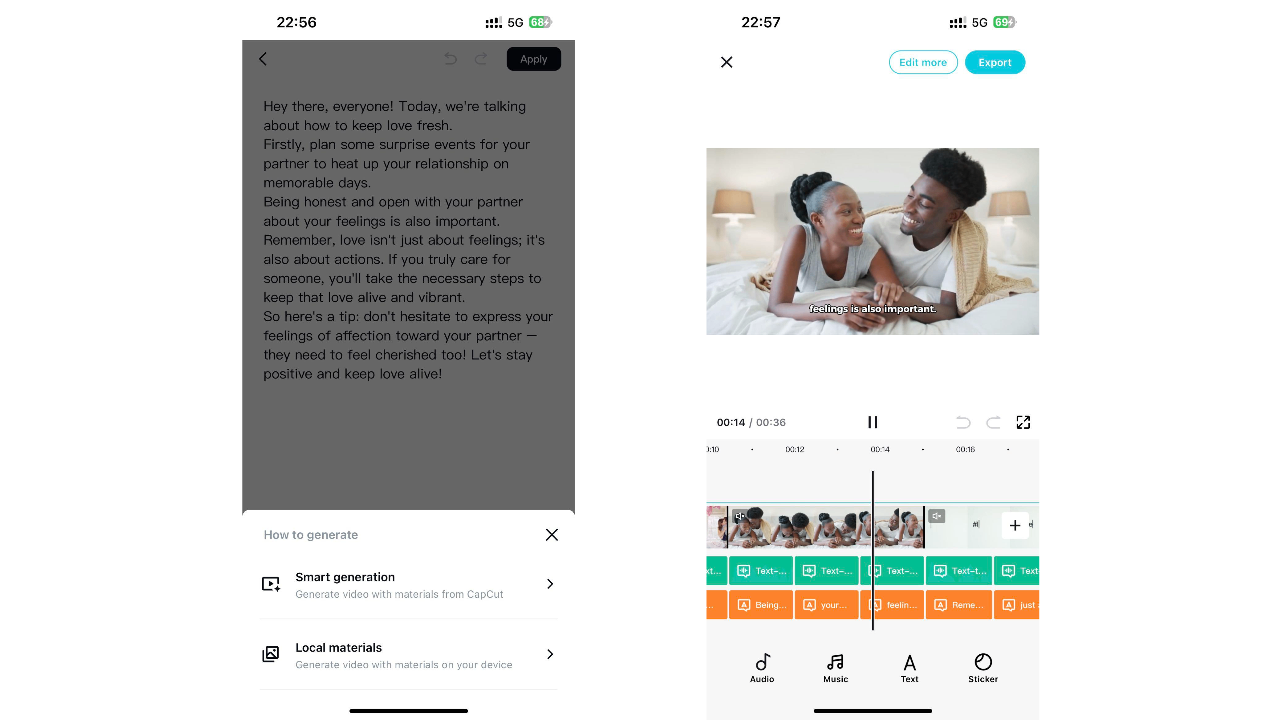
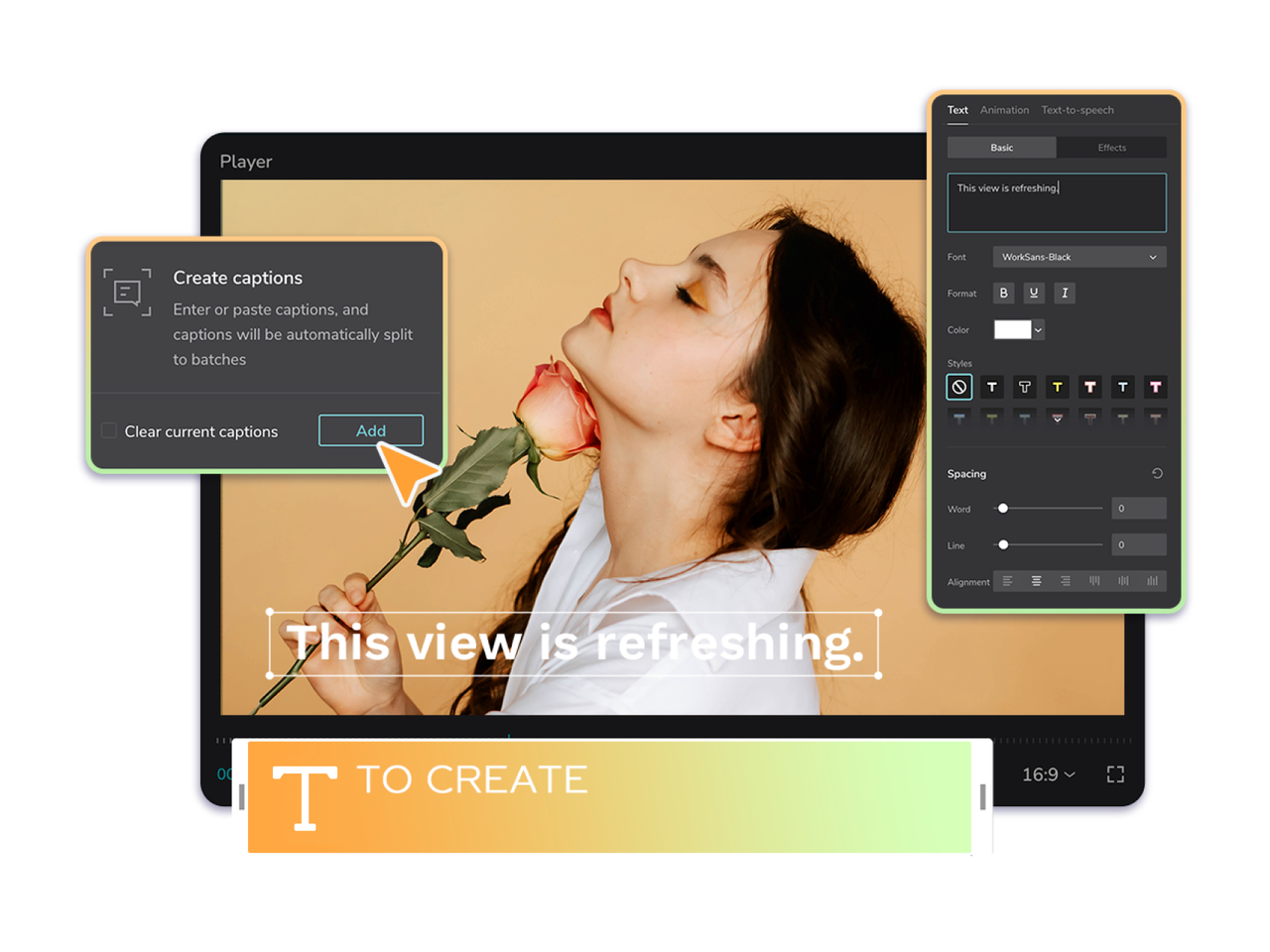
Speech-to-text with multi-language support. Accuracy is genuinely good for clean audio — comparable to paid tools like Descript. But styling captions (colors, fonts, animations) requires 20+ manual steps and many advanced styles are Pro-only. Messy audio? Accuracy drops significantly.
2. Smart Cut (Silence Removal) Pro Only
Automatically removes dead air from talking-head footage. This single feature can cut editing time by 30-40%. But it's Pro-only — one of the most useful AI tools is behind a paywall. Competitors like Descript and BlitzCut offer this free.
3. AI Background Removal Free (Basic) / Pro (Advanced)
Removes video backgrounds without green screen. Works on people and objects. The free version handles simple scenes; Pro unlocks edge refinement and complex backgrounds. Quality is decent but not industry-leading — Runway and VEED do this better.
4. Script-to-Video Pro Only
Input a script and CapCut generates a video with stock footage, voiceover, and transitions. Sounds revolutionary. Reality? Generates 4-8 second clips, not full videos. Useful for B-roll inserts, not for producing complete content. Still requires heavy manual editing.
5. AI Dubbing & Voiceover Pro Only
Text-to-speech with natural-sounding voices in multiple languages. Free tier has robotic voices only. Pro voices are genuinely good — comparable to ElevenLabs entry tier. But if voiceover is critical to your workflow, dedicated tools offer more control.
6. Long Video to Shorts Pro Only
AI analyzes long videos and extracts short clips optimized for TikTok/Reels/Shorts. Good starting point but requires human judgment for hook selection and pacing. Competitors like OpusClip and Klap specialize in this and do it better.
Pricing: Free vs Pro vs The Hidden Costs
CapCut's pricing is intentionally confusing. The official pricing page was a 404 error for months. Prices vary by region, platform, and whether you find a discount code. Here's the reality:
| Plan | Price | What You Actually Get | The Catch |
|---|---|---|---|
| Free | $0 | Basic editing, simple captions, limited effects, 1080p export with watermark | AI features heavily restricted. Watermark on everything. 15-min video limit. |
| Standard | $9.99/mo | Removes watermark, some premium assets, basic cloud storage | No 4K. No advanced AI. Most Pro features still locked. Confusing value prop. |
| Pro | $19.99/mo | 4K export, full AI suite, 1024GB cloud, premium everything | Price jumped from $7.99 to $19.99 in 2 years. Annual is $179.99 (saves $60). |
CapCut vs The Competition: 2026 Showdown
Based on 1,015 real user reviews from Reddit and G2, here's how CapCut actually stacks up:
| Dimension | CapCut | Descript | VEED.io | Vizard |
|---|---|---|---|---|
| Editing Experience | 2.63/5 | 4.1/5 | 4.13/5 | 4.17/5 |
| AI Capabilities | 2.58/5 | 4.2/5 | 4.07/5 | 4.64/5 |
| Performance & Export | 1.61/5 | 2.79/5 | 3.11/5 | 3.15/5 |
| Workflow Efficiency | 2.33/5 | 4.41/5 | 4.34/5 | 4.75/5 |
| Pricing & Value | 1.24/5 | 3.37/5 | 3.08/5 | 3.33/5 |
| Best For | TikTok/Reels templates | Podcast/video editing | Team collaboration | Long-to-shorts repurposing |
💡 Real User Pulse: Reddit & Trustpilot Horror Stories
The gap between CapCut's marketing and user reality is staggering. Here's what actual users report:
Pros & Cons
✓ What CapCut Still Gets Right
- ✅ Free tier is the most generous in the industry for basic editing.
- ✅ Auto-captions accuracy is genuinely good for clean audio.
- ✅ Massive template library updates almost daily with trending effects.
- ✅ Cross-device sync (mobile ↔ desktop) works reliably.
- ✅ Mobile app is genuinely excellent for on-the-go editing.
- ✅ Gesture-based timeline is intuitive for beginners.
✗ Where It Falls Apart
- ❌ Every useful AI feature is locked behind Pro paywalls.
- ❌ Trustpilot score is 1.2/5 — billing nightmares are rampant.
- ❌ Price jumped from $7.99 to $19.99/month in 2 years.
- ❌ 15-minute video limit kills long-form workflows.
- ❌ Single video/audio track — no true multi-track editing.
- ❌ US ban risk makes it unreliable for professional creators.
- ❌ ByteDance ownership = perpetual license to all your uploads.
- ❌ Customer support is AI bots and canned responses — zero humans.
- ❌ Export failures, crashes, and lost progress are common complaints.
Who Should Use It?
Best Fit: Casual creators, TikTok/Reels beginners, and mobile-first editors who need quick, template-driven content. If you publish 1-2 short videos per week, don't need advanced AI, and can tolerate watermarks or occasional ads, the free tier is genuinely hard to beat.
Hold Off If: You're a professional creator, agency, or business with client work. The US ban risk, data privacy concerns, billing nightmares, and export reliability issues make CapCut a liability. Also avoid if you need long-form editing (15-min limit), multi-track audio, or advanced color grading.
Alternative Path: For AI-powered editing, Descript offers superior transcript-based editing and AI features at $12/month. For browser-based team collaboration, VEED.io provides 125-language subtitles and real-time review. For pure short-form speed, BlitzCut AI generates clips in 2 minutes flat. For faceless automation, FluxNote at $9.99/month handles full pipeline from script to video.
Expert Editorial Opinion
I've been testing video editing software since 2015. I've watched tools rise and fall. CapCut's trajectory is one of the most concerning I've seen.
Here's what happened: CapCut built a massive user base by being genuinely free and genuinely good. Then ByteDance monetized. Hard. Features that were free in 2022 are now Pro-only. The price doubled. The support vanished. And the user experience degraded as the UI was restructured to push subscriptions.
The AI features are real but fragmented. Auto-captions work. Smart Cut works. But they're scattered across menus, inconsistent between mobile and desktop, and the "AI" label is slapped on basic automation that competitors offer for free. The script-to-video feature is a toy — 4-8 second clips that require more manual cleanup than starting from scratch.
My biggest concern? The data. ByteDance has a perpetual license to everything you upload. For personal TikTok clips? Fine. For client work, NDAs, or unreleased product footage? That's a legal liability waiting to happen.
My recommendation: Use CapCut free for personal, non-sensitive content. It's still the best free mobile editor. But the moment you need Pro features, the value proposition collapses. At $19.99/month, Descript, VEED, or even Adobe Premiere offer more reliable, professional workflows. And if you're in the US, start your migration plan today. The ban could return with zero warning.
Final Verdict
CapCut in 2026 is a tale of two apps. The free version is still the best entry point for beginner video editors — generous, intuitive, and genuinely useful for simple social content. But the Pro experience is a mess of hidden costs, billing nightmares, degraded features, and regulatory uncertainty.
The AI features are competent but not class-leading. Auto-captions are good. Everything else is either locked behind paywalls, feels bolted-on, or is done better by competitors. At $19.99/month, you're paying for a brand name and TikTok integration — not for the best AI video editing experience.
For casual creators: CapCut free is fine. Use it. For serious creators: Start looking at Descript, VEED, or Adobe Premiere. For US-based professionals: Migrate now. The regulatory risk is real, the data concerns are valid, and the Trustpilot score of 1.2/5 tells you everything about how ByteDance treats its paying customers.
🔑 Related Keywords
Related Reads: Looking for alternatives? Check our deep dives on Google Veo, Runway Gen-3, and Kling AI. For professional editing, see our Descript review and AI professional tools.
So here's my question for you: Would you trust a video editor with a 1.2/5 Trustpilot score and a history of billing nightmares — or pay $3 more per month for Descript's 4.2/5 AI rating and reliable support? Drop your take in the comments. 👇

Comments
Post a Comment