


Anything World Review 2026: The AI That Auto-Rigs Your 3D Models
Anything World scores 7.0/10 in ToolRadar's independent review — a London-built platform that automatically rigs and animates static 3D models using AI, tested against six years of Product Hunt launches, real user reviews, and documented technical limitations.
Comprehensive review based on official company documentation and verified user reviews.
Rigging a 3D model — building the internal skeleton that lets it bend, walk, and gesture — is one of the most tedious, skill-intensive steps in game and animation production. Anything World, a London-based platform led by CEO Gordon Midwood, has spent six years trying to automate that step entirely with AI, and it's outlasted most of the AI-3D startups that launched around the same time.
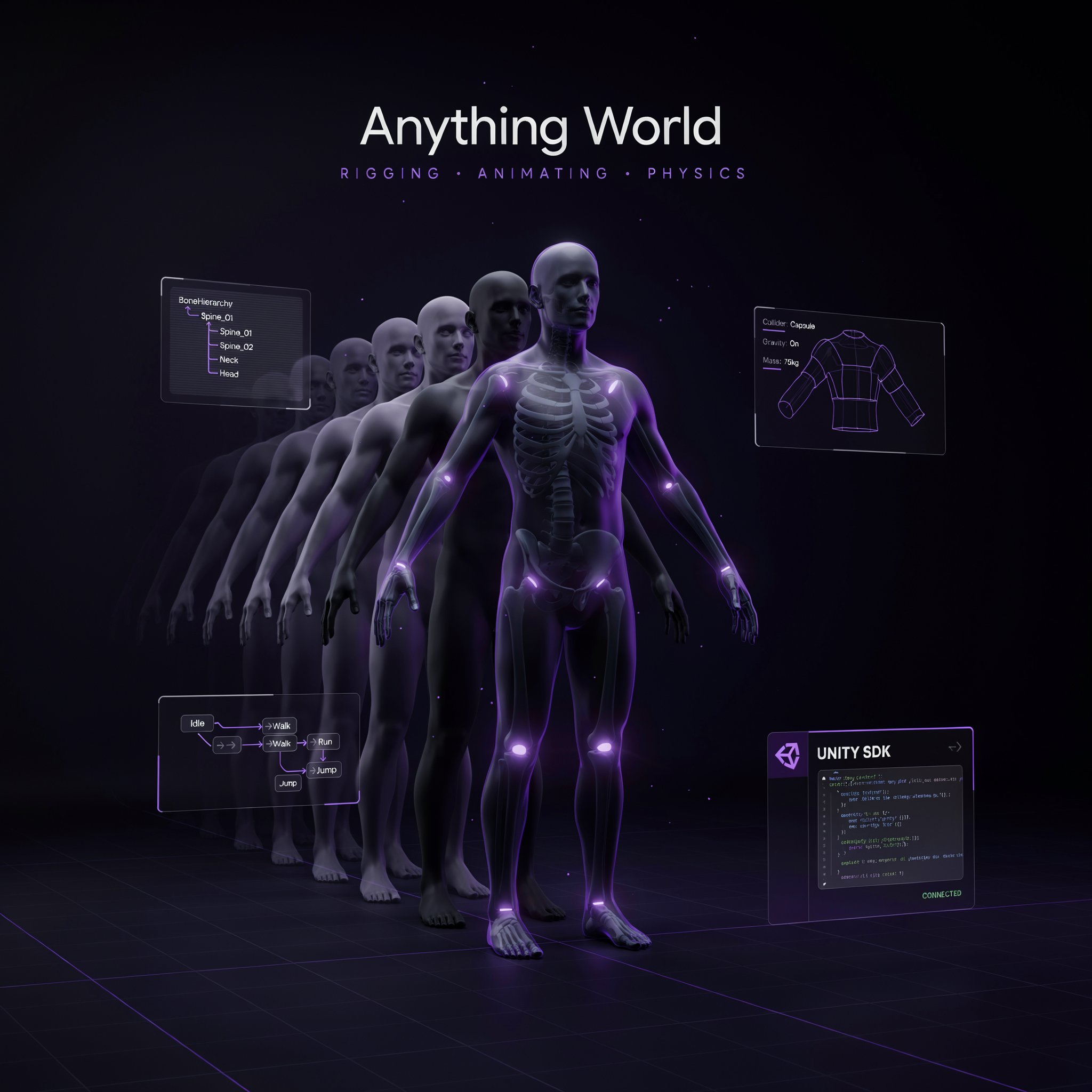
The core product, Animate Anything, takes a static 3D model upload and returns it fully rigged and animatable, using a proprietary machine learning system the company says can understand and animate "almost any" 3D model. Beyond that, Anything World ships a library of thousands of pre-animated assets, SDKs for Unity and Unreal Engine, support for Blender and Maya, and a voice- or text-controlled "AI Creator" tool for building interactive 3D worlds without manual placement. It's launched on Product Hunt three separate times since 2020, each time landing in the top few products of the day. This review covers what the auto-rigging actually handles well, where real users say it breaks down, and how a genuinely established six-year track record still comes with a surprisingly thin independent review base.
What Is Anything World?
Anything World is an AI-powered 3D animation and rigging platform built by the UK studio Alien Communications, aimed at game developers, app creators, and metaverse builders. Its flagship feature, Animate Anything, lets a user upload a static 3D model, check the automatically generated rig, mesh, and rotation, and download a fully animated version in formats like FBX, GLB, or glTF+bin — skipping the manual rigging work that traditionally requires dedicated technical-artist skill. Beyond single-model rigging, the platform includes Generate Anything (text or image-to-3D-model generation, animated in the same pipeline), a large library of pre-rigged assets across categories like animals, vehicles, and props, and an AI Creator tool for building and controlling entire 3D scenes with voice or text commands.
Key Features
Automated Rigging (Animate Anything)
Upload any static 3D model, and Anything World's proprietary machine learning system analyzes its structure and generates a working skeletal rig automatically, rather than requiring a technical artist to place joints and weight vertices by hand. The company frames rigging as one of the most painful, time-sinking steps in traditional 3D production, and automating it is the platform's central value proposition. Real limitations are documented by independent reviewers: complex models with unusual topology — multiple limbs, mechanical parts, non-humanoid structures — can produce rigging errors that need manual correction afterward, so the automation is strongest on standard humanoid, animal, and object shapes rather than every possible model.
Voice- and Text-Controlled AI Creator
Rather than manually placing and animating every object in a 3D scene, AI Creator lets a user describe what they want with voice or text — "add a dog running across the field" — and the platform finds or generates the matching animated asset and places it in the world. This is squarely aimed at rapid prototyping: an indie studio or solo developer can block out an entire environment's worth of animated elements in the time it would otherwise take to source and rig a single custom asset. Independent reviews note the voice command system can misinterpret unclear phrasing, so results are more reliable with precise, simple requests than with open-ended, ambiguous ones.
Thousands-Strong Pre-Animated Asset Library
Beyond rigging your own uploads, Anything World ships a library of thousands of already-animated 3D models spanning animals, vehicles, and props, each equipped with what the company calls behavioral intelligence for more realistic, context-aware movement rather than a single static animation loop. For a team that doesn't have custom models to rig in the first place, this library alone reduces reliance on third-party marketplaces like TurboSquid for game-ready, pre-animated assets.
Unity and Unreal SDKs
Dedicated SDKs bring rigged models and the asset library directly into Unity and Unreal Engine projects, alongside broader compatibility with Blender and Maya for teams working across multiple tools in a production pipeline. This integration depth is a real point in the platform's favor — it's built to slot into an existing game-development workflow rather than requiring a separate, disconnected export-import process. The honest caveat, raised in Product Hunt user reviews, is that the Unity SDK specifically has had occasional bugs, including assets failing to load, which is worth testing directly against your own project setup before committing a production pipeline to it.
Anything World Pricing
| Plan | Price | What's Included |
|---|---|---|
| Free | $0 | Free-forever tier for evaluating the core rigging and library |
| Paid | From $50/mo | Expanded usage, SDK access, higher rigging volume |
| Custom | Contact sales | Studio-scale usage and pipeline integration |
ToolRadar has no affiliate relationship with Anything World — the link above goes directly to the official site.
Pros and Cons
✓ What Works
- ✅ Genuinely established, multi-year track record — six years and three successful Product Hunt launches, not a recent, unproven debut
- ✅ Automated rigging removes a real, painful production bottleneck for standard humanoid, animal, and object models
- ✅ Deep integration with the actual tools production teams use — Unity and Unreal SDKs, Blender and Maya compatibility
- ✅ A genuine free tier exists to test the core rigging quality on your own models before paying anything
✗ What to Watch For
- ❌ Independent review volume is thin for a six-year-old platform — only 5 total Product Hunt reviews, one of which is the company's own CEO reviewing his own product
- ❌ Complex or non-standard models (multiple limbs, mechanical parts) can produce rigging errors that need manual fixing, and the Unity SDK has documented bugs including assets failing to load
- ❌ Most available user reviews are several years old (dated around 2023), which for a fast-moving AI category means they may not reflect the platform's current rigging quality or reliability
💡 What Real Users Are Saying
Anything World vs. Competitors
| Tool | Best For | Starting Price | Approach |
|---|---|---|---|
| Anything World | Fully automated AI rigging plus a pre-animated asset library | Free, then $50/mo | Upload-and-go automation |
| Mixamo (Adobe) | Free, manual-control rigging with wide adoption | Free | Semi-automated, more manual adjustment control |
| Meshy | AI 3D model generation from text or image | Free tier, paid plans scale up | Generation-focused rather than rigging existing models |
Setup and Learning Curve
The core rigging flow is designed to be quick: upload a model, step through a short check of the rig, mesh, and rotation, and download the animated result — no manual joint placement required for standard model types. The AI Creator's voice and text interface adds a genuinely low barrier to scene-building for non-technical users, though getting consistent results benefits from short, specific commands rather than long, open-ended descriptions. Teams integrating the Unity or Unreal SDKs into an existing pipeline should budget time for testing against their own project setup, given the documented SDK bugs some users have reported.
Who Should Use Anything World?
Best For: Indie game developers, app creators, and metaverse builders working with standard humanoid, animal, or object models who want to skip manual rigging entirely, and teams that value a large pre-animated asset library over building every character from scratch.
Look Elsewhere If: You need precise manual control over rig placement for complex or unusual model topology (Mixamo's more manual approach may serve better), your pipeline can't tolerate occasional Unity SDK issues without a fallback plan, or you want a large, current pool of independent reviews to weigh before committing a production pipeline to it.
Expert Editorial Opinion
Six years of continuous operation and three separate top-of-day Product Hunt launches is a genuinely different kind of evidence than most tools reviewed in this series carry — this isn't a platform betting everything on one launch-week moment, it's one that's iterated publicly (Animate Anything in 2023, Generate Anything in 2024) and kept shipping.
The automated rigging idea itself solves a real, widely-felt pain point. Rigging is genuinely one of the more technical, time-consuming steps in 3D production, and removing it for standard model types is a legitimate productivity gain, not a gimmick feature — the specific, named limitation (complex or mechanical models needing manual correction) is the kind of honest boundary a mature product should have rather than a vague "AI does everything" claim.
What's genuinely surprising for a platform this established is how thin the independent review record actually is — five total Product Hunt reviews after six years, and one of those five is the company's own CEO reviewing his own product. That's not disqualifying, but it does mean the star rating shouldn't be read as strong social proof at scale, and the fact that most available reviews date back roughly three years is worth factoring in for a product category where model quality and bug fixes move fast.
Pricing starts reasonably at $50/month after a genuine free tier, which is a fair structure for testing rigging quality on real models before committing budget. What's less clear from public sources is exactly what each paid tier unlocks in terms of usage volume or SDK access — anyone evaluating this for a production pipeline should get precise current limits directly from the company rather than relying on third-party pricing aggregators, several of which list slightly different numbers.
Past the free tier, whether $50 a month is worth it depends heavily on how standard your model library actually is. For teams working with conventional humanoid, animal, or prop models, the automated rigging genuinely replaces meaningful technical-artist time. For teams with a lot of unusual, mechanical, or multi-limbed models, expect real manual correction work on top of the AI's output, and budget accordingly rather than assuming full automation across every asset type.
Final Verdict
Anything World has done something a lot of AI-3D startups from its 2020 era haven't managed: it's still here, still shipping, and still landing top-of-day Product Hunt launches six years later. The automated rigging genuinely solves a real production bottleneck for standard model types, and the Unity/Unreal integration depth reflects a platform built to fit into real pipelines rather than stay a demo. What keeps the score from climbing higher is a surprisingly thin independent review base for a product this established, a documented pattern of Unity SDK bugs and rigging errors on complex models, and reviews that mostly predate the current, fast-moving state of AI 3D tooling. Worth testing on your own models through the free tier, especially if they're conventional shapes; budget for manual cleanup if they're not.
Technical Quality: 7.5/10 · Price-to-Value: 7.2/10 · Maturity & Documentation: 6.2/10
🔗 Related ToolRadar Reviews
More tools from AI 3D & Animation Tools
- Synthesia: Create Videos With AI Avatars
- The Only AI That Designers Actually Use
- Is Dreamina AI the Best All-in-One Creative Tool?
- Canva AI: Design Anything With Magic
- Runway Gen-3 Alpha: The Ultimate AI Video Tool
- Sora Review 2026: OpenAI's Video Model
- Kling AI Review 2026: Best AI Video Generator?
- Can a Non-Designer Really Build a Prototype?
❓ Frequently Asked Questions
Sick of spending hours manually rigging every 3D model for your game?
The free tier costs nothing to test — upload one of your own standard-shaped models and judge the rigging quality directly before deciding on a paid plan.

Comments
Post a Comment