


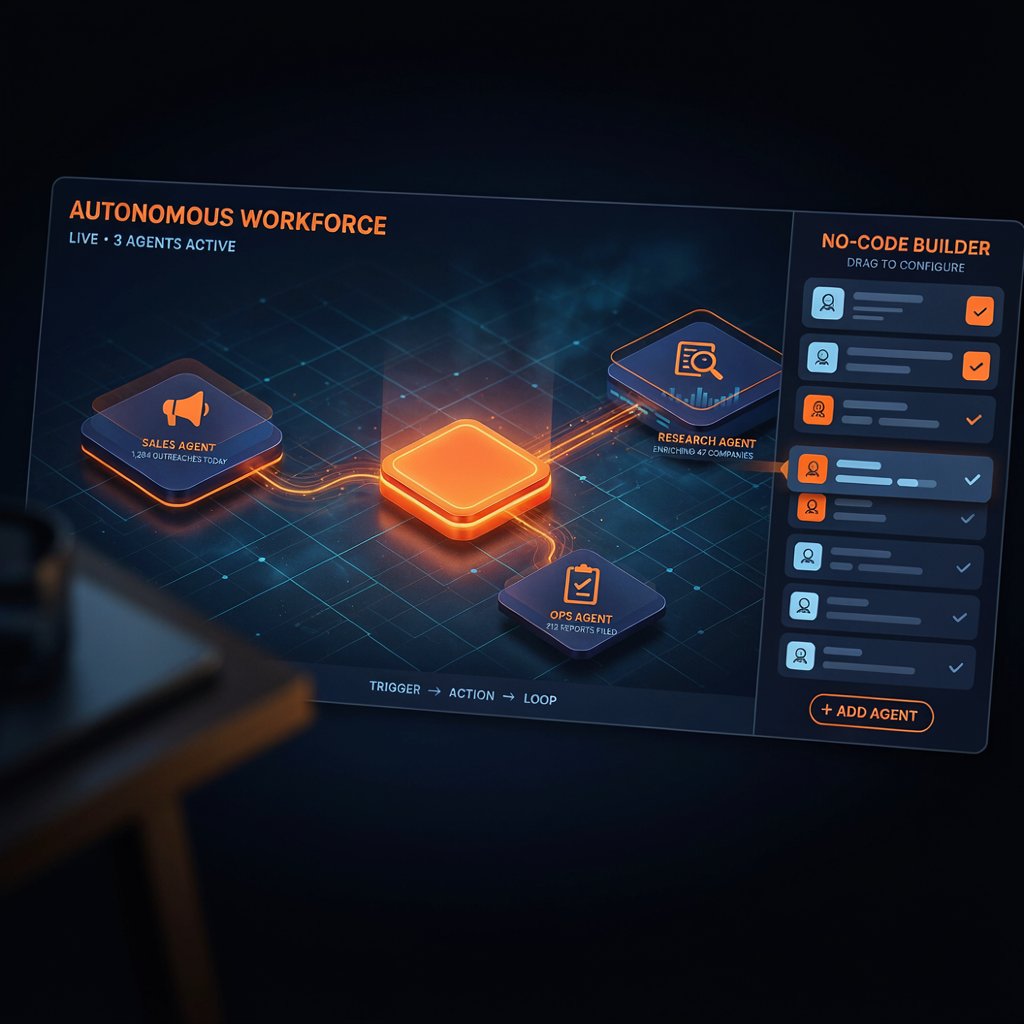
Relevance AI Review 2026: How to Build an AI Workforce Without Writing Code
A no-code platform for building teams of AI agents that handle sales, research, and operations work. Powerful once configured — the honest question is how much configuration that takes.
7.4/10 — Relevance AI lets teams build multi-agent "Workforces" without code, but the dual-meter billing and real setup time mean it rewards technical investment more than the marketing suggests.
Based out of Sydney, Australia, Relevance AI positions itself as a platform for recruiting an "AI workforce" rather than a single chatbot — agents that research, qualify leads, book meetings, and hand off to each other inside multi-step workflows. It sits in an odd middle ground: more structured than a general-purpose agent framework, but less plug-and-play than a single-purpose tool built around one job. That middle ground is exactly where the reviews get interesting, because it's also where the learning curve and the billing complaints tend to show up.
Core Features
AI Workforce Builder
Create individual agents with defined roles, then connect them into multi-agent "Workforces" that pass tasks between each other instead of one agent trying to do everything.
Custom Actions
Build low-code actions with GPT integrations for logic tailored to a specific process, beyond what the pre-built agent templates cover out of the box.
Marketplace Templates
Pre-built agent types for sales (BDR-style outreach), calling and meeting scheduling, and marketing or research tasks, meant to shorten the path to a first working agent.
Multi-Agent Orchestration
Chain, schedule, and supervise several agents at once — the feature that separates Relevance AI from single-agent chatbot builders.
The platform explicitly targets go-to-market and operations teams rather than customer-support infrastructure — there's no native shared-inbox tooling, so support teams looking for a unified ticketing layer will find gaps that dedicated helpdesk platforms don't have.
Pricing
Relevance AI splits cost into two separate meters: Actions (each task run) and Vendor Credits (the underlying AI compute). Vendor Credits roll over indefinitely, but Actions reset monthly, and reviewers consistently point to this split as the source of billing surprises once a workflow moves from testing into real production volume.
| Plan | Price | Includes |
|---|---|---|
| Free | $0 | 200 Actions/mo + 1,000 Vendor Credits (one-time) |
| Pro | $19/mo (annual) | Higher Action limits, more agent types |
| Team | $234/mo annual (~$349 monthly) | 7,000 Actions + $70 in Vendor Credits |
| Enterprise | Custom | Custom limits, security, and support |
Pros & Cons
✓ What Works
- ✅ Genuinely no-code for a first, simple agent — free plan is enough to test the core idea
- ✅ Multi-agent orchestration goes further than single-chatbot builders in the same price range
- ✅ Onboarding support for basic setup is responsive, according to multiple G2 reviews
✗ What Doesn't
- ❌ Dual-meter billing (Actions + Vendor Credits) makes cost forecasting difficult at scale
- ❌ Interface gets busy fast; several reviewers describe it as cluttered for the no-code promise it makes
- ❌ No native LinkedIn automation or shared support inbox — needs separate tools for those workflows
Relevance AI vs Alternatives
Best when the job genuinely needs several agents handing off work to each other — research, qualification, outreach — not just one task automated.
Node-based canvas built for data-heavy pipelines with visible step-by-step logic — a better fit if you think in flowcharts rather than in separate cooperating "agents."
Best-in-class for data enrichment and list-building specifically — many teams pair it with Relevance AI rather than replace one with the other.
Relevance AI's own builder resembles Gumloop's on the surface, but the underlying model is different: Gumloop connects discrete tasks on one large canvas, while Relevance AI feels closer to building and wiring together separate small applications that each do a few things well.
Learning Curve
Steep past the basics. Setting up a single simple agent is approachable for non-technical users, and several G2 reviewers describe onboarding as smooth. But custom API handling, complex conditional logic, and coordinating multiple agents into a working Workforce require real technical investment — one industry estimate puts a basic outbound sequence build at 40–80 hours of setup time plus 5–10 hours of monthly maintenance, though that figure comes from a single third-party source and will vary by team and use case. Teams without a dedicated technical or RevOps resource are the ones most likely to report frustration.
Who Should Use It
Ideal user: Sales, marketing, or ops teams with some technical capacity (in-house or contracted) who need multiple coordinated agents handling a real production workflow, not a single simple chatbot.
Look elsewhere if: You want a flat per-seat price with no usage forecasting, need deep custom logic better served by a code-first framework, or only need one straightforward bot — the multi-agent surface is overkill for that.
💡 What Real Users Say
The critical side of the same review base focuses less on whether Relevance AI works and more on how much it costs to keep working: unpredictable Action overages and a cluttered interface come up repeatedly once teams move past a first simple agent into real production use.
Expert Editorial Opinion
Relevance AI's core bet — that most real automation needs several specialized agents cooperating, not one generalist bot — holds up. The multi-agent orchestration is a genuine differentiator against simpler no-code builders, and the free tier is generous enough to validate that idea before paying anything.
What the marketing undersells is the distance between "no-code" and "no effort." Every independent source pointing at real deployments — G2, Capterra, third-party review guides — converges on the same finding: getting past a demo agent into a production Workforce takes meaningful technical time, and the dual-meter billing model punishes teams that don't budget for that.
The open question worth sitting with is cost predictability at scale. Is a platform whose own pricing page leads with "talk to sales" enterprise deals really priced for the self-serve, no-code teams it's marketed to? Teams evaluating it should model a realistic production month of Actions and Vendor Credits before committing, not just the free-tier trial.
Final Verdict
Technical quality: Genuine multi-agent orchestration that goes beyond single-chatbot builders, though the interface draws consistent criticism for feeling busy rather than streamlined. Price-to-value: The free plan is a fair trial, but dual-meter billing makes production-scale cost forecasting genuinely hard — the most cited complaint across independent reviews. Maturity & documentation: A mature, actively maintained platform with a public pricing page and an established G2/Capterra review history, though onboarding resources for advanced multi-agent setups still lag behind the platform's own capability.

Comments
Post a Comment