



DashVox AI Review 2026: Voice-Control Your Coding Agents From Your Car, Watch, or Phone
SSH into your dev machine by voice. Start, steer, and approve Claude Code and Codex sessions from your car, wrist, or pocket — completely hands-free, completely free.
- What Is DashVox AI and Why Does It Matter?
- Key Features: How Voice Coding Actually Works
- Pricing: 100% Free at Launch
- Pros & Cons: The Honest Breakdown
- Real User Pulse: Early Adopter Feedback
- DashVox vs Competitors: The Comparison
- Who Should Use DashVox (And Who Shouldn't)
- Expert Editorial Opinion
- Final Verdict
- Related ToolRadar Reviews
- Frequently Asked Questions
Imagine this. You are stuck in morning traffic, hands on the wheel, eyes on the road. Your Claude Code session is running back home on your development machine, working through a feature branch you started yesterday. You want to check progress, approve the next prompt, maybe spin up a parallel Codex session for the test suite. But you are forty minutes from your desk, and your laptop is closed on the passenger seat. In 2025, that meant waiting. In June 2026, it means talking.
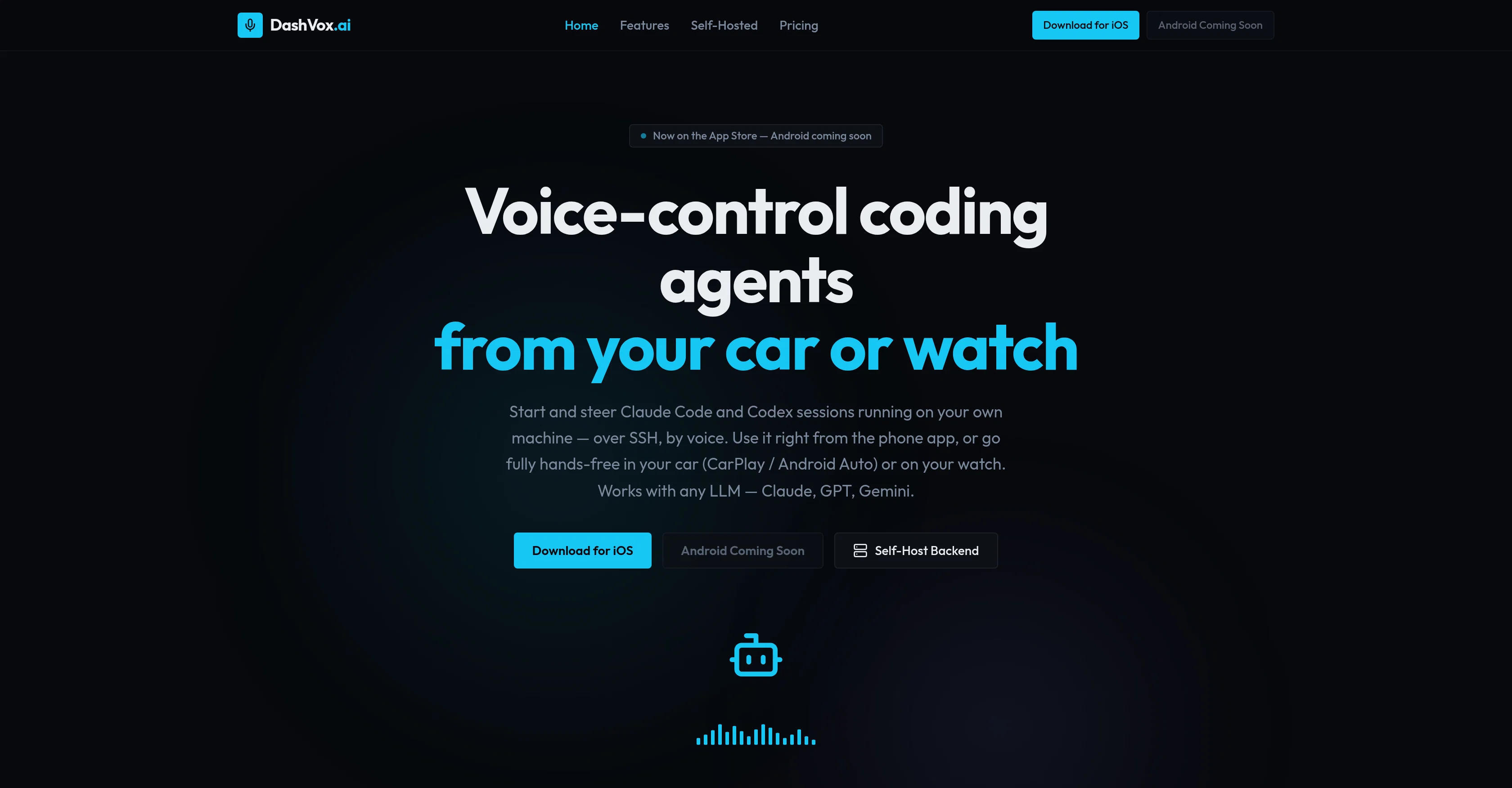
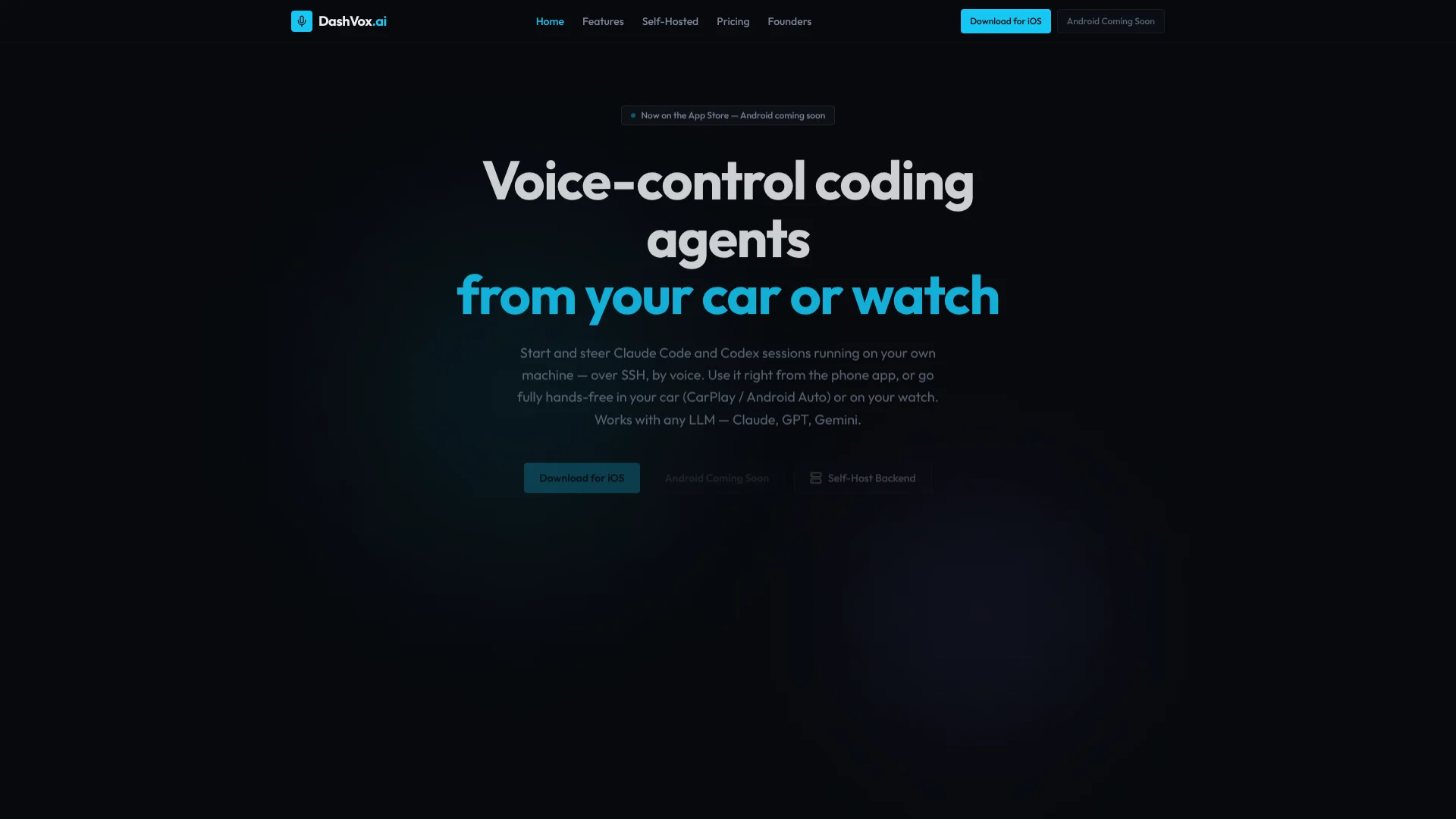
DashVox AI is a voice-first interface for controlling AI coding agents from anywhere — your phone, your car via CarPlay or Android Auto, your Apple Watch, or even smart glasses. It SSH-es into your development machine and lets you start, stop, steer, and approve AI coding sessions entirely by voice, without touching a keyboard or screen. Launched in June 2026 and currently 100% free, it represents one of the most audacious bets in developer tooling: that the next coding interface is not a bigger monitor, but no monitor at all. Updated June 2026, this review examines whether voice-controlled agent management is a genuine productivity unlock or an intriguing experiment with too many rough edges.
What Is DashVox AI and Why Does It Matter?
DashVox is not a coding agent itself. It is an interface layer that sits between you and the agents you already run — Claude Code, Codex, or any other LLM-powered coding tool running on your local or remote machine. The core mechanism is SSH: the app opens secure sessions into your own machines, then translates your voice commands into agent instructions and reads the responses back aloud.
The significance of this approach is architectural. Most AI coding tools assume you are sitting at a terminal, staring at output. DashVox assumes the opposite — that you are driving, walking, cooking, or in any context where your hands and eyes are occupied but your voice is free. As AI agents become more autonomous, the developer's role shifts from typing code to directing, reviewing, and approving. That supervisory function does not inherently require a screen. DashVox is built on the explicit bet that the gap between agentic capability and voice interface reliability is closing right now — and that the developers who learn to work with their agents by voice will compound productive hours in ways desk-bound workflows cannot match.
Key Features: How Voice Coding Actually Works
SSH-Based Remote Agent Control
Connects securely to your dev machine from anywhere and lets you start, stop, and switch between AI coding sessions entirely by voice. No need to be physically at the machine — your terminal travels with you wherever you have a data connection.
CarPlay and Android Auto Support
The only AI coding tool designed specifically for use while driving, with full hands-free operation through your car's built-in display and steering wheel controls. Start a Claude Code session from the driver's seat and approve prompts without taking your hands off the wheel.
Apple Watch and Smart Glasses
Extend voice coding to your wrist or face. Glance at agent status, approve a prompt, or check output from hardware you are already wearing. Makes agentic coding accessible in contexts where pulling out a phone is impractical or impossible.
Multi-Agent Session Management
Tell DashVox to spin up separate Claude Code or Codex sessions for frontend, backend, and test work simultaneously. Your AI orchestrates all three and reports back by voice, letting you manage parallel development streams without switching contexts.
LLM-Agnostic by Design
Works with Claude, GPT, and Gemini natively. Talk to any major model directly from your phone with responses read aloud in natural speech. You are not locked into a single provider — use whichever LLM powers your agents best.
Voice-Driven Web Search
Your AI can search the web on your behalf and summarize results by voice. Need to check a documentation page or verify an API reference while away from your desk? Ask aloud and get the answer spoken back — no screen required.
Pricing: 100% Free at Launch
| Plan | Price | What's Included |
|---|---|---|
| All Features | Free | Full voice control, SSH connections, CarPlay/Android Auto, Apple Watch, smart glasses, multi-agent sessions, LLM-agnostic support, web search, all platforms |
| LLM Costs | Separate | You pay for whatever LLM you use (Claude, GPT, Gemini) through their respective APIs. DashVox itself adds zero cost on top. |
| Future Paid Tier | TBD | No paid tier disclosed at launch. The team is prioritizing adoption and feedback over monetization in the early phase. |
DashVox's pricing model is deliberately aggressive: everything is free at launch with no usage caps, no credit system, and no subscription. This is unusual in the voice AI and developer tooling space, where most competitors charge immediately. The team appears to be prioritizing user acquisition and feedback loops over early revenue — a sensible strategy for a tool that needs to build trust around voice-controlled production access. The only cost you bear is whatever you already pay for your underlying LLM APIs. For developers already running Claude Code or Codex, DashVox is genuinely additive cost.
The open question is sustainability. A tool that bridges voice interfaces to SSH-based agent control requires ongoing maintenance as both iOS and the underlying agent ecosystems evolve. Without a revenue model, long-term viability depends on whether the team can monetize gracefully once the user base is established — or whether this remains a generous but temporary gift to the developer community.
Try DashVox AI Free →Pros & Cons: The Honest Breakdown
✓ What DashVox Gets Right
- ✅ Completely free at launch — no subscription, no credits, no hidden costs
- ✅ First-mover in voice-controlled coding — no other tool offers CarPlay + SSH + agent control in one package
- ✅ Multi-platform reach — phone, car, watch, and glasses in a single app
- ✅ LLM-agnostic — works with Claude, GPT, and Gemini without vendor lock-in
- ✅ Parallel agent management — spin up frontend, backend, and test sessions simultaneously by voice
- ✅ Turns dead time productive — commute, walk, or drive time becomes coding supervision time
✗ Where DashVox Falls Short
- ❌ Brand new with no track record — launched June 2026, minimal public benchmarks or reliability data
- ❌ SSH dependency creates friction — requires your dev machine to be running and reachable; cloud-only teams face setup complexity
- ❌ Voice accuracy is the critical constraint — noisy environments risk misrecognition triggering unintended agent actions
- ❌ Android still in beta — iOS only for now, Android users on a waitlist
- ❌ No screen fallback in-app — pure voice-first design means visual verification requires switching tools
- ❌ Security surface of SSH + voice — voice commands executing code over SSH requires careful trust boundaries
💡 Real User Pulse: Early Adopter Feedback
DashVox vs Competitors: The Comparison
| Feature | DashVox AI | Terminal + SSH App | Mobile IDE |
|---|---|---|---|
| Voice Control | Full hands-free | None | Limited / dictation only |
| CarPlay / Auto | Native support | Not available | Not available |
| Watch / Glasses | Apple Watch + smart glasses | None | Limited |
| Multi-Agent | Parallel sessions by voice | Manual tabs | Single session |
| Pricing | Free | Free / low cost | Usually paid |
| Screen Fallback | None — voice only | Full terminal | Full IDE |
The comparison makes DashVox's positioning unmistakable. Against a standard terminal + SSH app, it wins on every dimension of mobility and hands-free operation but loses on visual feedback and screen-based precision. Against mobile IDEs, it wins on voice-native design and multi-platform reach but loses on the ability to actually read, edit, or debug code visually. DashVox is not a replacement for your IDE — it is a replacement for the moments when you cannot use your IDE. The real competitor is the status quo of waiting until you are back at your desk, and in that matchup DashVox has no equal.
Who Should Use DashVox (And Who Shouldn't)
Ideal for: Developers who run AI coding agents on local or remote machines and have regular periods of downtime where their hands and eyes are occupied but their attention is available — commuting by car or public transit, walking, exercising, or any context where voice is free. Particularly valuable for developers already using Claude Code or Codex who want to maintain oversight and momentum on long-running agent sessions without being physically tethered to their terminal. Also ideal for developers with active CarPlay or Apple Watch setups who want to extend their existing wearable ecosystem into their coding workflow.
Look elsewhere if: You work exclusively in cloud-only environments where SSH access is restricted or unavailable. You require visual verification for every agent action and are uncomfortable approving prompts without seeing the full context. You are an Android user — the beta waitlist means iOS-only access for now. You work on highly sensitive codebases where the security surface of voice-activated SSH commands is unacceptable. You prefer typed, precise control over voice-driven, approximate interaction.
Expert Editorial Opinion
DashVox represents one of the most interesting directional bets in developer tooling this year. The underlying insight is subtle but powerful: as AI coding agents become more autonomous, the developer's job shifts from writing code to supervising it. And supervision — checking progress, approving next steps, saying "continue" or "stop" — does not require a keyboard, a monitor, or even a desk. It requires attention and judgment, both of which travel with you. By building an interface layer that assumes the developer is mobile, ambient, and voice-first, DashVox is skating to where the puck is going rather than where it has been.
The technical implementation is straightforward in concept and likely complex in execution. SSH tunneling from a mobile device is well-understood. Voice recognition in 2026 is remarkably good in quiet environments and still variable in noisy ones. The real engineering challenge is not the connection but the interaction design: how do you build a voice interface that is powerful enough to control coding agents but safe enough that a misheard command does not delete a branch or deploy to production? DashVox's approach — requiring explicit approval for consequential actions and reading back summaries before execution — is the right direction, but the edge cases in real driving conditions or crowded spaces remain genuinely untested at scale.
The pricing model — completely free at launch — is both a strength and a signal of immaturity. It removes every barrier to trial and generates goodwill, but it also means the team has not yet validated whether developers will pay for this capability. The history of developer tooling suggests that tools that save meaningful time eventually find monetization, but voice-controlled agent management is a new category with no established willingness-to-pay benchmarks. The absence of a paid tier is not a flaw today, but it is a question mark for tomorrow. For now, DashVox is best understood as a bold experiment worth trying — not infrastructure to depend on, but a glimpse of where developer workflows are heading.
Final Verdict
DashVox AI earns a 7.5 out of 10 for being the first serious attempt at voice-controlled, mobile-first AI agent management — a genuinely new category of developer tooling. The CarPlay integration, multi-agent session management, and completely free pricing make it an easy recommendation for iOS developers with long commutes or active lifestyles who already run Claude Code or Codex. The deduction reflects its raw newness: no Android support yet, no long-term reliability data, an untested security model for voice-over-SSH, and the inherent risk of speech recognition errors in production contexts. It is not yet a tool you would trust with mission-critical deployments, but it is absolutely a tool you should try if you have ever wished you could check on your agents while walking to grab coffee. Updated June 2026.
🔗 Related ToolRadar Reviews
More tools from AI Developer Tools
- This AI Agent Works While You Sleep — Here's How It Actually Performs
- Can an AI Agent Really Replace Your Entire Workflow?
- Build a Complete App From a Single Prompt — We Tested the Claim
- Devin Costs Hundreds. OpenHands Costs Nothing. We Tested Both.
- Is Aider the Best Free AI Coding Assistant in 2026?
- Can an AI Agent Really Browse the Web for You in 2026?
- I Gave AI a 47-Page Spec and Watched It Build the App — Here's What Actually Happened
- Why Developers Are Switching From VS Code in 2026
❓ Frequently Asked Questions
How many hours of your commute are you willing to waste?
DashVox turns traffic jams and train rides into coding supervision sessions. It's free, it takes two minutes to set up, and it might be the most productive thing you do before you reach your desk.
Try DashVox AI Free →
Comments
Post a Comment