


Anchor Browser Review 2026: The Cloud Infrastructure That Lets AI Agents Browse the Web Like Humans
Cloud-hosted browser instances with CAPTCHA solving, SSO, anti-bot bypass, and native MCP integration with Claude & Cursor. Turn any website into a programmable API.
- What Is Anchor Browser and Why Does It Matter?
- Key Features: How AI Agents Browse the Real Web
- Pricing: Component-Based Cost Model
- Pros & Cons: The Honest Breakdown
- Real User Pulse: Production Team Feedback
- Anchor Browser vs Competitors: The Comparison
- Who Should Use Anchor Browser (And Who Shouldn't)
- Expert Editorial Opinion
- Final Verdict
- Related ToolRadar Reviews
- Frequently Asked Questions
For most of the internet's history, the absence of an API was a feature, not a bug. It meant competitors could not easily automate access to your platform, scrape your data, or replicate your workflows. Enterprise software vendors built competitive moats partly on the friction of their interfaces — the "stickiness" created by complex, non-API-accessible workflows that kept customers locked in. Then AI agents arrived, and suddenly those moats started looking porous.
Anchor Browser is a cloud-hosted platform designed to let AI agents interact with the web exactly as human users do — navigating pages, clicking buttons, filling forms, solving CAPTCHAs, passing multi-factor authentication, and maintaining persistent authenticated sessions. It pairs agentic AI planning with managed browser instances to execute multi-step web tasks, converting free-language task descriptions into deterministic browser workloads. Founded in 2024 and positioned in the emerging AI infrastructure category, Anchor represents a fundamental shift: every web interface becomes programmable, whether the site intended it or not. Updated June 2026, this review examines whether Anchor's enterprise-grade browser automation is production-ready infrastructure or an expensive experiment.
What Is Anchor Browser and Why Does It Matter?
Anchor Browser is not a scraping tool or a testing framework in the traditional sense. It is infrastructure — a cloud platform that spins up fully isolated browser instances on demand, equips them with anti-detection capabilities, and exposes them to AI agents through APIs and the Model Context Protocol (MCP). The founding thesis is that for two decades, the browser has been where work happens, and Anchor exists to let AI transformation happen in that same space.
The technical architecture is built around a humanized Chromium fork designed to avoid bot detection. Each session runs in an isolated environment with VPN integration, dedicated sticky IPs, and support for any geographic deployment location. The platform handles the full authentication stack — from basic login forms to enterprise SSO via Okta and Azure AD, including multi-factor authentication flows. This is not headless scraping with rotated user agents; it is a genuine browser that presents itself as a real user to target websites.
The significance extends well beyond developer convenience. ERP systems, legacy SaaS platforms, internal portals, government databases — all of them become programmable when the automation layer operates at the browser level rather than the API level. For businesses building on Anchor, this is a genuine unlock. For businesses whose moats it dissolves, it is a strategic risk that most have not yet begun to price into their roadmaps. The infrastructure for this shift already exists and is already in production. The strategic consequences are still arriving.
Key Features: How AI Agents Browse the Real Web
Full Browser Isolation & Session Management
Every agent session runs in a fully isolated browser instance with VPN integration, dedicated sticky IPs, and support for any geographic deployment location. Sessions are isolated per task, so a runaway scrape cannot bleed state into a parallel workflow.
Automated CAPTCHA & Anti-Bot Bypass
Built-in CAPTCHA solving for reCAPTCHA, hCaptcha, and Turnstile. Advanced anti-bot detection circumvention with custom session fingerprinting. The humanized Chromium fork maintains undetectable browser behavior at scale, reducing account flags and blocks.
Enterprise Authentication Support
Seamless integration with Okta, Azure AD, and other identity providers. Native handling of SSO flows and multi-factor authentication — enabling agents to operate inside authenticated enterprise applications without human intervention.
Self-Healing Deterministic Workflows
Minimizes on-the-fly AI calls by converting natural language tasks into deterministic code paths. Only escalates to AI when the workflow hits something unexpected. This reduces cost and latency at scale while maintaining reliability for repeatable tasks.
MCP-Native Integration
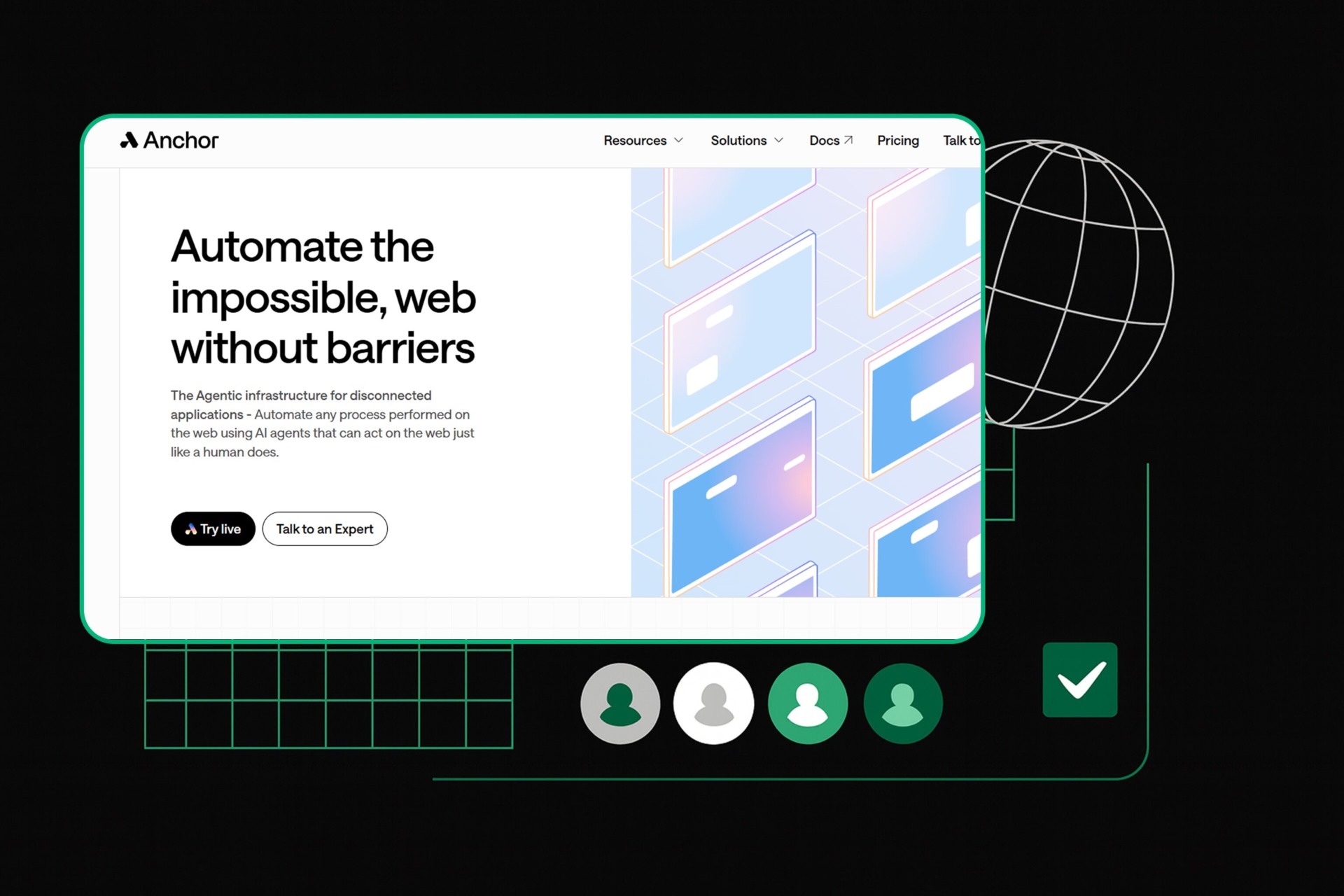
The primary 2026 integration path connects Anchor Browser directly to Claude Desktop, Cursor, VS Code, and Windsurf via the MCP server. Plain-language web task execution without any scripting. Add the Anchor MCP server to your AI tool's config file and start controlling browsers with natural language.
Batch Session Creation at Scale
Supports spinning up to 5,000 browser sessions in a single batch processed asynchronously. Enables high-volume automation pipelines — daily competitor monitoring, lead enrichment, price audits — that would be impossible with sequential session management.
Pricing: Component-Based Cost Model
| Plan | Price | What's Included |
|---|---|---|
| Free | $0/mo | 200 credits, basic browser sessions, MCP integration, live view of cloud browser |
| Starter | $50/mo | Higher volume allowance, Cloudflare Verified Agents, priority support, advanced anti-bot |
| Team | $500/mo | Team collaboration, higher concurrency, dedicated support, enterprise auth features |
| Growth | $2,000/mo | SOC2/HIPAA/ISO compliance, maximum scale, custom SLAs, dedicated infrastructure |
| Enterprise | Custom | On-prem deployment option, custom contracts, white-glove onboarding, dedicated account management |
On top of monthly plans, Anchor uses component-based usage pricing: $0.01 per browser created, $0.05 per browser hour, $8 per GB for proxy bandwidth, and $0.01 per AI step. This granular model enables precise cost control but makes forecasting genuinely difficult before running real workloads. A team automating 100 websites daily at 5 minutes each would pay roughly $12.50 in browser hours plus proxy and AI step charges — but the AI step costs can dwarf browser costs if the workflow is not deterministic.
The pricing gap is significant. At $50 for Starter, Anchor is more expensive than Browserbase's $20 Developer plan and far above Steel.dev's free open-source model. The value proposition is enterprise reliability and compliance — SOC2, HIPAA, and ISO certifications on the Growth tier — which justify the premium for teams handling sensitive data. For experimentation and smaller teams, the Free tier with 200 credits provides a meaningful evaluation path, though the jump from Free to Starter is steep.
Try Anchor Browser Free →Pros & Cons: The Honest Breakdown
✓ What Anchor Browser Gets Right
- ✅ Enterprise-grade security and compliance — SOC2, HIPAA, and ISO certifications on Growth tier
- ✅ Full authentication stack — SSO, MFA, Okta, Azure AD handled natively without custom scripting
- ✅ Deterministic workflows reduce AI costs — code-path execution for repeatable tasks eliminates ongoing LLM calls
- ✅ MCP-native integration — control browsers from Claude, Cursor, and VS Code using natural language
- ✅ Massive scale — batch up to 5,000 sessions asynchronously for enterprise automation pipelines
- ✅ Self-healing scrapers — LLM understanding replaces brittle CSS selectors, handling layout changes automatically
✗ Where Anchor Browser Falls Short
- ❌ Higher resource usage than headless alternatives — full browser instances consume significantly more resources per task
- ❌ Cost predictability is difficult — component-based billing makes enterprise budgeting genuinely hard before running real workloads
- ❌ Non-technical users will struggle — configuring CDP connections and tuning anti-bot parameters requires meaningful technical depth
- ❌ Advanced bot detection still requires tuning — some aggressive protection layers need manual configuration and testing
- ❌ Ethical and legal grey zones — CAPTCHA bypass and session fingerprinting raise genuine TOS compliance questions
- ❌ Cloud-only by default — on-prem deployment is mentioned but not the primary architecture; data residency concerns for sensitive workflows
💡 Real User Pulse: Production Team Feedback
Anchor Browser vs Competitors: The Comparison
| Feature | Anchor Browser | Browserbase | Browserless |
|---|---|---|---|
| Pricing Entry | Free / $50/mo | Free / $20/mo | Free / $140/mo |
| Approach | Deterministic + AI | AI-first adaptive | Performance + stealth |
| MCP Support | Native | Native | Limited |
| Session Replay | Live view only | Full video + DOM | Available |
| Compliance | SOC2/HIPAA/ISO | Basic | Basic |
| Open Source | Closed (MCP only) | Stagehand SDK | Closed |
The comparison positions Anchor Browser clearly in the enterprise infrastructure tier. Against Browserbase, Anchor wins on compliance certifications and deterministic reliability but loses on price entry and open-source tooling — Browserbase's Stagehand SDK is a genuine developer advantage. Against Browserless, Anchor wins on AI-native task abstraction and MCP integration but loses on raw throughput benchmarks and the dedicated stealth infrastructure that Browserless has refined over years. The choice depends on what you optimize for: if you need enterprise compliance and deterministic workflows at scale, Anchor is the stronger default. If you prioritize developer experience, debugging tools, or lower entry costs, Browserbase may be the better starting point.
Who Should Use Anchor Browser (And Who Shouldn't)
Ideal for: Enterprise engineering teams, SaaS builders, and system integrators who need reliable, programmatic web interactions for applications with limited or no API coverage. Particularly valuable for teams automating authenticated enterprise workflows — ERP systems, legacy SaaS platforms, internal portals — where API access is unavailable and browser-level automation is the only viable path. Also ideal for compliance-conscious organizations requiring SOC2, HIPAA, or ISO certifications, and for teams already using Claude or Cursor who want to extend their AI agents into web browsing through native MCP integration.
Look elsewhere if: You are a solo developer or small team with limited budget — Browserbase at $20/mo or Steel.dev's free open-source model offer lower entry points. You need deep debugging and session replay capabilities — Browserbase's full video playback with DOM inspection is superior. You want maximum control and zero vendor lock-in — Steel.dev's self-hosted infrastructure eliminates subscription costs entirely. You are uncomfortable with the ethical implications of CAPTCHA bypass and anti-bot circumvention for your specific use cases. You need a no-code interface for non-technical operators — Anchor requires meaningful technical depth for configuration and tuning.
Expert Editorial Opinion
 Independent Analysis
Anchor Browser represents one of the most consequential infrastructure bets in the AI automation space. The underlying thesis — that the browser is the universal interface and that making it programmable for AI agents unlocks categories of work that could not be automated before — is not merely correct; it is inevitable. Every enterprise has systems that lack APIs, internal tools built on legacy platforms, and workflows trapped in web interfaces that were never designed for automation. Anchor does not just solve a technical problem; it dissolves a strategic constraint.
The deterministic workflow approach is particularly noteworthy. Most browser automation platforms lean heavily on AI for every decision, which creates flexibility at the cost of unpredictability and expense. Anchor's model — converting natural language tasks into deterministic code paths and only escalating to AI for unexpected edge cases — is the right architecture for production workloads. It reduces both cost and latency while maintaining the adaptability that makes AI-driven automation valuable. For a team running daily competitor monitoring, lead enrichment, or price audits, the difference between deterministic and fully AI-driven execution is the difference between a sustainable operation and a runaway API bill.
The pricing, however, is a genuine barrier. The component-based model — $0.01 per browser, $0.05 per hour, $8 per GB, $0.01 per AI step — is transparent but complex. Enterprise finance teams will struggle to budget accurately without running pilot workloads first, and the jump from Free ($0) to Starter ($50) to Team ($500) to Growth ($2,000) is steep. The value is there for teams that need compliance and scale, but smaller teams may find Browserbase's $20 entry point or Steel.dev's free model more accessible. The question for Anchor is whether the enterprise positioning justifies the premium in a market where alternatives are aggressively competing on price and developer experience.
Final Verdict
Anchor Browser earns a 7.6 out of 10 for delivering genuinely enterprise-grade browser automation infrastructure with a differentiated deterministic workflow model and strong compliance positioning. The native MCP integration, self-healing scrapers, and full authentication stack make it a compelling choice for teams automating authenticated web workflows at scale. The deduction reflects cost complexity, the steep pricing tiers, and the ethical grey zones inherent in anti-bot circumvention. It is not the right tool for small teams or budget-conscious developers, but for enterprise engineering teams that need reliability, compliance, and scale, Anchor is one of the strongest options available. The infrastructure is production-ready. The strategic implications of what it enables are still unfolding. Updated June 2026.
🔗 Related ToolRadar Reviews
More tools from AI Infrastructure
- Can an AI Agent Really Browse the Web for You in 2026?
- This AI Agent Works While You Sleep — Here's How It Actually Performs
- Can an AI Agent Really Replace Your Entire Workflow?
- Build a Complete App From a Single Prompt — We Tested the Claim
- I Gave AI a 47-Page Spec and Watched It Build the App — Here's What Actually Happened
- Devin Costs Hundreds. OpenHands Costs Nothing. We Tested Both.
- Is Aider the Best Free AI Coding Assistant in 2026?
- Why Developers Are Switching From VS Code in 2026
❓ Frequently Asked Questions
How many of your workflows are trapped in websites without APIs?
Anchor Browser turns every web interface into a programmable endpoint. The free tier gives you 200 credits to prove it works on your hardest target. The only question is which locked workflow you automate first.
Try Anchor Browser Free →
Comments
Post a Comment