


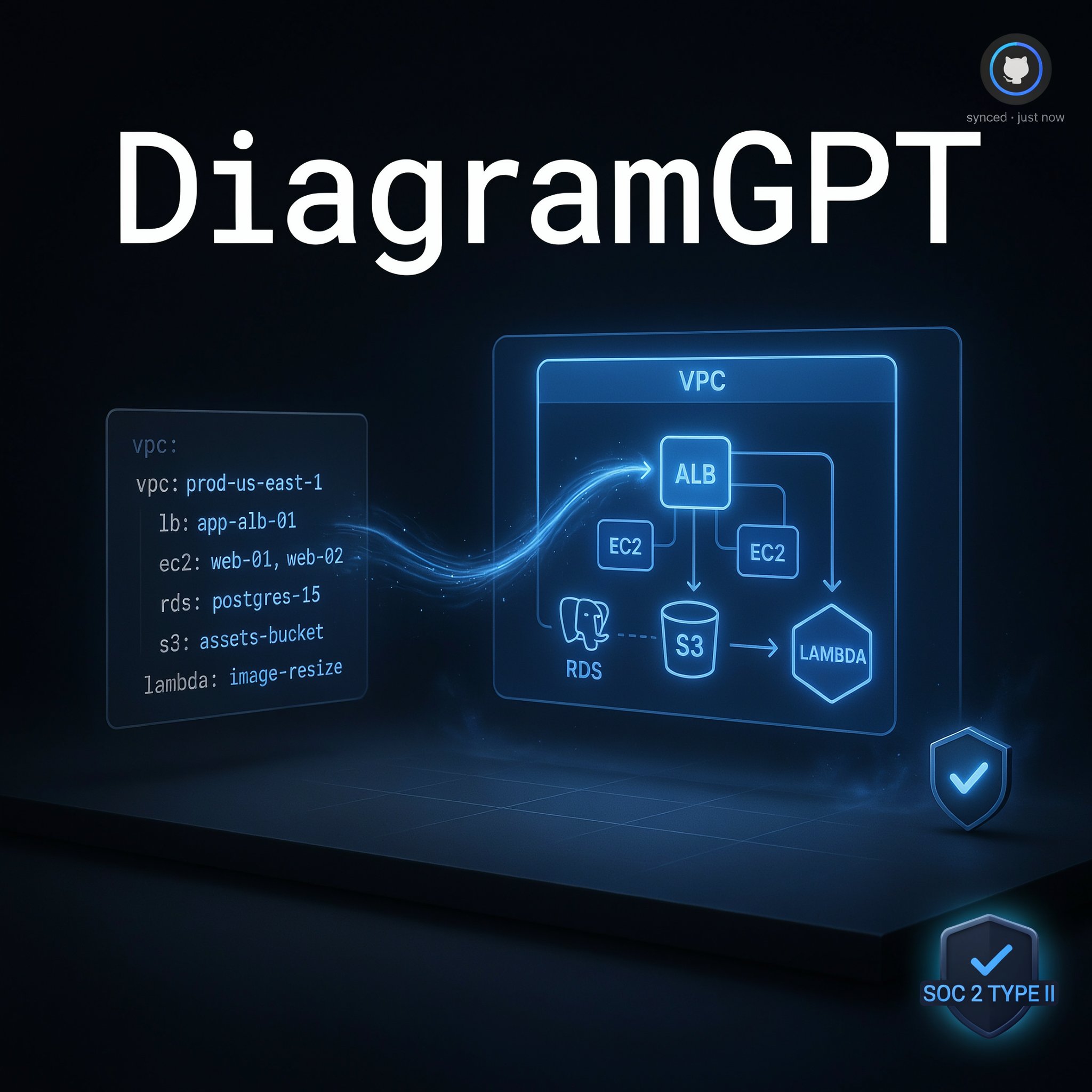
How DiagramGPT Turns a Text Prompt Into an Editable System Diagram
DiagramGPT scores 7.2/10 in ToolRadar's independent review — Eraser's free AI tool that turns a text prompt or pasted code into an editable technical diagram, tested against its own pricing page, its parent product's G2 reviews, and real independent testing.
Comprehensive review based on official company documentation and verified user reviews.
Drawing a system architecture diagram by hand in a general-purpose tool means dragging boxes, hunting for the right AWS icon, and manually routing arrows so they don't overlap. DiagramGPT skips that entirely: paste in a description, some code, or an architecture outline, and it generates the diagram directly.
DiagramGPT is a free feature built by Eraser, a documentation and diagramming platform aimed specifically at engineering teams. It uses GPT-4 to read a prompt or pasted code and produce one of four diagram types — flowcharts, entity-relationship diagrams, cloud architecture diagrams, or sequence diagrams — as editable diagram-as-code that syncs into Eraser's broader workspace. Eraser itself is SOC 2 Type 2 certified, offers SAML SSO, and states plainly that neither it nor OpenAI use customer data to train AI models. This review covers what the AI generation step actually gets right, where independent testers say it still needs manual cleanup, and how Eraser's own G2 review count — a real but very small sample — should shape how much weight to put on its 4.3/5 rating.
What Is DiagramGPT?
DiagramGPT is Eraser's AI diagram generation feature: select a diagram type (or let it auto-detect one), describe what you need in plain language or paste existing code, and GPT-4 produces the diagram as editable diagram-as-code syntax rather than a static image. From there, the diagram lives inside Eraser's broader workspace — an infinite canvas that also supports markdown documentation, keyboard-driven editing, and version history, with the diagram itself exportable, embeddable in Notion or Confluence, or synced directly to a GitHub repository. It's built specifically for engineering use cases: system architecture, database schemas, and API sequence flows, rather than general business diagramming like org charts or mind maps.
Key Features
Prompt or Code-to-Diagram Generation
The core feature: paste a description of a system, an architecture outline, or existing code, and GPT-4 identifies which of four diagram types fits — flowchart, entity-relationship diagram, cloud architecture diagram, or sequence diagram — and generates it automatically. One G2 reviewer's account of testing it against a PostgreSQL-based architecture was specific and positive: the AI correctly rendered the right database icon, borders, and inner borders without manual correction. Independent testers note the results aren't flawless every time — occasional layout issues still need manual adjustment for perfect visual balance — but the starting point is consistently closer to usable than a blank canvas.
Diagram-as-Code Editing
Once generated, a diagram isn't a flattened image — it's editable through Eraser's proprietary diagram-as-code syntax, meaning changes can be made by editing text rather than manually dragging shapes. For engineers already comfortable with markdown or code-based workflows, this is a genuinely faster way to iterate on a diagram than clicking and dragging boxes in a traditional tool, and it keeps diagrams naturally version-controllable alongside the rest of a project's documentation.
GitHub Sync and VS Code Extension
Diagrams and documentation can sync directly with a GitHub repository, and a VS Code extension brings the workflow into an engineer's existing editor rather than requiring a constant browser-tab switch. This integration depth is squarely aimed at technical teams who want documentation living next to code rather than in a separate, easily-forgotten tool — though one independent review specifically flags that native integrations with Google Workspace and Microsoft Office are more limited than some general-purpose diagramming competitors offer.
SOC 2 Type 2 Certification and Data Privacy
Eraser is SOC 2 Type 2 certified, offers SAML SSO through providers like Microsoft Entra and Okta, and states directly that neither Eraser nor OpenAI use customer prompts or diagrams to train AI models. For an engineering team pasting real architecture details or code into a prompt, that explicit no-training commitment is a meaningful, checkable privacy claim rather than a vague reassurance, and it's worth noting given how often architecture diagrams contain details a company wouldn't want feeding back into a public model.
DiagramGPT Pricing
| Plan | Price/Member/Month | What's Included |
|---|---|---|
| Free | $0 | 3 files, ~5 AI diagram generations, unlimited free guests |
| Starter | $15 (annual) / $20 (monthly) | More files and AI credits, standard collaboration |
| Business | $45 (annual) / $60 (monthly) | Expanded AI credits, advanced permissions, priority support |
ToolRadar has no affiliate relationship with Eraser or DiagramGPT — the link above goes directly to the official site.
Pros and Cons
✓ What Works
- ✅ Genuinely free to start, with no credit card required to test the core AI diagram generation
- ✅ SOC 2 Type 2 certified with an explicit no-AI-training commitment on customer data, a meaningful privacy signal for teams pasting real architecture details
- ✅ Diagram-as-code editing and GitHub sync fit naturally into an existing engineering workflow rather than requiring a separate, disconnected tool
- ✅ One independently verified example shows the AI correctly handling specific technical detail (database icons, borders) rather than a generic placeholder result
✗ What to Watch For
- ❌ The free plan's roughly 5 AI credits run out quickly for anyone actively iterating on diagrams, pushing real usage toward a paid plan fast
- ❌ Independent testers note occasional layout issues that still require manual adjustment, and integrations with Google Workspace or Microsoft Office lag behind some general-purpose competitors
- ❌ Eraser's own G2 review count is very small — 3 reviews behind its 4.3/5 rating — which is real but too thin a sample to treat as strong independent validation
💡 What Real Users Are Saying
DiagramGPT vs. Competitors
| Tool | Best For | Starting Price | AI Generation |
|---|---|---|---|
| DiagramGPT (Eraser) | Engineering-specific diagrams as code, synced to GitHub | Free, then $15/mo | Prompt or code-to-diagram (4 types) |
| Miro | General visual collaboration and whiteboarding | Free tier, paid plans scale up | Prompt-based, broader diagram types |
| Lucidchart | General-purpose diagramming across business functions | Free tier, paid plans scale up | AI-assisted, data-import driven |
Setup and Learning Curve
Getting a first diagram out is fast — select a preset or let auto-detection pick the diagram type, paste a description or code snippet, and click generate. The real learning curve is the diagram-as-code editing syntax itself, which rewards engineers already comfortable with markdown-style text editing and asks more of anyone expecting a purely drag-and-drop experience. The 3-file, 5-credit free plan is enough to judge whether that workflow fits before committing to a paid seat.
Who Should Use DiagramGPT?
Best For: Software engineers, DevOps teams, and technical writers who need system architecture, database, or sequence diagrams to live alongside code and documentation, and who are comfortable with a text-and-code-driven editing style rather than a purely visual drag-and-drop tool.
Look Elsewhere If: You need general business diagrams like org charts or mind maps (Eraser is scoped to engineering diagram types specifically), your team relies heavily on Google Workspace or Microsoft Office integrations, or you want a larger independent review base to check claims against before committing budget to a paid seat.
Expert Editorial Opinion
The core generation quality is genuinely good for what it's scoped to do. Turning a code snippet or plain-language architecture description into a correctly-typed diagram — the right database icon, the right relationship lines — without a manual setup step is a real time-saver, and the one specific, verifiable G2 account of this working well on a PostgreSQL-based system is more convincing than a vague marketing claim would be.
The SOC 2 Type 2 certification and explicit no-AI-training commitment matter more here than in most categories, because the actual input — a company's real system architecture, database schema, or code — is exactly the kind of information a team should be cautious about feeding into any AI tool. Stating plainly that neither Eraser nor OpenAI train on that data is a specific, checkable claim that a security-conscious engineering team can actually verify against Eraser's published Trust Portal, rather than a line of marketing copy to take on faith.
The honest gap is independent validation. Three G2 reviews behind a 4.3/5 rating is a real number, not zero, but it's thin enough that it shouldn't be read as strong social proof — it's more accurately described as "the few people who left a public review liked it" than "a large user base has validated this at scale." That's not disqualifying for a genuinely useful, free-to-start tool, but it's worth factoring in before assuming the rating carries the same weight as a product with hundreds of reviews.
Pricing itself is transparent and reasonably positioned — $15/member/month annually for Starter is in line with general SaaS collaboration tools, and the free tier's 3 files and roughly 5 AI credits are enough to genuinely test the generation quality before paying anything. The real budgeting question is credit velocity: an actively-iterating team will burn through the free allowance fast, and usage-based overage pricing ($20 per 100 standard credits) is worth modeling against expected real usage before committing to a specific paid tier.
Past the free tier, whether Starter is worth $15 a month per seat depends on how much manual diagramming time it's actually replacing. For an engineering team that currently hand-builds architecture diagrams for documentation or onboarding, even occasional use that saves an hour a month likely justifies the cost; for a team that rarely needs more than one or two diagrams, the free tier's modest allowance may cover real needs without ever upgrading.
Final Verdict
DiagramGPT does something specific well: turning a plain-language description or a pasted code snippet into a correctly-typed, editable technical diagram, backed by a real (if small) independent account confirming the AI gets meaningful technical detail right rather than producing a generic placeholder. Eraser's SOC 2 certification and explicit no-training commitment are genuine, checkable reassurances for a category where the input data is often sensitive architecture information. What keeps this from a higher score is a thin independent review base — three G2 reviews is real evidence, not strong proof at scale — and a free tier's credit allowance that active users will outgrow quickly. Worth testing for any engineering team currently hand-drawing architecture diagrams; keep expectations calibrated to a small, if genuine, review history.
Technical Quality: 7.8/10 · Price-to-Value: 7.5/10 · Maturity & Documentation: 5.8/10
🔗 Related ToolRadar Reviews
More tools from AI Developer Tools
- Forget GitHub Copilot, Cursor 3 Just Launched
- The Only AI That Designers Actually Use
- Can a Non-Designer Really Build a Prototype?
- I Built a Production AI Agent in 10 Minutes
- Beyond the Hype: Google ADK 2026 AI Agent Framework
- I Ran My Website Through an AI Agent
- Devin AI 2026: The End of Junior Developers?
- v0.dev vs Bolt.new vs Cursor: Which AI Coding Tool Wins?
❓ Frequently Asked Questions
Tired of manually dragging boxes to diagram a system architecture?
The free plan's AI credits are enough to test whether DiagramGPT's generated output needs real editing or is close to ready — try it on your next architecture doc before committing to a paid seat.

Comments
Post a Comment