


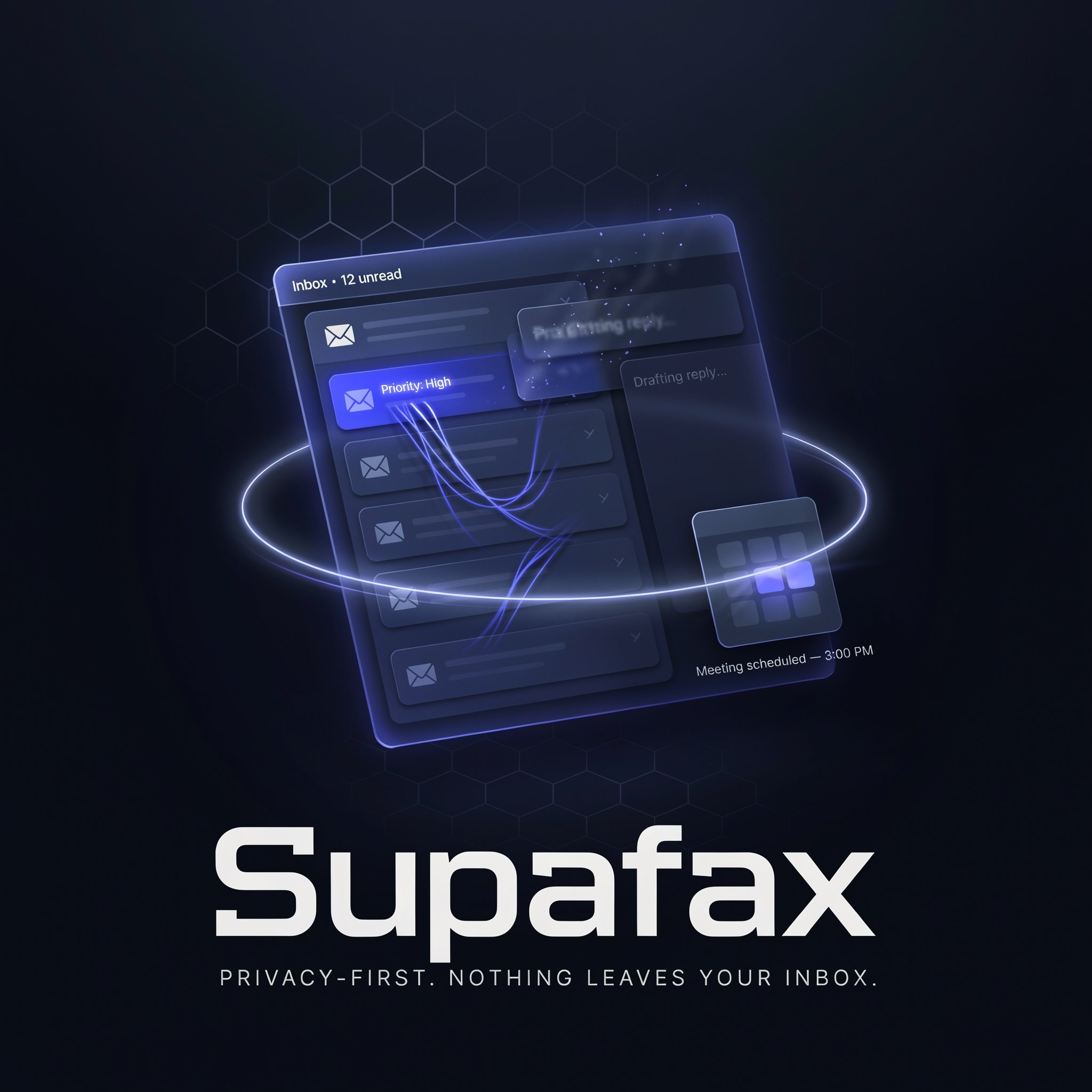
Supafax Review: The YC W26 Email Assistant That Works in the Background — No Prompts, No New App, Just Your Admin Done
Y Combinator Winter 2026 — Supafax is the first AI email assistant you never have to prompt. It lives inside Gmail or Outlook, learns your communication patterns from your history, prioritizes your inbox, drafts replies in your voice, and schedules meetings end-to-end — and contacts you by email when it needs your input.
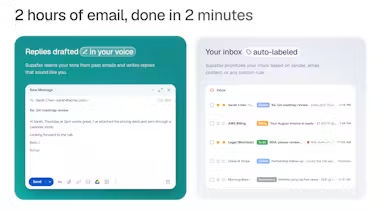
Every AI email tool follows the same pattern: you open it, you paste context, you prompt it, you review the draft, you copy it back to your inbox. You've replaced one kind of friction with another. Supafax was built around a completely different principle — the assistant you don't have to prompt. It runs in the background, learns from your email history, and handles your admin before you even think to ask.
Founded in San Francisco by Rohan Mahendraker and Anton — both YC alumni (Rohan was a founding engineer at CoLoop, YC S21, where he built the eval suite and AI agent; Anton previously closed seven-figure deals with Fortune 500s and advised YC startups on GTM) — Supafax was accepted into Y Combinator's Winter 2026 batch and launched publicly on Product Hunt on July 2, 2026. The product was originally built by Rohan for his girlfriend — a professional in a sensitive industry who had three non-negotiables: her emails never get stored, there's no new app to download, and it works like an EA that just handles the admin and only contacts her when it genuinely needs input. Those three constraints became Supafax's product principles.
What Is Supafax?
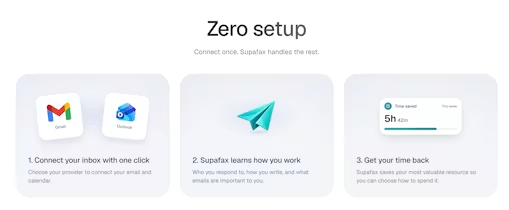
Supafax is an email-native AI assistant that proactively manages your inbox and calendar inside Gmail or Outlook — without requiring a new email client, a new app, or any manual prompting. The product's core architectural decision is unusual and deliberate: nothing is stored outside your inbox. Supafax reads your email history to understand how you communicate — who you respond to, what you ignore, how you write to different contacts, what your recurring commitments look like — and uses that understanding to prioritize incoming messages, draft replies in your voice, schedule meetings end-to-end, and surface information buried in past threads. When Supafax needs your input, it contacts you by email. When it drafts a reply, it presents it inside your existing inbox. You correct drafts by replying to Supafax — it reads the difference between what it wrote and what you sent, and adjusts its model automatically. The tech stack is built on PlanetScale (database), Upstash (async agent orchestration and Redis), and Vercel (frontend) — all confirmed on the Product Hunt built-with page.
Key Features
Zero-Prompt Learning
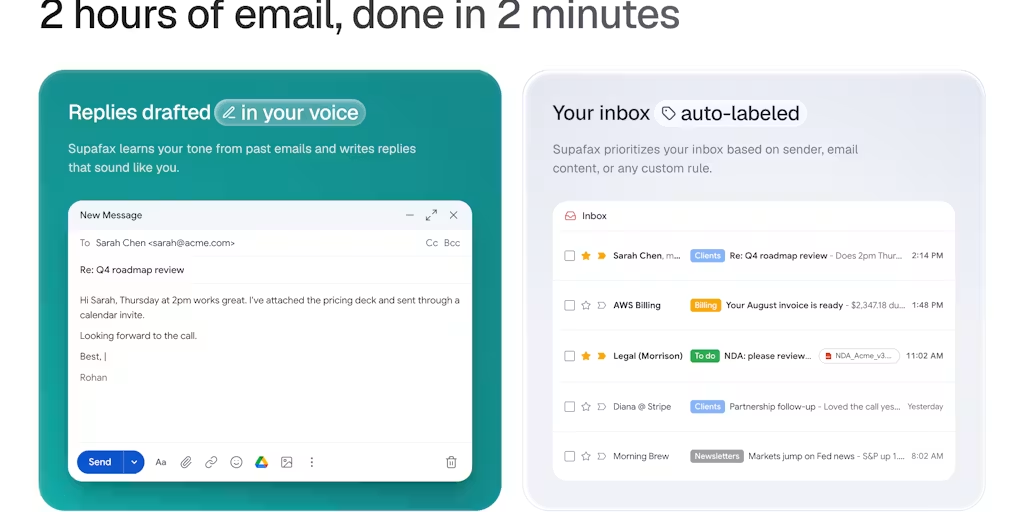
Supafax learns entirely from your email history — who you respond to, what you ignore, how you write to different people, your scheduling habits, your recurring commitments — without any manual setup, tagging, or prompting. Every correction you make to a draft teaches it automatically.
Proactive Inbox Prioritization
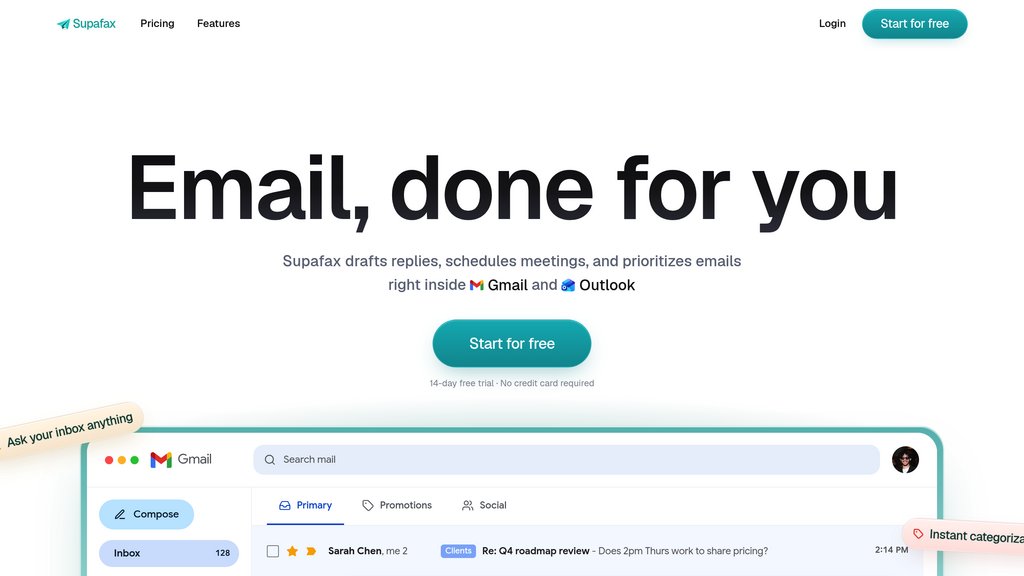
Supafax labels and routes incoming emails based on what genuinely matters to you — derived from your actual behavior, not a generic importance algorithm. It surfaces what deserves attention and quietly handles or labels what doesn't.
End-to-End Meeting Scheduling
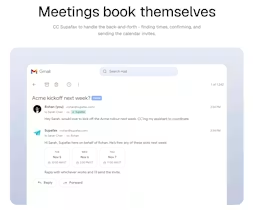
Supafax handles scheduling without external calendar links or back-and-forth confirmation emails. It reads your calendar context, drafts scheduling emails in your voice, and coordinates meeting logistics end-to-end inside your existing inbox.
Past Email Q&A
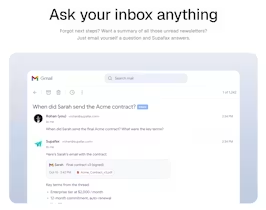
Ask Supafax a question about past threads ("what did we agree on with the client last month?", "when did I last email Sarah?") by emailing the assistant. It retrieves and summarizes the relevant context from your inbox without you searching manually.
Pricing Plans
| Plan | Price | What's Included |
|---|---|---|
| Free Trial | 7 days — no credit card required | Full assistant access — inbox prioritization, draft generation, meeting scheduling, past email Q&A |
| Professional | Pricing listed at supafax.com | Full features — ongoing learning, multi-account support, calendar integration, priority support |
| Enterprise | Custom pricing | Team deployment, compliance controls, admin management, custom SLA |
Supafax launched July 2, 2026 and is in early access. Full pricing details are available at supafax.com. The 7-day free trial requires no credit card. For professionals in sensitive industries, review Supafax's data handling practices at supafax.com before connecting regulated or confidential inboxes.
 Try Supafax Free for 7 Days — No Credit Card →
Pros & Cons
✓ What We Like
- ✅ Never stores your emails — nothing leaves Gmail or Outlook, foundational privacy by design
- ✅ No new app to learn — works inside your existing inbox with zero workflow change required
- ✅ Zero-prompt operation — learns from your history and adjusts from every correction automatically
- ✅ YC W26 backed — Rohan's founding engineer background at CoLoop (YC S21) means the AI agent architecture is built by someone who has shipped production agents before
✗ What Could Be Better
- ❌ Very early stage — launched July 2, 2026, two-person team, no published reviews yet on Product Hunt at launch
- ❌ Learning curve is real — drafts improve significantly over 2–4 weeks as the model calibrates; early users need patience
- ❌ Email-only interaction model — you contact Supafax by email, which is elegant but may feel slow for users used to real-time chat interfaces
- ❌ Full pricing not yet publicly detailed — requires checking supafax.com for current plan costs post-launch
💡 Community Feedback: What Users Say
How It Compares to Alternatives
| Feature | Supafax | Slashy | Superhuman | Fyxer |
|---|---|---|---|---|
| No New App Required | YES — email-native | YES — email-native | NO — new client | YES — email-native |
| Email Storage | NEVER stored outside inbox | In Slashy infra | In Superhuman | In Fyxer |
| Zero-Prompt Operation | YES — fully autonomous | PARTIAL | NO — manual use | PARTIAL |
| YC Backed | YES — W26 | YES — S25 | NO (Grammarly) | NO |
Supafax occupies a distinct position in the AI email assistant landscape. Slashy offers the richest feature set with its MCP server, iMessage bot, and CRM integrations — but stores data in Slashy's infrastructure, which makes it unsuitable for regulated professionals. Superhuman is the gold standard for email speed and keyboard optimization but has no AI learning or automation capabilities. Fyxer is the most established email-native assistant with a proven track record but lacks Supafax's zero-prompt philosophy and never-store architecture. Supafax is the only option that combines email-native deployment, zero-prompt operation, and a never-store-emails privacy model — making it uniquely viable for professionals in sensitive industries who need AI assistance but cannot use tools that store communications externally.
Who Should Use Supafax?
Best For: Professionals in sensitive or regulated industries (legal, finance, healthcare, consulting) who need AI email assistance but cannot use tools that store emails in third-party infrastructure. Founders, executives, and operators who spend 30+ minutes a day on email admin and want an assistant that works without changing their workflow. Anyone who has downloaded an AI email tool, found it requires a new interface to learn, and abandoned it — Supafax's email-native, no-new-app design addresses that exact failure mode.
Consider Alternatives If: You want an AI email client with richer real-time features, visual inbox organization, and a dedicated mobile app — Slashy (YC S25) has a more feature-complete product with an iMessage bot and MCP integration. You want the fastest possible email experience with keyboard shortcuts and human-speed optimization — Superhuman remains the standard. You need team collaboration layers inside email (shared channels, thread commenting) — Upstream is built for that. You need AI that makes real-world phone calls, not just email management — Asmi AI handles the phone calls Supafax can't.
Expert Editorial Opinion
Supafax's product philosophy is the correct response to the AI email tool adoption problem. The pattern is always the same: a new AI email tool launches, developers and early adopters switch to the new client interface, usage drops after two weeks because the switching cost of a new email client is higher than the productivity gain, and the tool churns. Supafax's founding constraint — no new app, works inside the inbox you already have, contacts you by email when it needs input — removes the single biggest barrier to sustained AI email adoption. The adoption surface is zero.
The privacy architecture is the right call for the professional market Supafax is targeting. Storing nothing outside Gmail or Outlook is not just a privacy feature — it's a compliance enabler. Legal professionals, financial advisors, healthcare workers, and consultants at regulated firms routinely cannot use productivity tools that store client communications in third-party infrastructure. By making "never stores your emails" a foundational design principle rather than a premium feature, Supafax opens a market segment that every other AI email tool effectively locks out. Rohan originally built it for his girlfriend's sensitive-industry workflow — that origin story is the product's best marketing.
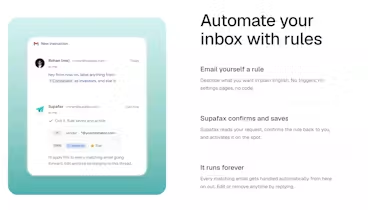
The zero-prompt learning system is the most technically ambitious part of the product and the hardest to evaluate at launch. The claim — that Supafax learns entirely from your email history and adjusts automatically from every draft correction without manual training — is the right architecture if it works. Rohan's response on Product Hunt to the question about how personalization works ("it'll start by figuring that out based on your email history... it'll reach out periodically to see if its rules are working the way you want — but if you wanna tweak it just email Supafax") suggests a hybrid approach: automated learning plus conversational correction via email. For a two-person YC team, the ambition is high. The 7-day free trial is the right way to evaluate whether the execution matches the vision.
Does the never-store architecture create a technical ceiling? This is the critical architectural question. By refusing to store emails in its own infrastructure, Supafax limits its ability to run complex AI models on user data at scale. Every inference must happen inside the user's inbox or through a stateless API call. This is a deliberate trade-off: lower capability ceiling in exchange for higher trust ceiling. For the target market — professionals who cannot use tools that store emails externally — this trade-off is correct. For power users who want the richest possible AI feature set, Slashy's MCP server and persistent memory offer more capability at the cost of storing data in Slashy's infrastructure.
The final question is whether Supafax is worth trying at this early stage. The product is two days old at review time. The two-person team is ambitious and technically credible — Rohan's CoLoop background means he has shipped production AI agents before. The 7-day free trial with no credit card removes all financial risk. For professionals in sensitive industries who have been waiting for an AI email assistant they can actually trust, Supafax is the strongest early-access bet available. For everyone else, the 7-day trial is the right way to evaluate whether the zero-prompt, zero-app, zero-storage model delivers on its promise.
Final Verdict
Supafax is the most privacy-conscious and lowest-friction AI email assistant in the YC 2026 cohort. The never-store-emails architecture, zero-new-app adoption model, and zero-prompt learning system directly address the three reasons every previous AI email tool has failed to achieve widespread professional adoption. The product is two days old at review time — execution risk is real, and the learning curve requires patience from early users. But the founding team's YC pedigree, the product's origin story, and the architectural decisions all point to a team that understands the adoption problem better than most. For professionals in sensitive industries who've been waiting for an AI email assistant they can actually trust with their inbox, this is an 8.7 out of 10 and the strongest early-access bet in the AI email category right now.
🔗 Related ToolRadar Reviews
More tools from AI Productivity
- I Let AI Take Over My Inbox for 30 Days — Results
- Superhuman Review: The $30 Email App That Actually Works
- Gumloop: Build AI Workflows Without Writing Code — Review
- Zapier AI Review 2026: The Automation Tool That Actually Works
- Can Tana AI Actually Think Ahead of You? — Full Review
- The AI Agent That Works While You Sleep — Full Review
- Stop Taking Meeting Notes: Fireflies.ai Review 2026
- I Replaced My $200K Chief of Staff With a $99 AI Tool — Here's What Happened
❓ Frequently Asked Questions
The best AI assistant isn't the one with the most features — it's the one you actually use.
Supafax never asks you to learn a new app, never stores your emails, and never makes you prompt it. The only question left: what will you do with the admin time you get back?

Comments
Post a Comment