


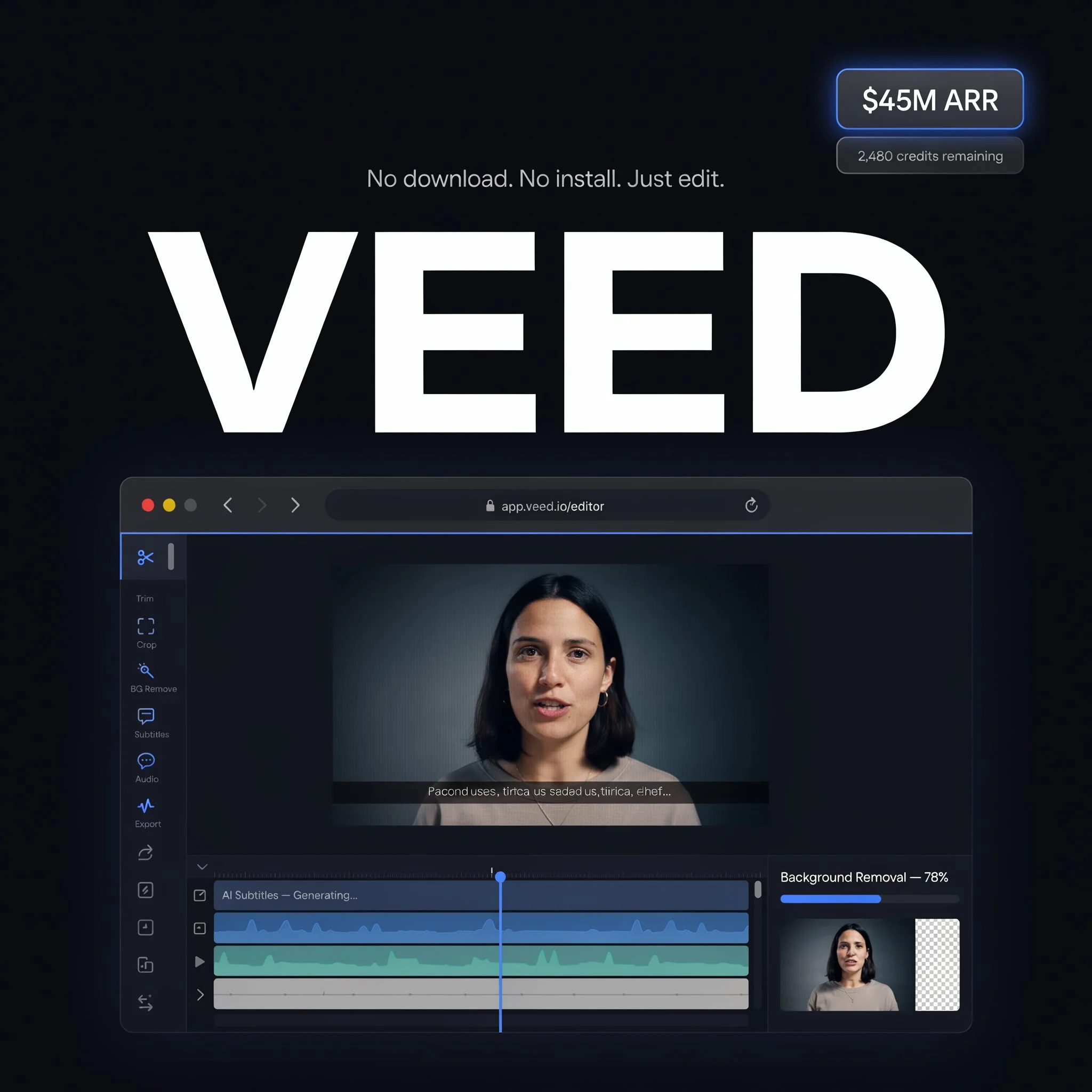
VEED Review 2026: The Browser Video Editor Backed by $45M in Revenue
VEED scores 8.3/10 in ToolRadar's independent review — a browser-based AI video editor used by 10 million people monthly, tested against its G2 and Trustpilot review history, real user complaints, and its confusing 2026 pricing structure.
Comprehensive review based on official company documentation and verified user reviews.
VEED processes a video export roughly every second, according to the company's own numbers, and that pace shows in the review count: over 3,000 on Trustpilot alone, still averaging 4.6 out of 5. A London-based, Sequoia-backed browser editor reaching $45 million in annual revenue by October 2025 with 10 million monthly active users isn't a niche tool anymore — it's infrastructure for a meaningful slice of the social and marketing video being made right now.
The product itself is a full editing suite that runs entirely in a browser tab: trim and arrange clips on a standard timeline, or let AI handle auto-subtitles in 125+ languages, filler-word removal, background noise cleanup, background replacement, and AI avatars that can narrate a script without a camera. Companies like P&G, Pinterest, and Visa are listed among its users. This review covers what actually works well enough to earn that scale, what real Trustpilot and G2 reviewers keep flagging as friction, and why VEED's own pricing pages don't fully agree with each other on what Pro actually costs right now.
What Is VEED?
VEED is a browser-based video editing platform: no software to install, upload footage or record directly in the browser, and edit on a standard timeline enhanced with AI automation layered on top. Auto-subtitles work in more than 125 languages, Magic Cut removes filler words and dead air automatically, and Clean Audio strips background noise without needing separate audio software. Beyond editing existing footage, VEED also offers AI avatars — a library of presenters, plus custom voice cloning — that can narrate a script into a full video with no camera or recording required at all. It's backed by $35 million from Sequoia Capital, based in London, and reported $45 million in annual recurring revenue as of October 2025, up from $25 million at the end of 2024.
Key Features
Auto-Subtitles in 125+ Languages
VEED's subtitle generation is consistently the most-praised feature across independent reviews, and it's backed by an actual third-party test rather than just company marketing: MakeUseOf's independent testing in August 2025 measured 98% accuracy on clear, studio-quality audio, dropping to roughly 95% on longer videos or recordings with heavy background noise. That's a specific, checkable claim rather than a vague "industry-leading" pitch, and it's consistent with what real Trustpilot reviewers say — subtitle quality and speed come up repeatedly as the reason people stick with the free tier long enough to eventually upgrade.
AI Avatars and Voice Cloning
A library of more than 30 AI presenters can narrate any script in multiple accents, and Pro-tier users can upload a short voice sample — their own or an actor's — to generate a custom voice clone. The avatars are not photorealistic; they remain visibly stylized, which the more critical reviews note makes them a better fit for internal training or educational content than customer-facing marketing where a synthetic presenter might undercut trust. It's a real, usable feature, just not the same tier of realism as dedicated avatar-specialist tools.
Magic Cut and Clean Audio
Magic Cut automatically detects and removes filler words ("um," "ah") and dead air from a recording, and Clean Audio strips background noise — a door closing, a crew member talking — without needing to bring the file into separate audio software. For creators recording long-form interviews or talking-head content, this pair of tools genuinely does the tedious part of post-production that used to eat the most editing time.
Brand Kit and Team Collaboration
A Brand Kit locks in fonts, colors, logos, and intro/outro templates so every export stays visually consistent across a team, which matters for agencies managing several client accounts at once. Studio and Enterprise tiers add real collaboration features — shared projects, reviewer roles, up to 5 editors plus a reviewer on Studio — built for teams producing volume rather than a single creator working solo.
VEED Pricing
| Plan | Price/Month (Annual) | What's Included |
|---|---|---|
| Free | $0 | 720p export, watermark, ~30 min/mo subtitles, 1GB uploads |
| Basic / Lite | $12 | 1080p, no watermark, ~100 min/mo subtitles |
| Pro | $24–$29 | 4K export, AI avatars, voice cloning, unlimited subtitles |
ToolRadar has no affiliate relationship with VEED — the link above goes directly to the official site.
Pros and Cons
✓ What Works
- ✅ 98% subtitle accuracy on clear audio, verified by independent third-party testing rather than company marketing alone
- ✅ Unusually consistent review scores across both major platforms — 4.6/5 on G2 and 4.6/5 on Trustpilot, with over 3,000 Trustpilot reviews
- ✅ Fully browser-based with no software or hardware requirements, genuinely accessible from any device with a stable connection
- ✅ Real scale and revenue behind it: 10 million monthly active users, $45 million ARR, Sequoia Capital backing
✗ What to Watch For
- ❌ Multiple verified Trustpilot reviews describe unused AI credits being wiped and replaced (not rolled over) on renewal, confirmed directly by the company's own reply to at least one such complaint
- ❌ Reported Pro pricing varies meaningfully across sources and dates in 2026 ($24 to $36/month), so confirm the current rate directly on veed.io before budgeting
- ❌ Support quality complaints recur in a real minority of reviews — an AI chatbot loop that doesn't resolve the actual issue, and slower escalation to a human for billing or refund disputes
💡 What Real Users Are Saying
VEED vs. Competitors
| Tool | Best For | Starting Price | Review Consistency |
|---|---|---|---|
| VEED | Browser-based editing with strong subtitle/AI tools | Free, then $12/mo | 4.6 G2, 4.6 Trustpilot |
| CapCut | Fast, free social-first editing, mobile-strong | Free core, Pro from ~$8/mo | Very large user base |
| Descript | Transcript-based editing for podcasts and talking-head video | Free tier, paid from ~$16/mo | Established, strong ratings |
Setup and Learning Curve
Reviewers across every platform checked for this article, including one first-time user who described themselves as a complete novice at 67 years old, consistently describe VEED as fast to pick up — upload footage, apply AI tools, export within the hour, without a tutorial. The friction that does come up isn't the editor itself but performance: several reviewers note buffering and lag on longer or more complex projects, since all processing happens in the browser rather than locally, which is the real tradeoff for never needing to install anything.
Who Should Use VEED?
Best For: Social media creators, marketing teams, and educators producing regular short-form or talking-head video who want professional-looking output without installing desktop software or hiring an editor, especially teams that need consistent auto-subtitles across many videos a month.
Look Elsewhere If: You edit primarily on mobile (CapCut is built mobile-first in a way VEED isn't), you need offline editing without a stable internet connection, or you're doing complex, multi-track productions where a browser-based timeline is a real limitation compared to desktop software like Premiere or DaVinci Resolve.
Expert Editorial Opinion
What separates VEED from several other tools in this review series is genuine cross-platform review consistency. A 4.6 on G2 and a 4.6 on Trustpilot, both with substantial review counts, is a meaningfully different signal than the wide G2-versus-Trustpilot splits this series has documented in other categories — it suggests the core product experience holds up whether the reviewer found the company through a B2B software directory or a general consumer review site.
The subtitle accuracy claim is the standout technical detail here, because it's independently verified rather than self-reported. A third party measuring 98% accuracy on clean audio, with an honest drop to roughly 95% on harder material, is exactly the kind of specific, falsifiable number that should be the standard for AI accuracy claims in this category and rarely is.
The credit-expiration pattern on renewal is the sharpest real complaint in the Trustpilot record, and it's worth taking seriously precisely because the company's own support replies confirm the mechanic rather than disputing it: unused credits don't roll over, they reset at renewal. That's a legitimate design choice many subscription products make, but it's also the kind of detail that should be stated clearly at checkout rather than discovered after a renewal charge, and several reviewers describe learning about it the hard way.
The wider pricing confusion — Pro reported anywhere from $24 to $36 a month depending on the source and date — is a smaller version of a pattern this review series has now documented across several fast-growing AI SaaS products in 2026. It doesn't necessarily mean VEED's actual current price is wrong in any one source, but it does mean a buyer should treat any single third-party figure, including this review's, as a starting point to verify directly rather than a locked-in number.
Past the genuinely usable free tier (no card required, enough to test whether the interface and AI tools fit a real workflow), $12 a month for Basic is inexpensive for watermark-free 1080p output, and the jump to Pro is really a bet on how much you'll actually use AI avatars and voice cloning specifically — features that are real and functional but not the platform's strongest differentiator compared to its editing and subtitle core.
Final Verdict
VEED has earned its scale honestly: 10 million monthly users and $45 million in revenue aren't accidents, and the review consistency across both G2 and Trustpilot backs up that the core editing and subtitle experience genuinely works for a wide range of users, verified in part by independent third-party accuracy testing rather than marketing alone. The real friction sits in the subscription mechanics — a credit-expiration pattern that's caught reviewers off guard, and pricing figures that shift enough across sources to require a direct check before budgeting — rather than in the core product. For anyone making regular social or marketing video who wants to skip installing desktop software, VEED's free tier is worth testing before those subscription questions even become relevant.
Technical Quality: 8.8/10 · Price-to-Value: 7.8/10 · Maturity & Documentation: 8.5/10
🔗 Related ToolRadar Reviews
More tools from AI Video Tools
- Is CapCut AI Still King of Free Video Editing?
- Is Descript Still King of AI Video Editing?
- Can AI Really Edit Your Video Like a Pro?
- Synthesia: Create Videos With AI Avatars
- Lumen5: Create Professional Videos From Text
- Is Fliki the Best Text-to-Video Tool?
- Runway Gen-3 Alpha: The Ultimate AI Video Tool
- Sora Review 2026: OpenAI's Video Model
❓ Frequently Asked Questions
Tired of installing and updating desktop editing software for videos you post once and forget?
VEED's free tier requires no credit card — test the subtitle accuracy and AI tools on a real video before deciding whether Basic or Pro is worth the upgrade.

Comments
Post a Comment