


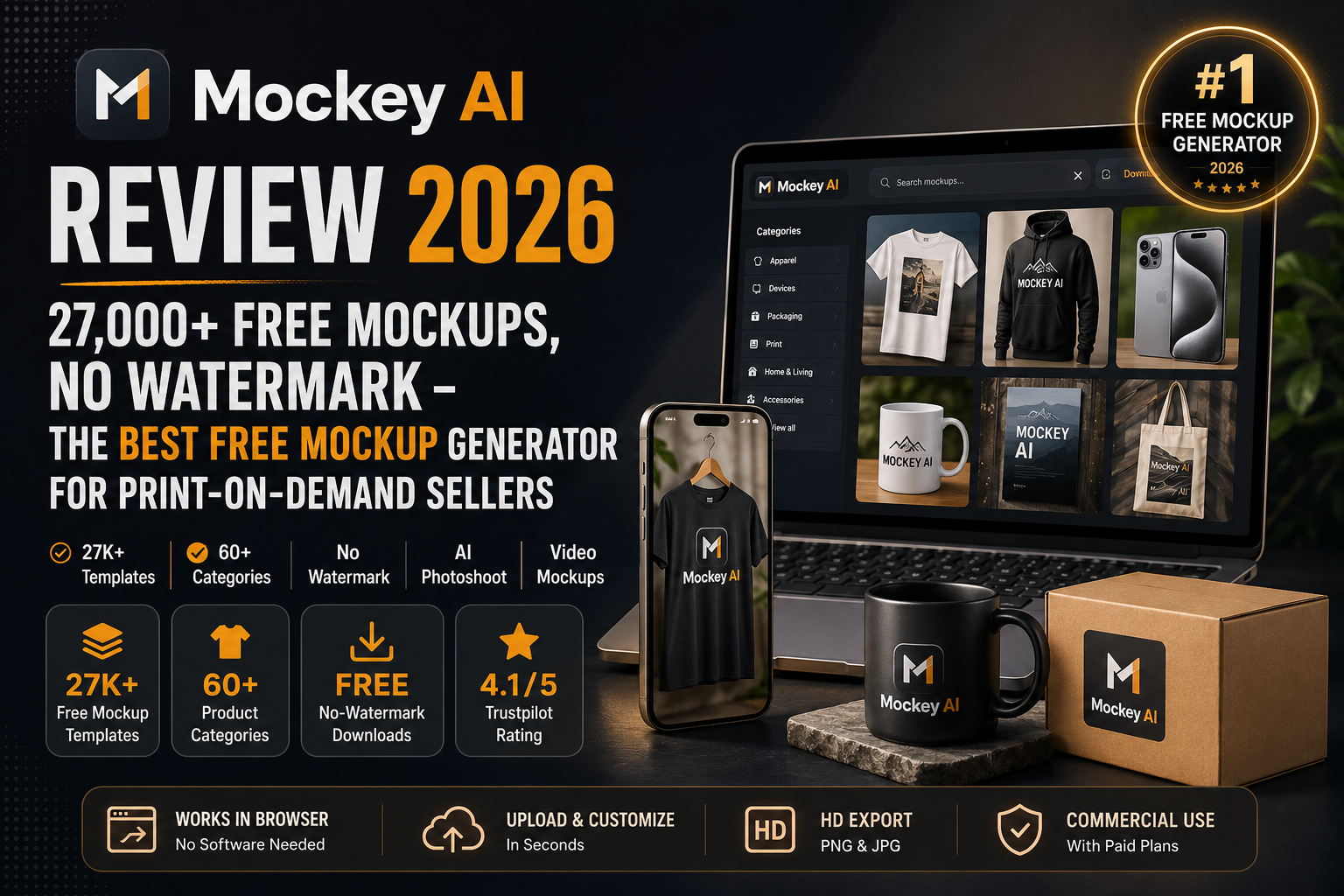
Mockey AI Review 2026: 27,000+ Free Mockups, No Watermark — The Best Free Mockup Generator for Print-on-Demand Sellers
The browser-based AI mockup generator with the largest free template library in the market — 27,000+ templates across 60+ product categories. Upload your design, customize in seconds, download in HD with no watermark. Free forever, no Photoshop required.
If you're selling print-on-demand products, running a Shopify store, or pitching brand merchandise to a client, you need one thing: a product image that looks real before the product exists. For most sellers, that means either paying a designer, buying expensive Placeit subscriptions, or wrestling with Photoshop PSD templates. Mockey AI eliminates all three of those options with something simpler — a free, browser-based mockup generator with 27,000+ templates that anyone can use in under a minute, with no watermark on downloads.
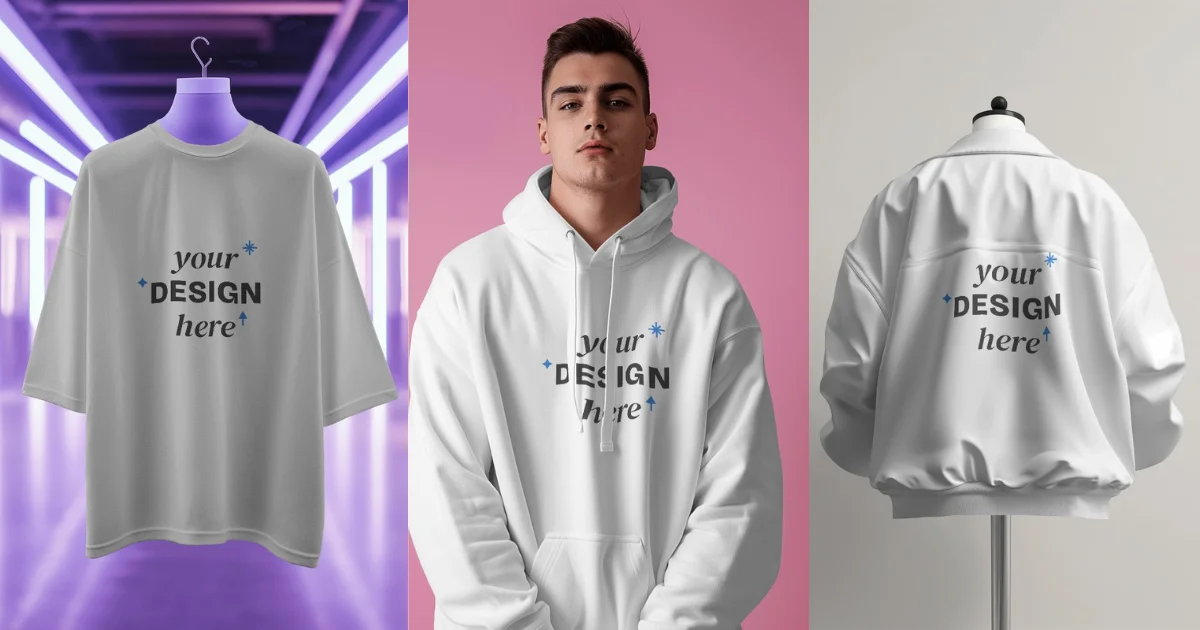
Built by Blinkstore and launched in 2023, Mockey AI has become the most widely recommended free mockup tool in the print-on-demand and e-commerce seller community. The platform covers everything from apparel (t-shirts, hoodies, tank tops, sweatshirts) to devices (iPhones, MacBooks, iPads) to packaging, posters, mugs, stickers, business cards, and more — all with AI-generated backgrounds, real model photography, 3D mockup options, video mockup exports, AI photoshoot scenes, and a Figma plugin and Shopify app for teams already in those ecosystems. New templates are added every week, paid plans start at just $7/month, and the free tier is genuinely useful — not a crippled demo. Updated July 2026.
What Is Mockey AI?
Mockey AI is a browser-based AI mockup generator that lets anyone — designer or not — place their logo, artwork, or product design onto realistic product templates and download a professional-quality image in seconds. The workflow is frictionless: sign up (free), select a product category, choose from thousands of templates, upload your design (PNG, JPG, or WebP, ideally transparent), adjust positioning and color, and download in HD with no watermark. The platform goes beyond basic template mockups with a growing suite of AI tools: AI Photoshoot places your design in AI-generated lifestyle scenes; the Multi Shot feature generates multiple angles (front, back, side, close-up) simultaneously; Mockup Collections let you create sets of mockups with matching style, lighting, and background; the Animate feature converts static mockups to motion animations with a prompt; and Custom Mockup lets you upload any product image and turn it into an editable mockup without a pre-built template. Available as a web app, Android mobile app, Figma plugin, and Shopify app.
Key Features
27,000+ AI-Generated Templates
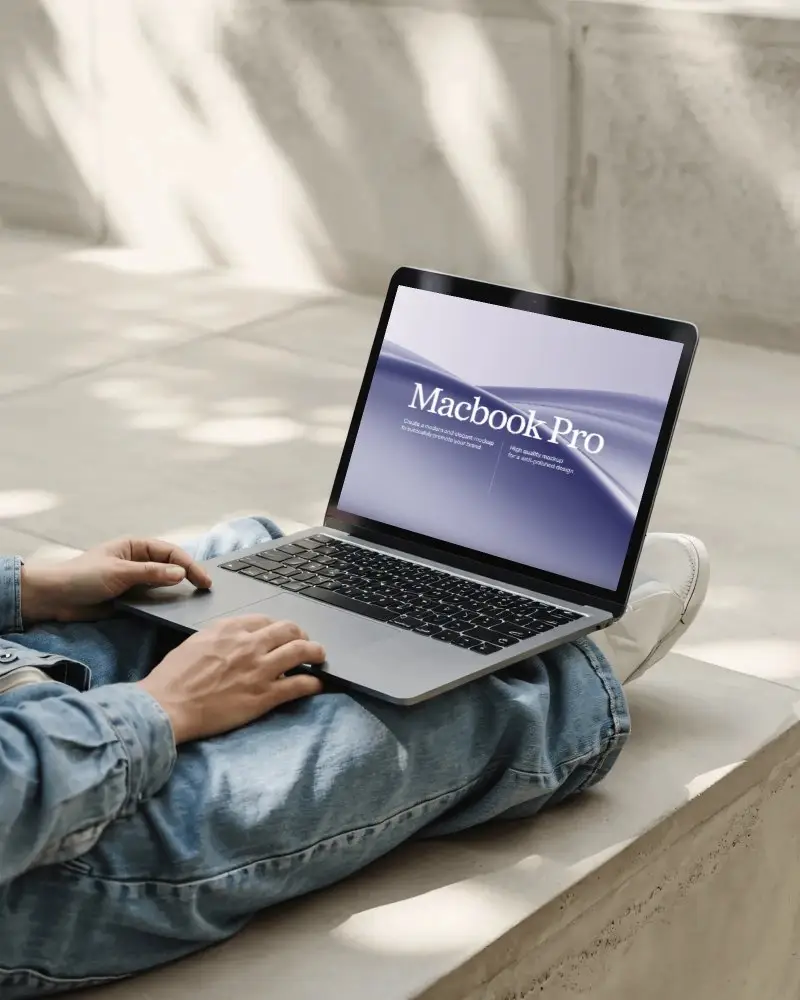
The largest free mockup template library in the market, covering 60+ product categories: apparel (t-shirts, hoodies, sweatshirts, tank tops), devices (iPhone 15/16, MacBook M4, iPad), packaging, posters, mugs, stickers, business cards, tote bags, bracelets, cosmetics, and more. New templates added weekly.
AI Photoshoot & Scene Generation
Place your design in AI-generated lifestyle environments — street scenes, living rooms, studio setups, outdoor locations — without physical product samples or photography. Generate scenes from a text prompt or choose from curated AI backgrounds.
Video & Animated Mockups
Convert any static mockup into a 5-second animated video with a prompt or preset. Create motion mockups for social media ads, product launch reels, and TikTok content directly inside the editor. Requires Creator plan ($19/mo).
Multi Shot & Custom Mockup
Generate front, back, side, and close-up angles of the same product in one click with Multi Shot. Or use Custom Mockup to upload any product image and add your design without a template — full shadow and highlight editing included.
Pricing Plans
| Plan | Price | What's Included |
|---|---|---|
| Free | $0 forever | 3 daily downloads (watermark-free), access to basic templates, standard device and apparel mockups, color customization, HD PNG export |
| Starter | $7/mo (monthly) / $5.70/mo (annual) | Unlimited downloads, 3D mockups, mockup bundles, no ads, commercial license — no AI tools or video mockups |
| Creator | $19/mo (monthly) / $15.20/mo (annual) | Everything in Starter + AI Photoshoot, animated mockups, video mockups, AI background, AI image tools — 1,800 credits/year on annual plan |
| Enterprise | Custom pricing | Custom mockup templates on demand, team management, volume licensing, priority support |
Pros & Cons
✓ What Works
- ✅ 27,000+ watermark-free templates on the free plan — largest free library in the category
- ✅ Device mockups are exceptional — accurate bezels, realistic reflections, proper lighting for iPhone, MacBook, iPad
- ✅ Video and animated mockups — unique in the free/affordable tier; no other tool at $19/mo offers this
- ✅ Figma plugin + Shopify app + Android mobile app — meets designers and sellers where they already work
✗ What Doesn't
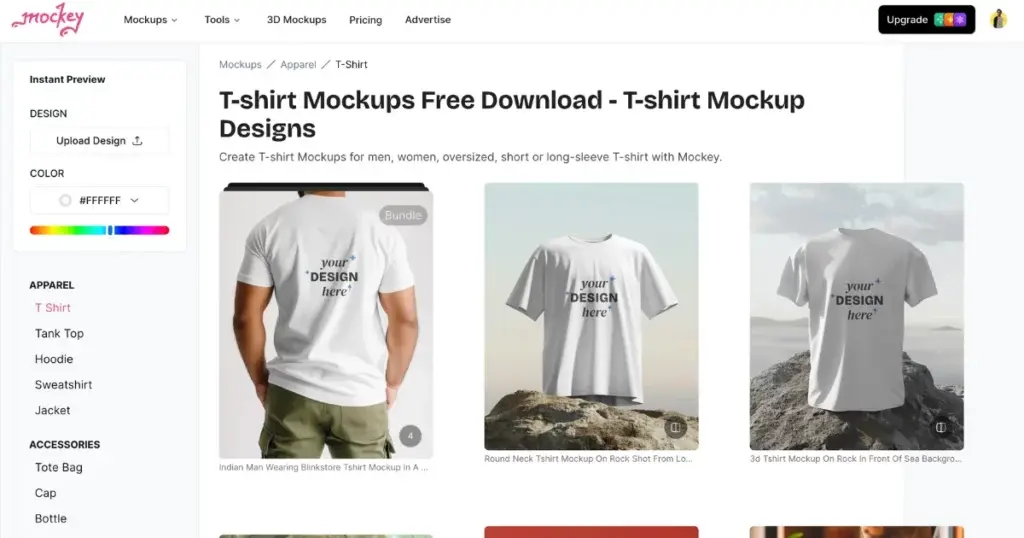
- ❌ Apparel realism has artifacts at close inspection — occasional unrealistic fabric bunching and inconsistent lighting vs. specialized fashion tools
- ❌ Free plan limits daily downloads to 3 — power users hit the ceiling quickly
- ❌ Limited model diversity — body types, ages, and ethnicities in model-based templates are less varied than premium platforms
- ❌ Advanced AI features (video, animation, AI photoshoot) require Creator plan — free tier is great for basics but not AI-powered features
💡 Real User Pulse: Community Feedback
How It Compares to Alternatives
| Feature | Mockey AI | Placeit | SmartMockups |
|---|---|---|---|
| Free Plan | YES — watermark-free, 3/day | YES — 1 download/mo | YES — limited |
| Templates | 27,000+ | 85,000+ | 1,500+ |
| Video Mockups | YES ($19/mo) | YES (paid) | NO |
| POD / Apparel Focus | YES — primary | YES — primary | PARTIAL |
| Starting Price | $7/mo | $29.99/mo | $9/mo |
Placeit still holds the crown for sheer template volume with 85,000+ options and marginally better apparel realism on its premium tier. But at $29.99/month with a nearly useless free plan, it prices out most solo sellers and small brands. Mockey AI's 27,000+ templates on a genuinely free tier — with watermark-free HD downloads — make it the default recommendation for anyone starting out in print-on-demand or e-commerce. SmartMockups, now owned by Canva, offers decent integration but lacks the depth of POD-specific templates and has no video mockup capability. For budget-conscious sellers who need professional visuals without the Placeit premium, Mockey AI delivers roughly 80–90% of the output at less than 25% of the cost.
Who Should Use Mockey AI?
Best For: Print-on-demand sellers, Shopify store owners, e-commerce brands, and freelance designers who need to produce professional product mockups fast and free. T-shirt, hoodie, sticker, and merchandise designers validating designs before manufacturing. Small businesses and solo creators who want Placeit-quality mockups without the $29.99/month Placeit subscription. Teams using Figma who want to pull mockups directly into their design workflow via the native plugin. Content creators who need animated mockups for social media ads and TikTok product showcases.
Consider Alternatives If: You need the absolute highest-quality apparel realism for premium fashion brands — specialized tools like professional Placeit subscriptions offer better fabric rendering and model diversity. You need bulk API-powered mockup generation for large POD catalogs — Dynamic Mockups has better automation for high-volume workflows. You're a developer or indie hacker who only needs device/screen mockups for a launch — dedicated screen mockup tools have a better aesthetic and faster workflow for the single-asset screen mockup use case.
Learning Curve
Mockey AI is designed for zero learning curve. A new user can create their first mockup in under 60 seconds: upload a design, pick a template, adjust colors, and download. The interface is clean, the template browser is fast, and the customization options are intuitive even for users with zero design background. Compared to Photoshop (hours of learning) or even Canva's mockup tools (15–20 minutes to find the right template), Mockey AI is the fastest path from idea to product image. The Figma plugin adds a minor setup step but integrates seamlessly once installed. For teams already using Shopify, the app installation takes under 2 minutes. Placeit has a similarly low learning curve but a more cluttered interface. SmartMockups requires Canva familiarity. For pure speed and simplicity, Mockey AI wins — especially for sellers who need to generate 10–20 mockups in a single session.
Expert Editorial Opinion
Mockey AI has earned its reputation as the best free mockup generator in the market by doing something most free tools don't: making the free tier genuinely useful. The 27,000+ watermark-free templates, HD downloads, and no-signup-required simplicity put professional-quality product imagery within reach of any seller, regardless of budget. The fact that new templates are added weekly — rather than the static libraries common in cheaper tools — means the platform stays fresh and relevant as product trends change.
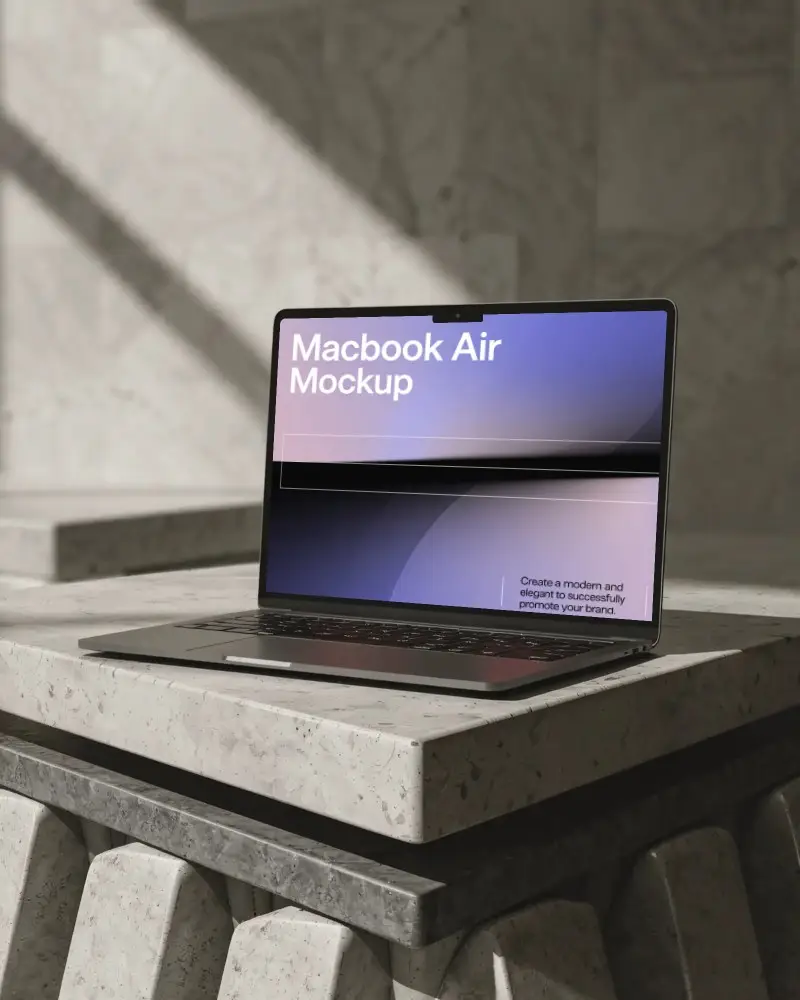
The device mockup quality is Mockey AI's technical high point. Independent testing consistently finds the iPhone, MacBook, and iPad mockups among the most realistic in the affordable tier — accurate screen bezels, realistic reflections, and proper ambient lighting. For digital product sellers, app developers, and SaaS companies who need to showcase their product on a screen without a professional photo studio, Mockey AI's device templates deliver results that look indistinguishable from paid studio mockups.
The honest limitation is apparel realism. Close inspection of t-shirt and hoodie mockups often reveals artifacts — inconsistent lighting between the placed design and the garment, occasional fabric rendering issues at seams, and less natural drape than what professional fashion photography tools achieve. For casual e-commerce and social media content, this is invisible to buyers. For premium apparel brands where product photography quality is a core part of the brand identity, these limitations become noticeable at the price points they're targeting. The Creator plan's AI Photoshoot and animation features add genuine value for content creators who need more than static images — at $19/month, it's competitive with anything in this category. Does it deserve a paid plan without a more generous free tier? The free tier is already more generous than most paid competitors, so yes — but power users will feel the 3-download daily cap quickly.
Final Verdict
Mockey AI is the best free AI mockup generator available in 2026 for print-on-demand sellers, e-commerce brands, and freelance designers who need professional product visuals fast and free. The 27,000+ watermark-free templates, zero-learning-curve interface, and genuinely useful free tier put it ahead of every competitor in the budget tier. The Starter plan at $7/month and Creator plan at $19/month add 3D mockups, video animations, and AI photoshoot features that are hard to find at this price point anywhere else. Apparel realism limitations and the 3-download daily cap on the free plan are real tradeoffs. For everyone else, this is an 8.7 out of 10 — and the first mockup tool any new seller should open.
🔗 Related ToolRadar Reviews
More tools from Design Tools
- Is Dreamina AI the Best All-in-One Creative Platform in 2026?
- Can AI Really Match Your Art Style? I Tested 6 Tools to Find Out
- Can a Non-Designer Really Build a Prototype? These 4 AI Tools Say Yes
- Can Google Pics Kill Canva? AI Image Editing Gets Serious
- Nano Banana 2: Free AI Image Generator That Actually Delivers
- From Rough Sketch to Photorealistic: AI Art Tools That Bridge the Gap
- Draw a Scribble, Get a Masterpiece: Krea AI Review
- The Only AI That Designers Actually Trust in 2026
❓ Frequently Asked Questions
What's the first product you'd mock up if you had 27,000 templates at your fingertips?
Every great product listing starts with a single image. The only question is whether yours looks like a screenshot or a storefront. Mockey AI makes the answer obvious.

Comments
Post a Comment