


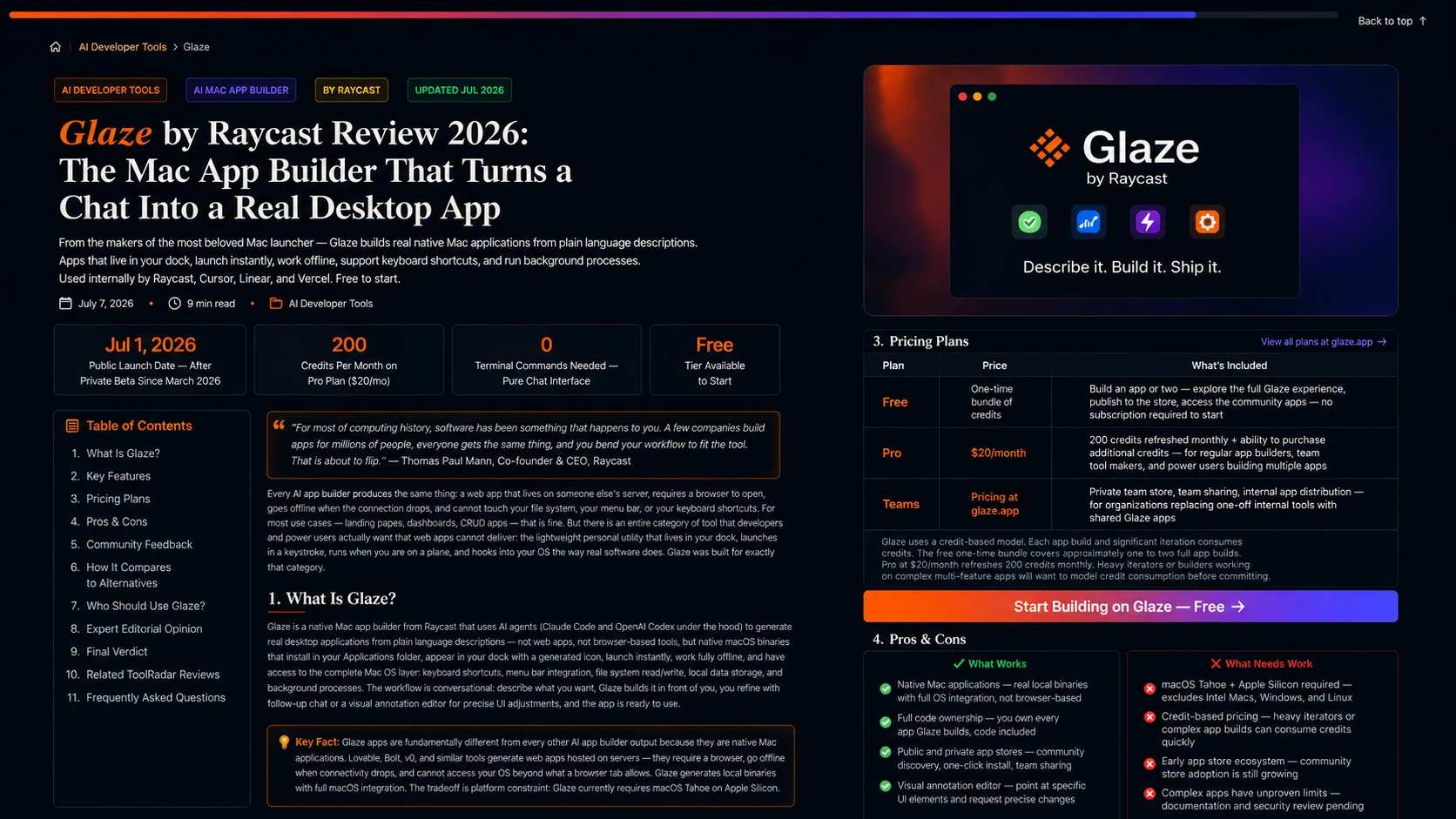
Glaze by Raycast Review 2026: The Mac App Builder That Turns a Chat Into a Real Desktop App
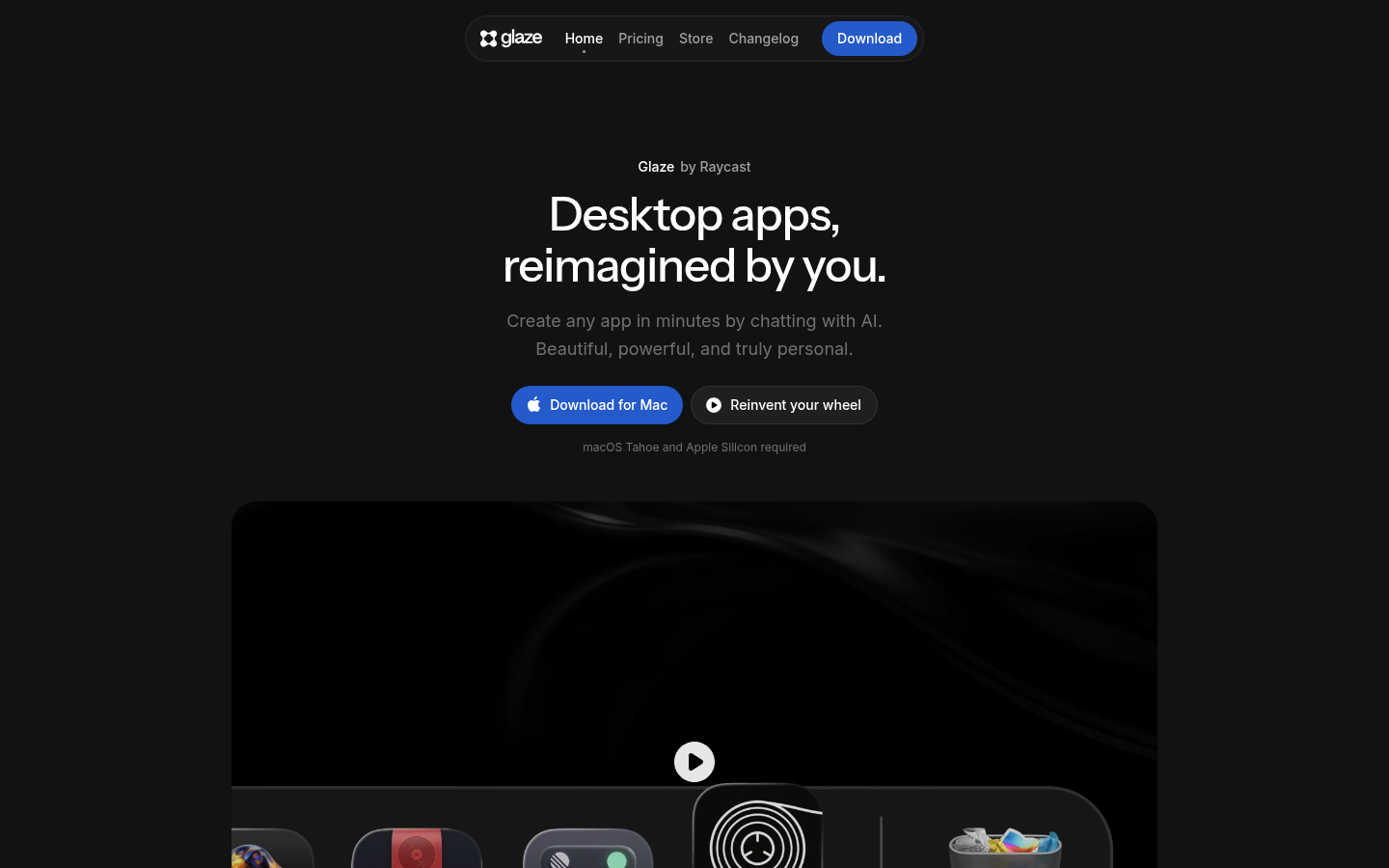
From the makers of the most beloved Mac launcher — Glaze builds real native Mac applications from plain language descriptions. Apps that live in your dock, launch instantly, work offline, support keyboard shortcuts, and run background processes. Used internally by Raycast, Cursor, Linear, and Vercel. Free to start.
Every AI app builder produces the same thing: a web app that lives on someone else's server, requires a browser to open, goes offline when the connection drops, and cannot touch your file system, your menu bar, or your keyboard shortcuts. For most use cases — landing pages, dashboards, CRUD apps — that is fine. But there is an entire category of tool that developers and power users actually want that web apps cannot deliver: the lightweight personal utility that lives in your dock, launches in a keystroke, runs when you are on a plane, and hooks into your OS the way real software does. Glaze was built for exactly that category.
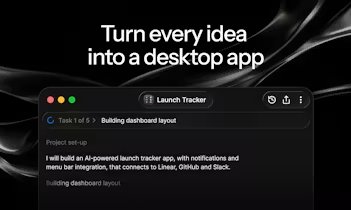
Glaze is Raycast's biggest product bet since launching the launcher that became a staple in every serious Mac user's workflow. Announced in private beta on March 4, 2026, opened to everyone on July 1, 2026, Glaze lets anyone — developer or not — describe a Mac app they want in plain language and receive a real, native macOS application: not a web preview, not a browser-based prototype, but a binary that sits in your dock with its own icon, launches instantly, works offline, and can register keyboard shortcuts, write to your file system, sit in your menu bar, and run background processes. The AI agent under the hood runs Claude Code or OpenAI Codex. The apps it generates are owned entirely by the user — full code access, no Raycast lock-in.
What Is Glaze?
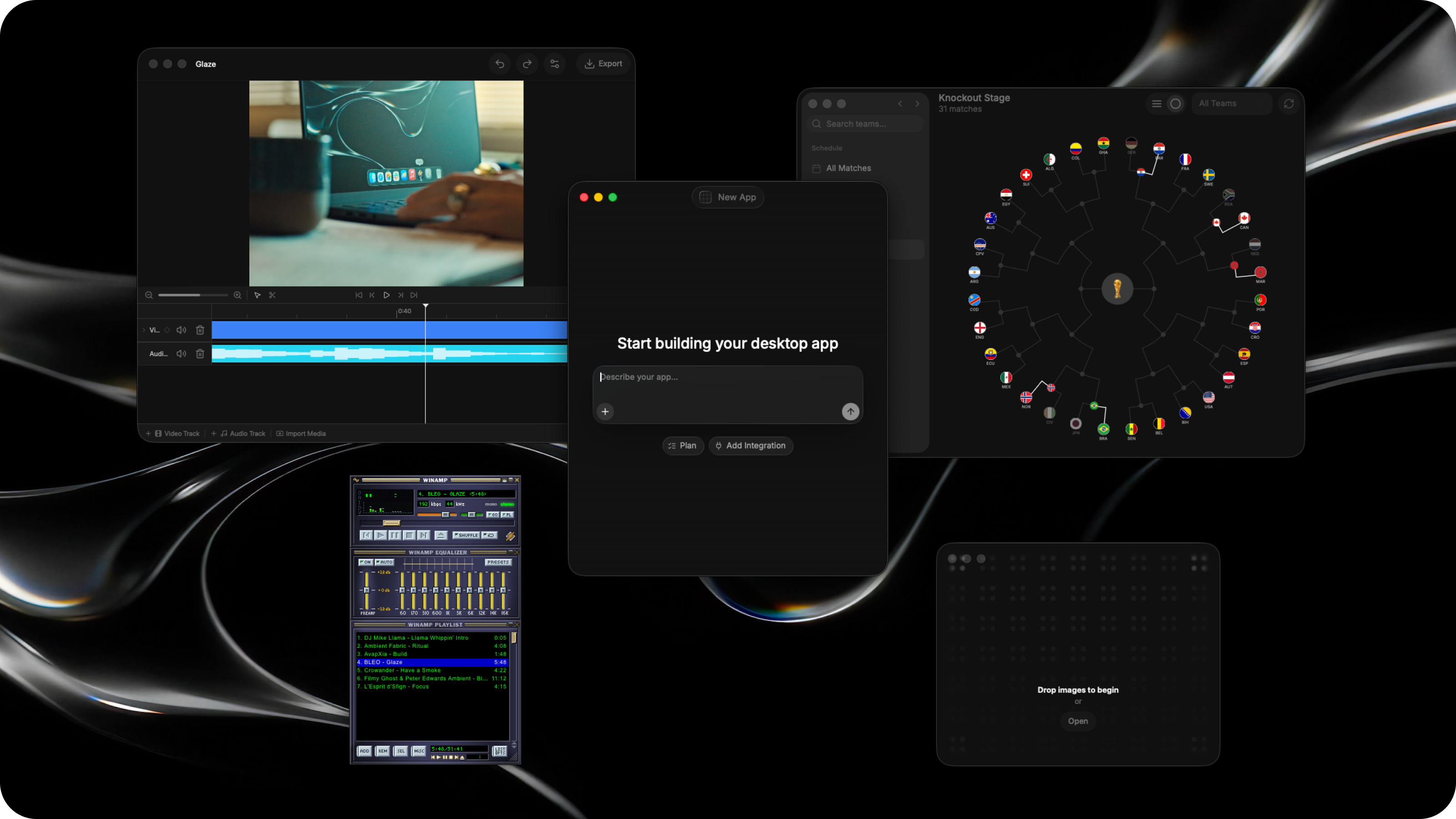
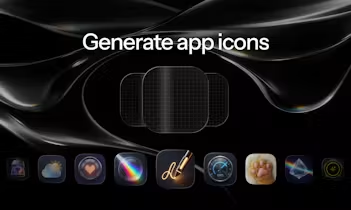
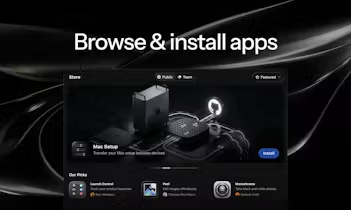
Glaze is a native Mac app builder from Raycast that uses AI agents (Claude Code and OpenAI Codex under the hood) to generate real desktop applications from plain language descriptions — not web apps, not browser-based tools, but native macOS binaries that install in your Applications folder, appear in your dock with a generated icon, launch instantly, work fully offline, and have access to the complete Mac OS layer: keyboard shortcuts, menu bar integration, file system read/write, local data storage, and background processes. The workflow is conversational: describe what you want, Glaze builds it in front of you, you refine with follow-up chat or a visual annotation editor for precise UI adjustments, and the app is ready to use. Apps can be published to the public Glaze Store for anyone to discover and install, or shared privately through a team store for internal tools. Raycast's own support, sales, and product teams run their workflows on Glaze apps — including an extension review system connected to GitHub. Teams at Cursor, Linear, and Vercel are building internal Glaze apps. Community examples from the public store: a live World Cup tracker with knockout bracket view, a full synthesizer used to produce Raycast's own launch video audio, and a Yolo terminal optimized for running AI agents with vertical tabs.
Key Features
Conversational App Building
Describe your app in plain language. Glaze's AI agent (Claude Code / OpenAI Codex) writes and assembles the app in real time. Continue chatting to add features, change behavior, or refine the design. Use the visual annotation editor to point at specific UI elements and request precise changes without trial-and-error prompting.
Real Native Mac Applications
Glaze apps are local binaries, not browser tabs. They live in your dock with generated icons, launch instantly via Spotlight or keyboard shortcut, run fully offline, and have access to the complete macOS layer: file system, menu bar, keyboard shortcuts, local processes, local data storage. Software that actually belongs on your Mac.
Public and Private App Stores
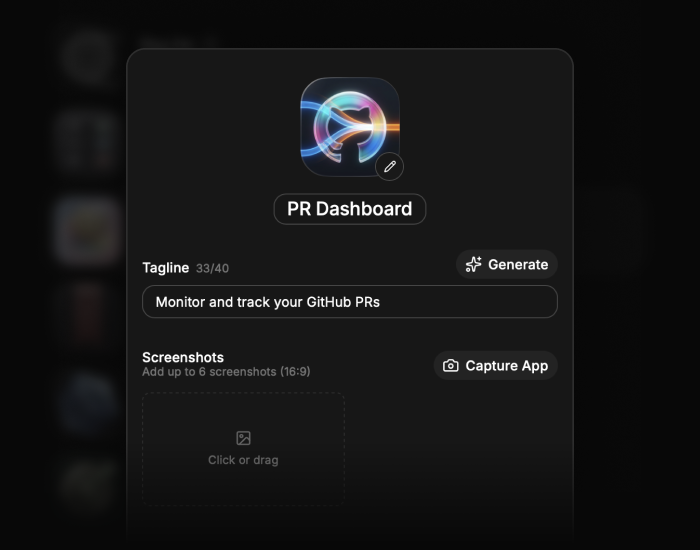
Publish your app to the public Glaze Store for anyone to discover, install, and fork. Or share privately within your organization through a team store — internal tools stay internal, good ideas spread. Community apps can be installed and customized without rebuilding from scratch.
Deep Raycast Integration
Glaze is the natural extension of the Raycast ecosystem. Apps integrate with the Raycast launcher, inherit its keyboard-first design philosophy, and benefit from Raycast's distribution to hundreds of thousands of existing power users who already trust the platform.
Pricing Plans
| Plan | Price | What's Included |
|---|---|---|
| Free | One-time bundle of credits | Build an app or two — explore the full Glaze experience, publish to the store, access the community apps — no subscription required to start |
| Pro | $20/month | 200 credits refreshed monthly + ability to purchase additional credits — for regular app builders, team tool makers, and power users building multiple apps |
| Teams | Pricing at glaze.app | Private team store, team sharing, internal app distribution — for organizations replacing one-off internal tools with shared Glaze apps |
Glaze uses a credit-based model. Each app build and significant iteration consumes credits. The free one-time bundle covers approximately one to two full app builds. Pro at $20/month refreshes 200 credits monthly. Heavy iterators or builders working on complex multi-feature apps will want to model credit consumption before committing.
Start Building on Glaze — Free →Pros & Cons
✓ What Works
- ✅ Native Mac applications — real local binaries with full OS integration, not browser-based prototypes
- ✅ Full code ownership — you own every app Glaze builds, code included, no lock-in to Raycast infrastructure
- ✅ Public and private app stores — community discovery, one-click install and customize, internal team distribution
- ✅ Visual annotation editor — point at specific UI elements and request precise changes without iterative prompting
✗ What Needs Work
- ❌ macOS Tahoe + Apple Silicon required — excludes Intel Macs, Windows, and Linux at launch; platform constraint is real
- ❌ Credit-based pricing — heavy iterators or complex app builds can consume credits quickly; cost predictability requires workload modeling
- ❌ Early app store ecosystem — community store was empty at launch, value of discovery depends on community adoption which is still growing
- ❌ Complex apps have unproven limits — documentation on maximum app complexity, security review for store apps, and long-term maintenance of AI-generated code is not yet detailed
💡 Community Feedback: What Developers Say
How It Compares to Alternatives
| Capability | Glaze | Lovable | Bolt | Claude Code |
|---|---|---|---|---|
| Output Type | Native Mac app | Web app (hosted) | Web app (hosted) | Any — terminal output |
| Offline Support | YES — fully local | NO — requires server | NO — requires server | PARTIAL |
| OS Integration | YES — full macOS layer | NO — browser only | NO — browser only | YES — with setup |
| No Terminal Required | YES — pure chat | YES | YES | NO — terminal needed |
The comparison table reveals a fundamental architectural split in the AI app builder landscape. Glaze is the only tool that produces native desktop applications — everything else generates web apps that require a browser and a server connection. For use cases where offline operation, OS integration, and local data matter, this is not a preference — it is a requirement. Lovable and Bolt produce excellent web apps with broader cross-platform reach, but they cannot deliver a menu bar utility, a file system tool, or an app that works on a plane. Claude Code is the most flexible tool in the comparison — it can build anything, including native apps — but it requires terminal fluency, framework knowledge, and iterative debugging that non-developers find prohibitive. Glaze occupies the unique position of being both accessible (no terminal) and producing the right output type (native desktop) for Mac power users.
Who Should Use Glaze?
Best For: Mac power users and Raycast users who have a backlog of small utilities they have always wanted but never built — menu bar tools, file utilities, habit trackers, client dashboards, invoice managers, personal data viewers, and any lightweight workflow tool that a large SaaS app is too heavy for. Teams at small to mid-size companies who want to replace one-off internal spreadsheets and web tools with proper desktop apps that their colleagues can install in one click from a private store. Non-developers who have tried vibe-coding in the terminal and found the output functionally correct but aesthetically terrible — Glaze handles both.
Consider Alternatives If: You need a web app accessible from any browser on any device — Lovable, Bolt, or v0 are the right tools for that output. You need Windows or Linux — Glaze is Mac-only at launch. You want maximum control over the generated code and framework choices — Claude Code or Cursor with your own framework preferences gives you more granular control. You need enterprise-grade security review and audit trails for the apps your team uses — Glaze's store moderation and enterprise governance is still maturing.
Expert Editorial Opinion
Glaze's core architectural bet — native Mac apps, not web apps — is the right call for the use case Raycast is targeting. The community of people who use Raycast every day is the community that has spent years wishing small personal utilities were easier to build: the freelancer who wants a client tracker that does not require a SaaS subscription, the developer who wants a terminal wrapper with their own shortcuts, the support team that wants their GitHub review workflow in a proper app instead of a browser tab. These users do not want a web app with a URL. They want software on their computer. Glaze is the first AI app builder that actually delivers that.
The Platformer review — from a writer who spent the first half of 2026 vibe-coding in the terminal — captures what Glaze actually fixes: functional but ugly. Every vibe-coded terminal tool works but looks like it was built in 1992. Glaze's combination of Claude Code's generation capability with Raycast's design DNA produces apps that look native — proper Mac aesthetics, right-at-home dock icons, the kind of UI that does not embarrass you when you show a teammate. The visual annotation editor (point at a UI element and describe the change, instead of describing it in the abstract) is the interaction model that makes iterative refinement actually work.
The distribution angle is underrated. Raycast has built a genuinely large community of power users and developers who trust the platform's quality bar. The extension ecosystem already has thousands of community-built tools with a functioning discovery and install layer. Glaze inherits that infrastructure — the Glaze Store is not starting from zero, it is starting from a community that already knows how to find, use, and contribute to Raycast extensions. Whether the app complexity ceiling proves high enough for serious team tools is the open question. The synthesizer built for Raycast's own launch video, the GitHub-connected extension review workflow running the Raycast support team's entire process, and the early adoption by Cursor, Linear, and Vercel suggest the ceiling is higher than it looks.
The pricing gap is worth examining. The free tier covers one to two full app builds — enough to evaluate the tool but not enough to build a portfolio of utilities. The Pro plan at $20/month for 200 credits is reasonable for regular builders, but heavy iterators or those working on complex multi-feature apps will find credits depleting faster than expected. The credit-based model makes sense for an infrastructure tool that bills for actual generation work done, but it introduces friction for the power user who wants to iterate aggressively. Teams pricing is available but not yet detailed publicly — enterprise procurement will want clarity on per-seat costs, private store limits, and security review processes before committing.
Does Glaze justify its existence without a free tier? The free tier exists and is functional, so the question is whether the Pro plan delivers enough value to justify $20/month. For a Mac power user who builds one utility per month that replaces a $10/month SaaS subscription, the math works immediately. For someone who builds one app per quarter, the value is less clear. The ideal customer is the person who has a backlog of five to ten small utilities they have always wanted and is willing to spend a weekend building them — the Pro plan pays for itself on the first afternoon.
Final Verdict
Glaze by Raycast is the most distinctive AI app builder launched in 2026 — not because it is the most capable, but because it is the only one that builds the right kind of output for its intended users. Native Mac applications with full OS integration, a conversational plus visual editing experience, full code ownership, and a community store backed by Raycast's existing power user distribution make Glaze the strongest option for Mac users who want real desktop software, not another web app. The platform constraints (macOS Tahoe, Apple Silicon only) and early ecosystem mean it is not for everyone yet. For the Mac power user with a backlog of utilities they have always wanted, this is a 9.1 out of 10 and the most compelling reason to open a new AI tool in July 2026.
🔗 Related ToolRadar Reviews
More tools from AI Developer Tools
- The Voice Agent Platform That Solved Real-Time Conversational AI
- I Built an AI Agent Army Without Writing a Single Line of Code
- Your AI Agents Have Security Holes — This Tool Fixes Them
- Beyond the Hype: Google ADK 2026 AI Agent Framework Review
- This AI Agent Replaced My Entire Team's Workflow
- The Search Engine Built for AI Agents
- I Gave an AI Agent Full Control of My Workflow
- The Hidden Cost Trap Behind $0.05 Voice Agent Pricing
❓ Frequently Asked Questions
How many small utilities are sitting in your head right now that you never built because the tooling was not worth the trouble?
Glaze is the first AI app builder that makes the answer "zero" — and means it.

Comments
Post a Comment