


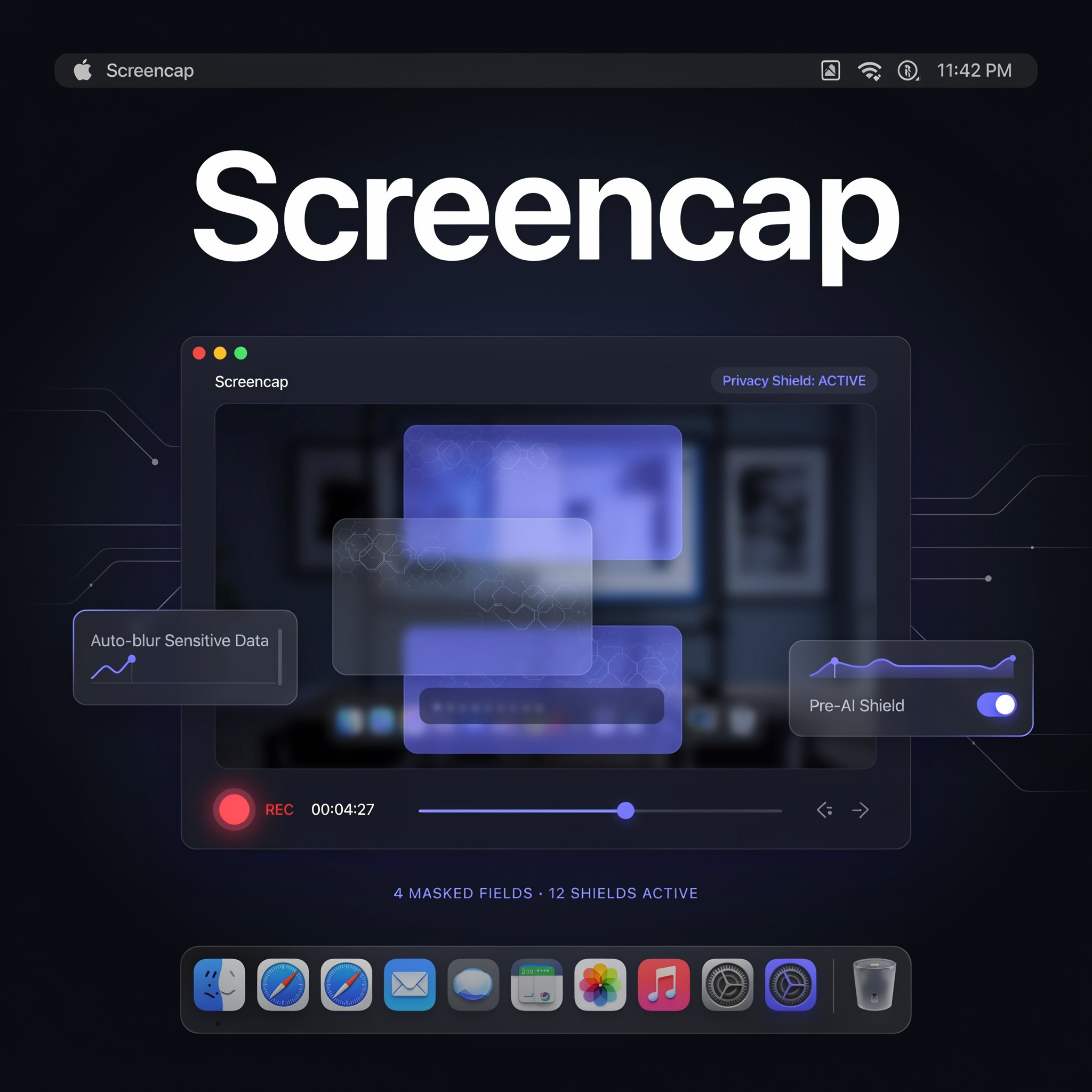
Screencap Review 2026: A Privacy-Serious Screen Recorder for Training Computer-Use AI
Screencap scores 7.9/10 in ToolRadar's independent review — a macOS screen recorder that enforces privacy at capture time and feeds an MCP server for AI agents, tested against its GitHub repository and real questions from its Product Hunt launch this week.
Reviewed by the ToolRadar editorial team, based on the project's GitHub repository, official documentation, and its Product Hunt launch thread.
Screencap wants to solve a problem every fast-moving team knows: the person who figured out the fastest way to reconcile invoices leaves, and that knowledge leaves with them. After reading through its GitHub repository, its official site, and the questions real developers asked during its Product Hunt launch this week, ToolRadar found a technically serious screen recorder with a genuinely thought-through privacy model — and one licensing claim that doesn't quite match what's actually in its own repository.
The pitch: record your screen, clicks, keystrokes, and window context on your Mac, and an on-device model automatically segments the footage into labeled tasks — payroll run, expense approvals, CRM data entry — so any workflow becomes searchable months later. Everything stays local in ~/.screencap unless you explicitly choose to share a scrubbed copy or pay for cloud sync. It's built by proteus-computer-use, a small team behind the GitHub organization of the same name, and it launched publicly on Product Hunt this week with 2,437 commits already behind it. This review covers what the privacy model actually enforces, what real developers pushed back on during launch, and a licensing inconsistency worth knowing about before you install it on a work machine.
What Is Screencap?
Screencap is a macOS screen recorder built by proteus-computer-use, distributed as a native app or a CLI with a background daemon. It records screen, keystrokes, clicks, window context, and optionally audio, then runs an on-device model that segments the footage into labeled tasks and indexes every spoken word and on-screen moment for later search. Recordings live in ~/.screencap and stay there unless you sign in and explicitly choose a cloud destination — the app frames this as memory for you and, through a bundled MCP server, memory for your AI tools as well. The company also runs an opt-in public dataset: recordings donated by users, reviewed frame-by-frame and scrubbed of names and faces, feed an open computer-use training set meant to compete with synthetic or scraped alternatives.
Who Should Use Screencap?
Best For: Small teams and solo operators who repeat the same workflows often enough that losing the knowledge behind them actually hurts — onboarding, financial ops, support triage — and who are comfortable running a screen recorder that touches password fields and banking apps, provided the privacy model checks out to their own satisfaction.
Consider an Alternative If: You need Windows or Linux support today (both are still listed as coming soon), you want a fully open-source license with no ambiguity, or you'd rather use a mature, cross-platform alternative like Screenpipe that doesn't require trusting a week-old public launch with sensitive screen content.
Key Features
Capture-Time Privacy Enforcement (Not Just Redaction Later)
Most screen recorders that claim to be private mean they redact things after the fact. Screencap enforces privacy while recording instead: a real-time filter watches the foreground window and blocks capture for sensitive apps before anything is written — excluded screenshots never touch disk, keystrokes are nulled, and video frames are dropped rather than captured and deleted later. The filter fails closed, meaning an error blocks more capture, never less. Password managers and banking are excluded in every mode by default, driven by a context-classification matrix covering categories like login pages, checkout flows, and admin consoles, each with its own rule for public versus internal recording modes. A developer named Dale Mooney pushed on this directly during the launch, asking whether protection worked at the content level or just the app level — the maker confirmed that specific text like passwords, emails, and names gets masked regardless of which app it appears in, not just blocked at the application layer.
On-Device Task Segmentation and Search
Once captured, an on-device model splits a recording into labeled tasks — the same day's footage might get sorted into 'payroll run,' 'invoice reconciliation,' and 'quarterly report build' without any manual tagging. Turning on search is a deliberate one-time consent step rather than a default, and once enabled, the search corpus itself is encrypted at rest and never uploaded. A developer named Kritish Puri asked a fair question during the launch about how consistent this labeling actually is against messy real-world usage rather than curated demos — that question hadn't received a public answer as of this review, and it's the kind of claim worth testing yourself with a normal, chaotic workday before trusting it for anything important.
MCP Server for Your Own AI Tools
Beyond the app's own search, Screencap runs an MCP server so Claude Desktop, Codex, or any other MCP client can query your recorded history directly — asking something like 'what was that error I hit on Tuesday?' and getting an answer grounded in your actual screen activity, with the exact frame pulled up as a citation. The same MCP connection works in reverse while recording: Screencap can query connected servers like Gusto, Attio, or Linear for what's currently on screen, and store that context inside the recording itself, so a viewer can jump straight to the referenced payroll run or ticket from the video. This two-way MCP integration is the feature that separates Screencap from a plain screen recorder and pushes it toward being infrastructure for computer-use agents specifically.
Opt-In Public Dataset for Computer-Use Training
Screencap's stated long-term bet is that open computer-use models are trained largely on synthetic interactions and scraped captures, and that real, deliberately donated workflows are worth more. Contribution is opt-in and off by default, scoped per recording rather than as an account-wide setting, and every donated clip goes through frame-by-frame review with names, faces, and sensitive data scrubbed before it joins the public dataset — and recordings from blocked or masked apps can't be donated at all, since those frames were never written in the first place. It's a genuinely different sourcing model for training data than scraping the open web, though it's also new enough that the dataset's actual size and quality aren't yet independently verifiable.
Screencap vs. Competitors
| Tool | Best For | Pricing | Platform |
|---|---|---|---|
| Screencap | Privacy-first, MCP-integrated screen memory | Free personal, $9–$20/mo cloud | macOS only |
| Screenpipe | Fully open-source, cross-platform screen recall | Free self-hosted, or $400 lifetime | Mac, Windows, Linux |
| ScreenApp | Browser-based meeting/video AI notetaker | Free tier (45 min/mo), paid plans | Any browser, no install |
💡 What Developers Pushed Back On at Launch
Setup and Learning Curve
Getting started takes about the same time whether you use the native app or the CLI: download, grant Screen Recording, Accessibility, and Input Monitoring permissions when macOS asks, and you're recording within a couple of minutes. The privacy setup is the one step worth spending real time on — running the interactive setup wizard scans your installed apps and lets you review the exclude/allow list before you ever hit record, rather than trusting the defaults blindly. Turning on search is a separate, deliberate consent step rather than something that happens automatically, which is a small piece of friction that's clearly intentional rather than an oversight.
Screencap Pricing
| Plan | Price | What You Get |
|---|---|---|
| This Mac Only | $9/mo | Unlimited local recording & search, one Mac |
| Personal Cloud | $20/mo | Encrypted backup across your Macs, share by link |
| Team Cloud | Custom | Shared E2E-encrypted team library, onboarding collections |
ToolRadar has no affiliate relationship with Screencap — the link above goes directly to the official site.
Pros and Cons
✓ What Works
- ✅ Privacy enforced at capture time — sensitive apps are blocked before a frame is written, not redacted afterward
- ✅ Genuinely useful MCP integration: your AI tools can search your screen history, and recordings can pull live context from Gusto, Attio, or Linear
- ✅ Personal use is free, and the entire capture engine and privacy enforcement code is public and auditable
- ✅ 2,437 GitHub commits at public launch suggest real engineering investment, not a weekend project
✗ What to Watch For
- ❌ The official site describes the license as source-available under PolyForm Noncommercial, but the GitHub repository itself states it's dual-licensed under AGPL-3.0-or-later — these aren't the same thing
- ❌ A direct question about how consistently the auto-labeling handles messy real-world usage, versus curated demos, hasn't been publicly answered
- ❌ macOS-only, with Windows, a browser extension, and Android all still listed as coming soon
Expert Editorial Opinion
The privacy engineering here is more serious than most screen recorders bother with. A capture-time filter that fails closed, a documented per-app-category matrix for exclude versus mask versus redact, and a published threat model in the repository are all things a team builds when they've actually thought about what could go wrong — not marketing copy bolted onto a basic recorder.
The MCP integration is the feature that matters most for readers specifically interested in AI agents. A screen recorder that only your own eyes can search is a nice-to-have; one that your AI tools can query, and that can pull live context from Gusto or Linear while it records, is infrastructure for the agentic workflows this category is increasingly built around.
The licensing question is a real one, not a nitpick. Screencap's own website and its Product Hunt listing describe it as source-available under PolyForm Noncommercial — a license that restricts commercial use without a separate agreement. The GitHub repository itself, though, states the project is dual-licensed under AGPL-3.0-or-later, an OSI-approved open-source license with very different terms. Those two descriptions aren't interchangeable, and anyone planning to use Screencap inside a commercial team — which is exactly who this product is aimed at — should get a straight answer from the company on which one actually applies before relying on it.
Pricing itself is straightforward and fair: personal use is free forever, and the $9-to-$20 range for cloud sync sits well below what Rewind used to charge before Meta acquired its parent company and shut down its screen-capture features entirely in December 2025 — a fate worth remembering for anyone about to trust a young company with this much visibility into their workday.
For a solo user or a small team on macOS, trying Screencap costs nothing but the time to review its privacy settings carefully first. For anyone weighing it against a fully open-source, cross-platform option like Screenpipe, the deciding factor is probably the MCP and context-injection features Screencap builds that Screenpipe doesn't — weighed against a licensing story that still needs a clearer answer from the company.
Final Verdict
Screencap brings real engineering seriousness to a category that's often just record-everything-and-hope-for-the-best — capture-time privacy enforcement, a published threat model, and a two-way MCP integration that's genuinely useful for AI-agent workflows, not just a checkbox. It launched publicly this week with 2,437 commits and a handful of sharp, unresolved questions from real developers already on the record. The one thing worth resolving before you install it on a work machine is the mismatch between the site's source-available licensing claim and the AGPL license actually named in its own repository — get a straight answer from the team on which one governs your use before you record anything sensitive.
Privacy Engineering: 9.0/10 · Features: 8.0/10 · Licensing Clarity: 5.5/10
🔗 Related ToolRadar Reviews
More tools from AI Agents
- I Let AI Record My Entire Digital Life
- Stop Making Ugly Screenshots
- Stop Paying for Screen Recorders
- This AI Agent Works While You Sleep
- I Gave an AI Agent Full Control of My Inbox
- I Built a Production AI Agent in 10 Minutes
- This AI Agent Replaced My Entire Team's Workflow
- I Dropped an AI Agent Into a 2,000-Person Community
❓ Frequently Asked Questions
Thinking about running Screencap on a work Mac?
Review the privacy exclude/allow list yourself before recording anything sensitive, and get written confirmation from the team on which license actually applies to your use case.

Comments
Post a Comment