


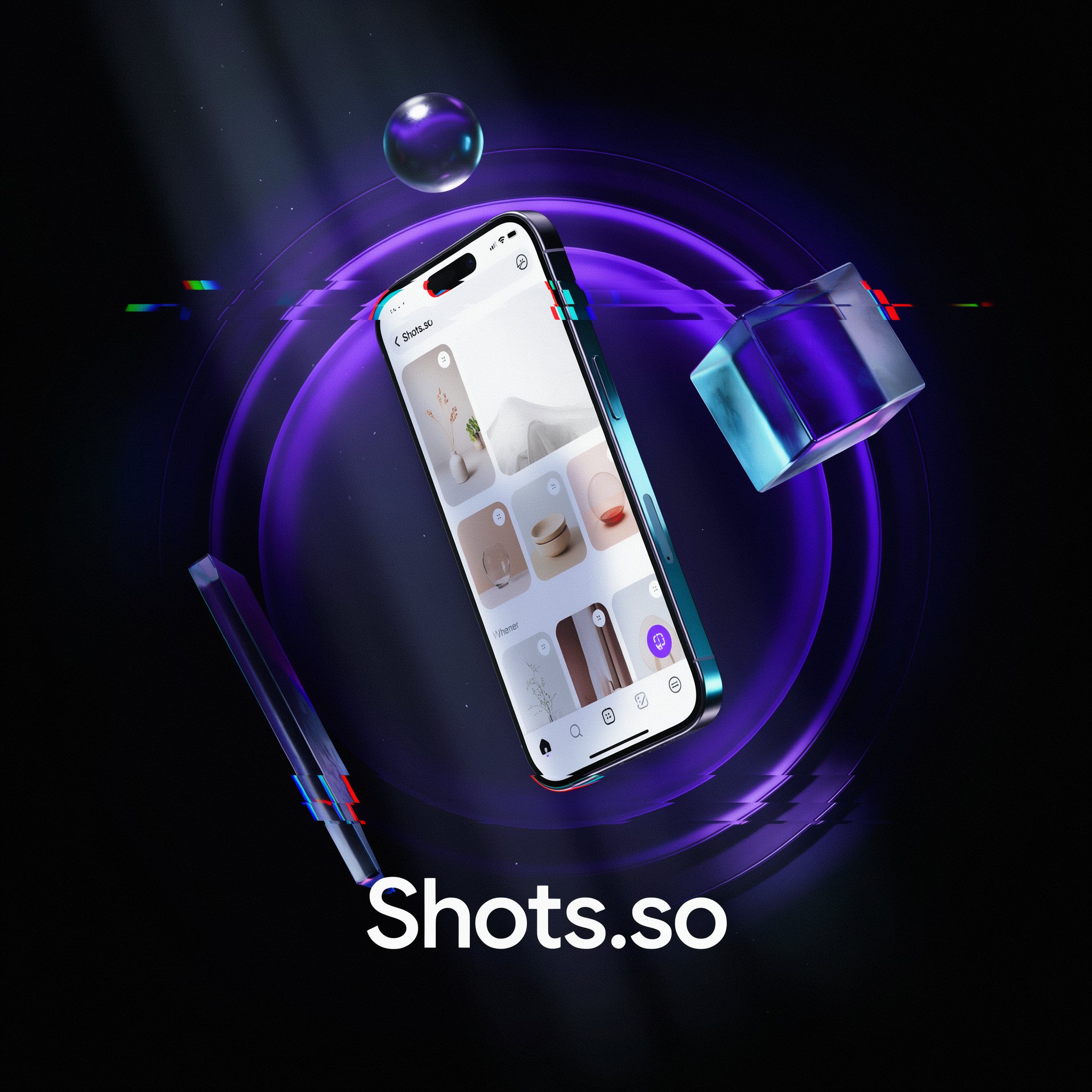
Shots.so Review 2026: The Indie Hacker's Secret Weapon for Beautiful Mockups
The browser-based mockup tool beloved by solo founders, designers, and Product Hunt launchers. Drop in a screenshot, pick a style, and export a stunning visual in under 90 seconds — completely free to start.
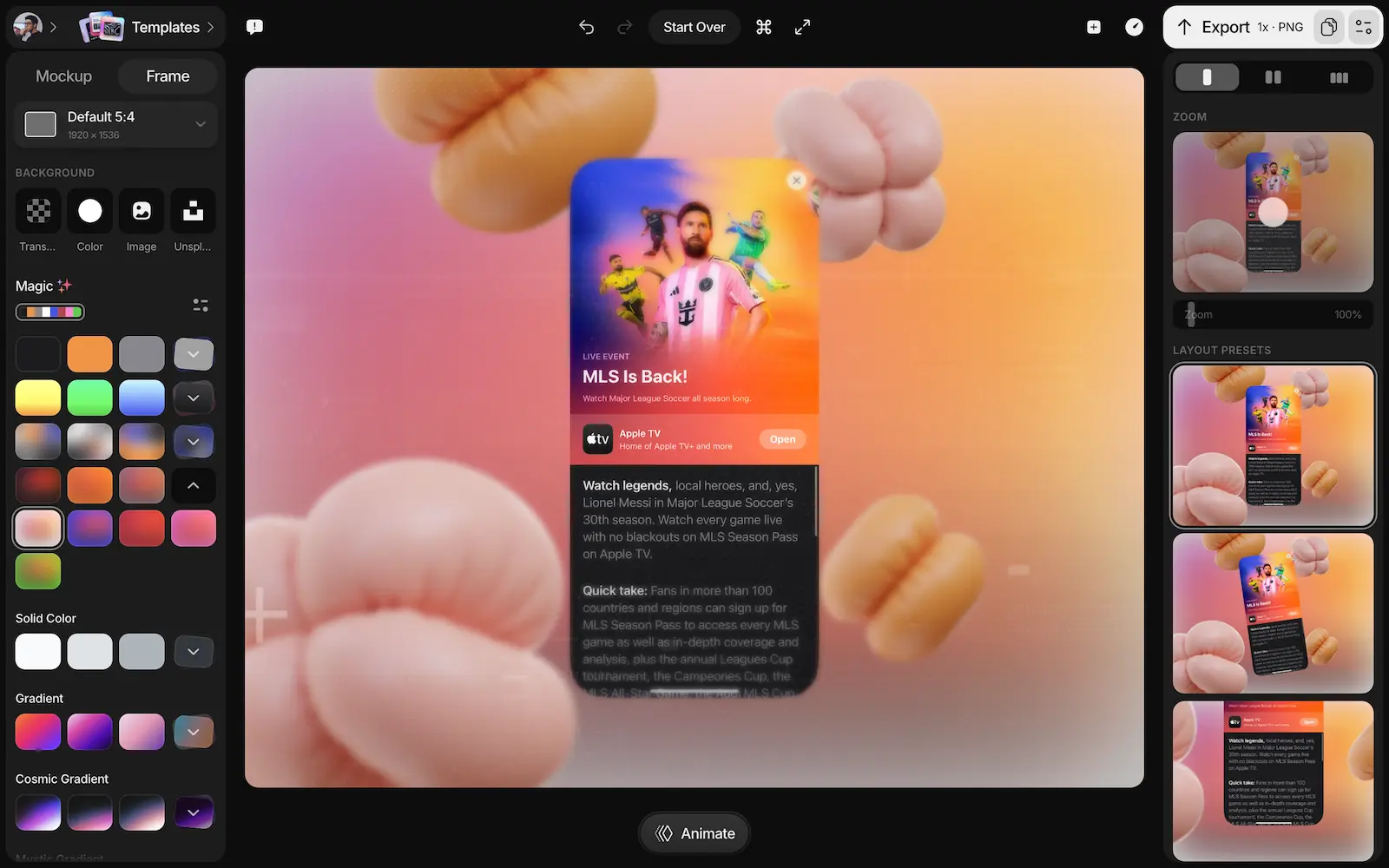
You've just built something great. Now you need a screenshot that actually does it justice — for your Product Hunt launch, your App Store listing, your Twitter announcement, your landing page hero. You open Figma and stare at a blank canvas. You Google "mockup templates" and get lost in a maze of Dribbble freebies. Or you open Shots.so, drag in your screenshot, pick a gradient, and export a pixel-perfect visual in 90 seconds.
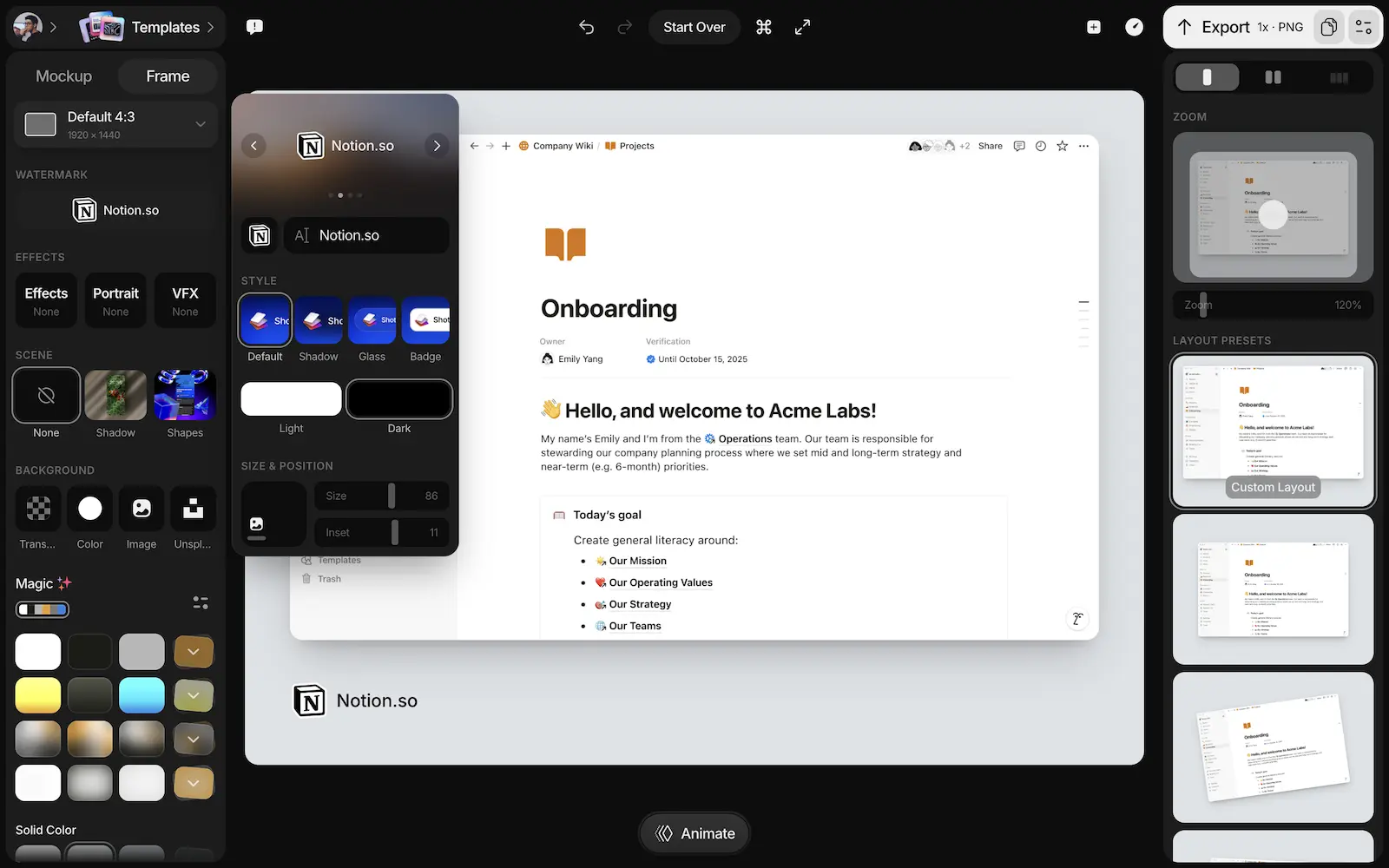
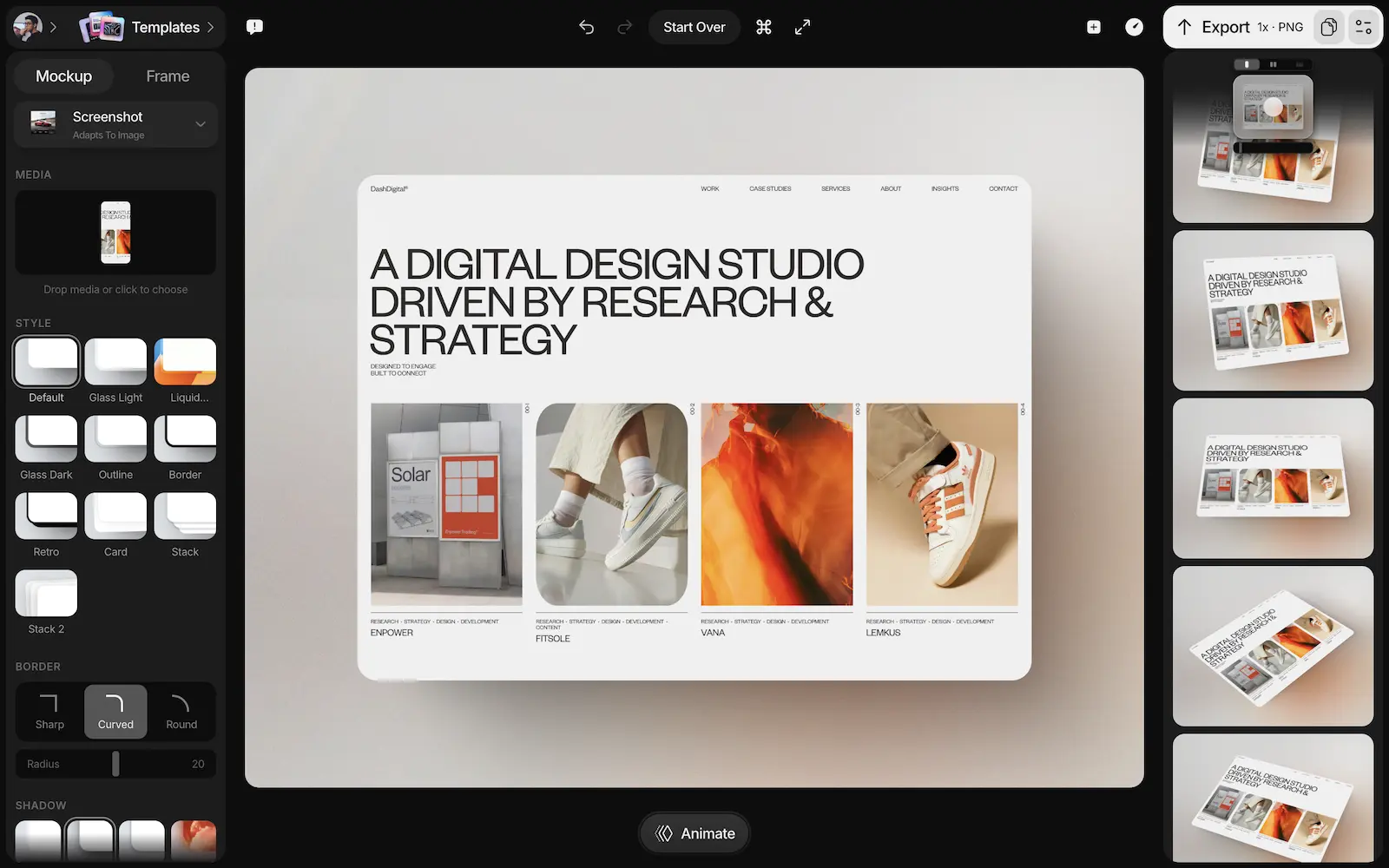
Shots.so has become the go-to mockup tool for the indie hacker and developer-founder community — the aesthetic layer that makes a bootstrapped product look like it was designed by a $500/hour agency. The tool lets you place any screenshot inside realistic device frames (iPhone, Mac, Android, iPad, Apple Watch), add AI-generated backgrounds, apply cinematic effects like VHS, Glitch, and Noise overlays, animate with zoom and motion presets, add 3D shapes and shadows, and export in up to 6K resolution or 2K 60fps video — all from a browser, with no signup required on the free tier.
What Is Shots.so?
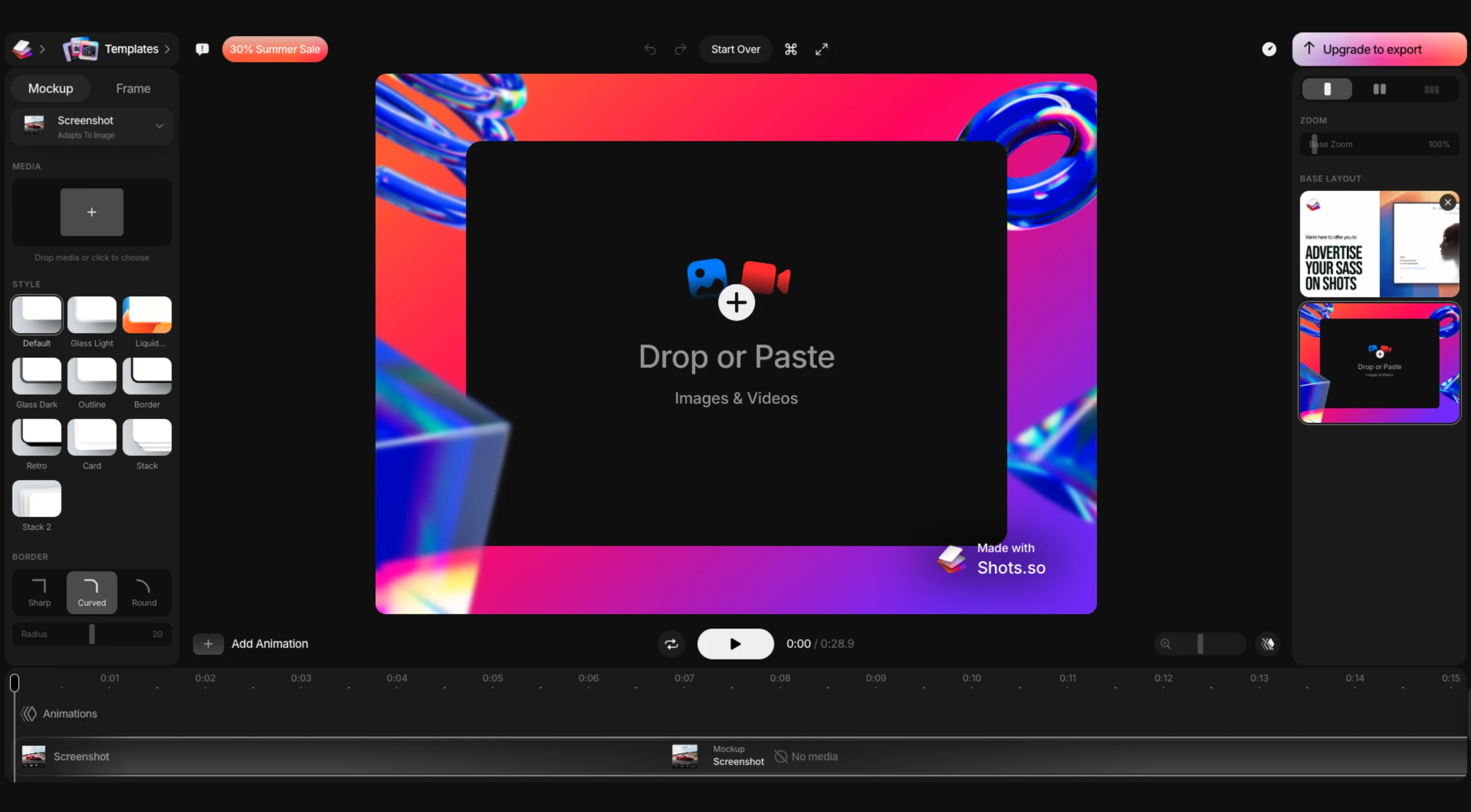
Shots.so is a browser-based mockup generator that lets anyone — designer or not — create professional-quality product visuals from raw screenshots in seconds. The workflow is intentionally simple: upload or paste your screenshot, choose a device frame (iPhone, MacBook, Android, iPad, iMac, Apple Watch, browser), pick or generate a background, add effects and animations if needed, and export. The entire process requires no account, no Figma skills, no Photoshop, and no template browsing.
What separates Shots.so from basic mockup tools is its depth of creative options: AI-generated backgrounds that match your image or video, cinematic visual effects (VHS, Glitch, Noise), 3D shapes and realistic shadows for scene composition, hundreds of animation presets for smooth video exports, and social media frame presets that size your exports perfectly for Twitter, Product Hunt, App Store, and landing pages — all at pixel-perfect quality up to 6K. The tool has earned a 5/5 rating on Product Hunt from verified founders who used it in their own product launches, a rare feat for a design utility.
Key Features
Multi-Device Frame Library
Realistic device frames for iPhone (all models), MacBook, iMac, Android, iPad, Apple Watch, and browser windows — with new devices added regularly. Drop your screenshot in and it fits perfectly. The frame library stays current with Apple's latest releases, so your mockups never look outdated.
AI Background Generation
Generate beautiful backgrounds automatically from your image or video content. Choose from curated gradient packs, photo backgrounds, or let AI create a custom backdrop that matches your visual style. The AI understands color harmony and generates backgrounds that complement rather than compete with your screenshot.
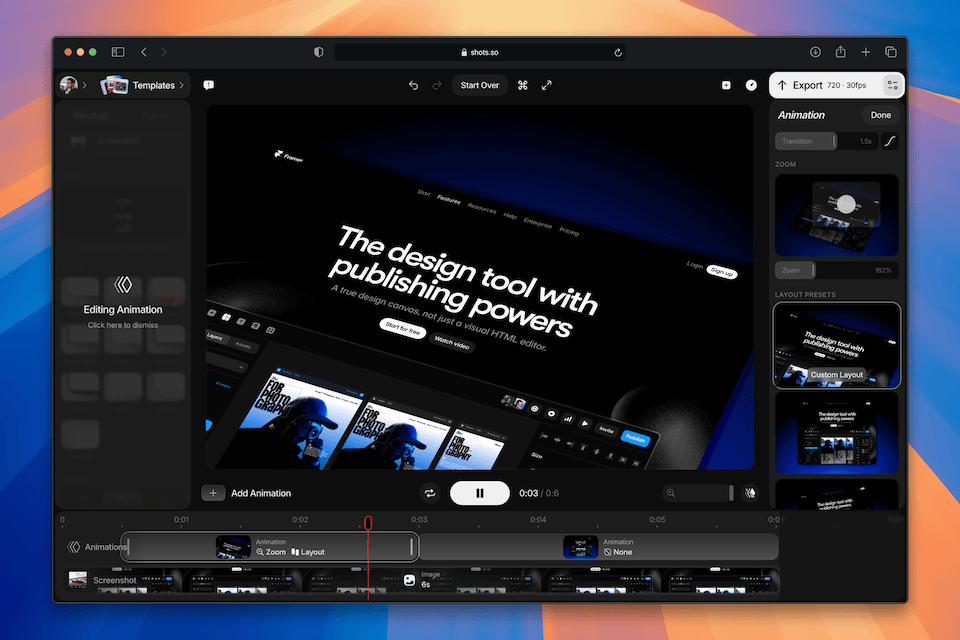
Cinematic Effects & Animation
Add VHS, Glitch, and Noise overlays for a cinematic feel. Layer smooth zoom, motion, and reveal animations with preset pickers. Export as 2K 60fps video for Product Hunt launches and social media. The animation timeline is intuitive — pick a preset, adjust duration, and export in seconds.
3D Shapes & Scene Composition
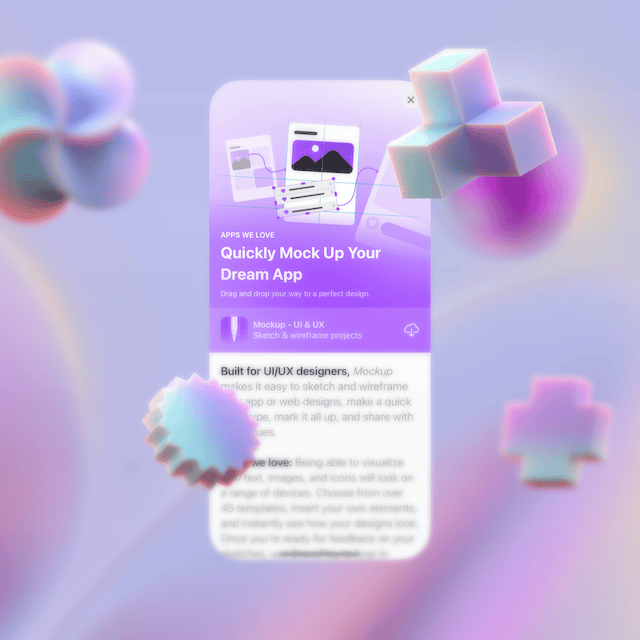
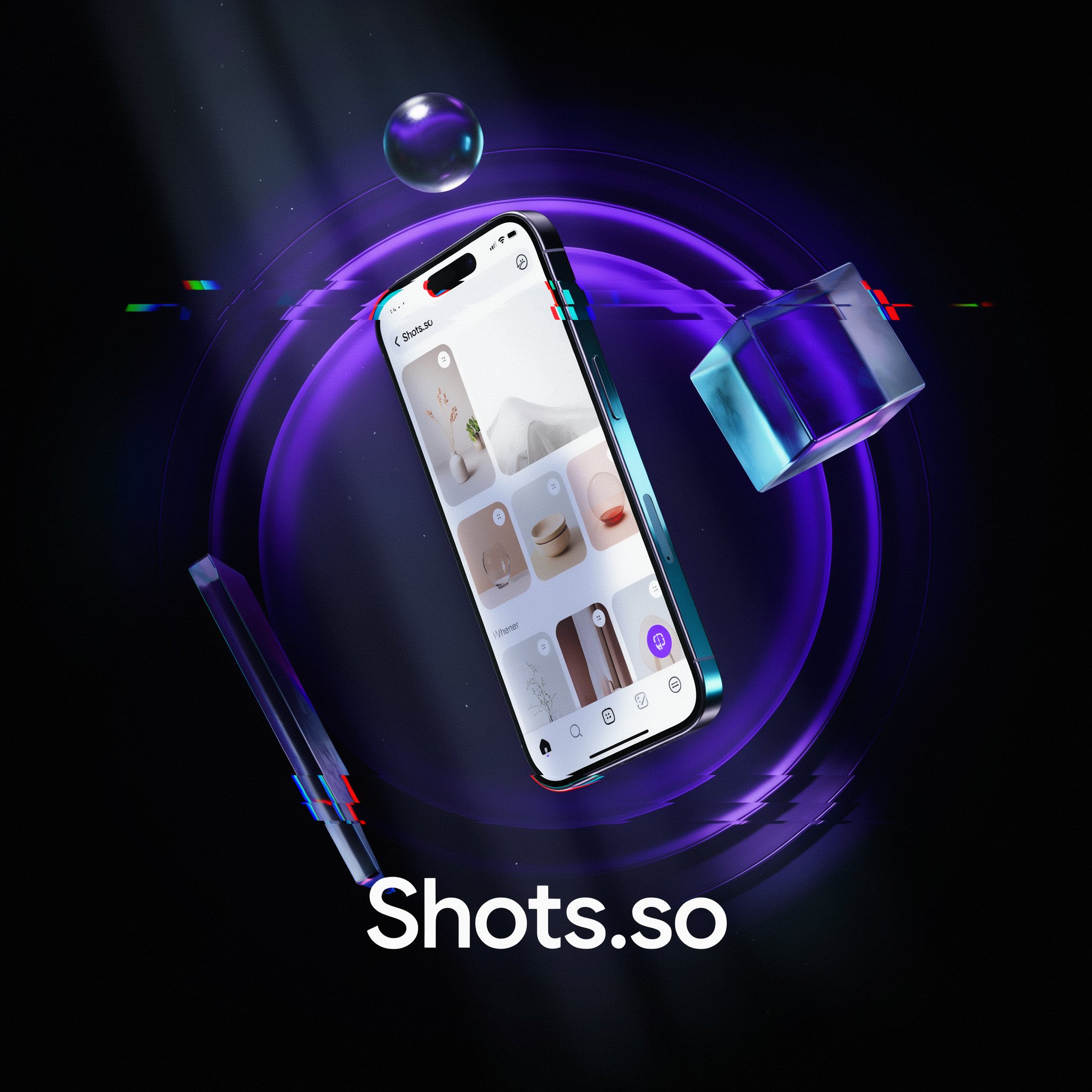
Add 3D geometric shapes, realistic drop shadows, and depth effects to create multi-layer product scenes — the kind of compositions typically requiring Cinema 4D or Blender, now available in a browser in seconds. Glass, metal, and liquid material presets give your scenes a premium look without touching a 3D engine.
Pricing Plans
| Plan | Price | What's Included |
|---|---|---|
| Free | $0 | No signup required. Basic mockups, gradient backgrounds, standard device frames, standard export quality. No watermark on free exports. |
| Pro | ~$12/month | Unlocks animated exports (2K 60fps video), 6K image exports, AI backgrounds, cinematic effects (VHS, Glitch, Noise), 3D shapes, watermark-free exports on all formats. |
| One-Time Pass | ~$4–5 | Single-use or limited exports. Perfect for Product Hunt launch days or one-off projects where you need Pro features without a subscription. |
Note: Shots.so does not publish full pricing publicly. The free tier is genuinely useful for basic static mockups. Pro features (animation, video export, AI backgrounds, effects) require a paid plan. Pricing confirmed in the ~$12/month range based on third-party comparisons as of July 2026.
Create Your First Mockup Free on Shots.so →Pros & Cons
✓ What Works
- ✅ No signup required for free tier — paste a screenshot and export in 90 seconds
- ✅ 6K image and 2K 60fps video export — professional quality directly from a browser
- ✅ VHS, Glitch, and 3D effects not available in most competing tools
- ✅ Strong indie hacker aesthetic — perfect for Product Hunt, Twitter, and developer audiences
- ✅ 5/5 Product Hunt rating from verified founders who used it in real launches
✗ What Holds It Back
- ❌ No App Store screenshot set workflow — can't export all required iOS sizes (6.9", 6.7", etc.) in one pass
- ❌ No URL screenshot capture — must manually take and upload screenshots (no paste-a-URL feature)
- ❌ Some advanced features locked behind Pro — free tier doesn't include video export or AI backgrounds
- ❌ Less template variety than competitors like Screenhance for multi-panel launch kits
💡 Community Feedback: What Founders Say
How It Compares to Alternatives
| Feature | Shots.so | Screenhance | Mokkit |
|---|---|---|---|
| Starting Price | Free (no signup) | Free (3 exports/mo) | Free (full preview) |
| Video Export | YES — 2K 60fps (Pro) | YES — animated | YES (Pro $7/mo) |
| VHS / Glitch Effects | YES — built-in | NO | NO |
| App Store Screenshot Sets | NO | YES | NO |
| URL Screenshot Capture | NO | YES | YES |
| 3D Shapes & Effects | YES — glass, metal, liquid | NO | NO |
The comparison table reveals a clear strategic positioning: Shots.so owns the creative effects layer that no competitor matches at this price point. VHS, Glitch, and 3D shape composition are genuinely unique in the mockup tool category — features typically found in After Effects or Cinema 4D, now available in a browser for ~$12/month. Screenhance wins on workflow breadth with App Store screenshot sets and URL capture, making it the better choice for teams running systematic launch campaigns. Mokkit offers strong animation timeline control for motion designers who need precise keyframe editing. The choice depends on your primary use case: creative polish (Shots.so), systematic launch workflows (Screenhance), or motion design precision (Mokkit).
Who Should Use Shots.so?
Best For: Indie hackers, solo developers, and designer-founders who need to produce polished product visuals fast — for Product Hunt launches, social media announcements, app listings, landing page heroes, and portfolio showcases. Makers who want the "designed by a pro" aesthetic without opening Figma. The tool's visual identity fits perfectly with developer Twitter/X, indie maker communities, and the Product Hunt aesthetic. Anyone who has stared at a blank Figma canvas at 11 PM the night before a launch and wished for a faster path to a beautiful screenshot.
Consider Alternatives If: You need App Store screenshot sets with all required iOS and Android dimensions in one workflow — use Screenhance or AppLaunchpad. You want full keyframe control over animations for a motion design output — Mokkit's timeline editor gives you that precision. You need a URL screenshot tool that captures sites automatically — Mokkit or Screenhance handle that natively. You're running a high-volume launch campaign with dozens of assets — a template-first tool like Screenhance saves more time at scale. Your workflow involves frequent multi-device compositions with shared branding elements.
Expert Editorial Opinion
Shots.so earns its cult status among indie hackers for one simple reason: it nails the experience. The UI is minimal without feeling sparse. The defaults are tasteful without being generic. The gradient backgrounds look good without trying. And the no-signup free tier means you can go from zero to polished export in under two minutes without creating an account, entering payment details, or choosing between 47 template options. That friction-free experience is genuinely rare in design tooling — most tools gate basic functionality behind registration walls or watermarked exports that push you toward a paid plan before you've even seen the value.
The depth of the Pro feature set is where Shots.so separates itself from "just another mockup tool." VHS and Glitch effects, 3D shape composition, AI background generation, and 2K 60fps video export — at a ~$12/month price point — stack up well against tools that charge more for less. The cinematic effects in particular are unique in this category: no other mockup tool at this price point offers VHS and Glitch overlays that work as well as Shots.so's implementation. The glass, metal, and liquid material presets for 3D shapes create compositions that look like they took hours in Blender, produced in seconds from a browser tab.
The honest limitation is workflow depth. Shots.so is optimized for the single-asset use case — one great screenshot, one great export. When you need eight App Store panels at precise iOS dimensions, or a multi-device hero composition with shared branding, or animated mockups with precise keyframe control, the tool starts to show its seams. This isn't a failure — it's a deliberate product decision to stay fast and simple. The makers who understand that tradeoff get the most out of Shots.so; the ones who expect it to replace a full design system are the ones who feel let down. For the 90% of mockup use cases that involve "make this screenshot look amazing for Twitter," Shots.so is the right tool at the right price with the right amount of creative power.
Final Verdict
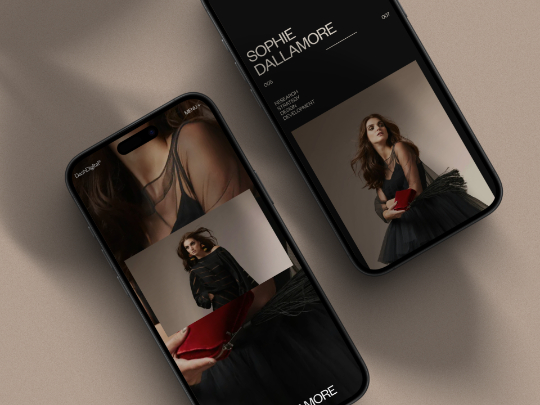
Shots.so is the best single-asset mockup tool available for developers, indie hackers, and non-designers. The no-signup free tier, 90-second workflow, and stunning default output make it the first tool anyone should reach for when they need a quick polished visual. The Pro tier's VHS/Glitch effects, 3D shapes, and 2K 60fps video export add enough creative depth to handle serious launch campaigns. The only reason it doesn't score higher is the lack of App Store screenshot sets and URL capture — gaps that purpose-built alternatives fill better. For everything else, this is an 8.9 out of 10.
🔗 Related ToolRadar Reviews
More tools from Design Tools
- Can a Non-Designer Really Build a Prototype in 2026?
- Can AI Really Edit Your Video Like a Pro?
- Can AI Really Match Your Art Style?
- I Turned a Napkin Sketch Into Production Code
- Is Dreamina AI the Best All-in-One Creative Suite?
- The AI 3D Generator That Beat 9 Competitors
- Draw a Scribble, Get a Masterpiece With Krea AI
- From Rough Sketch to Photorealistic Render in Minutes
❓ Frequently Asked Questions
What would your Product Hunt launch look like with a screenshot that stops the scroll?
The difference between a launch that gets 50 upvotes and one that gets 500 often comes down to the first visual impression. Shots.so gives indie hackers the aesthetic firepower of a design agency — without the agency price tag or the learning curve. Your next launch deserves better than a cropped screenshot.

Comments
Post a Comment